Apex VPN – iOS Privacy Protector
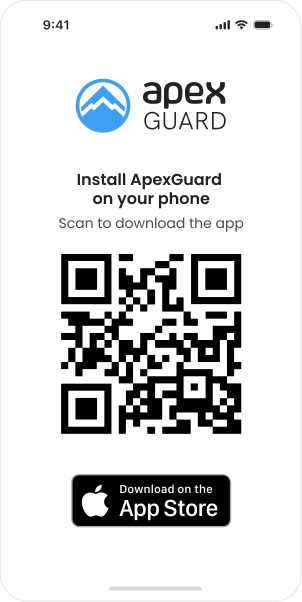
Download ApexFor iOS 17.1.2 and later versions
By installing ApexGuard, you agree to
our Terms of Service and Privacy Policy.







Why download a paid VPN?
iOS Security Made Simple
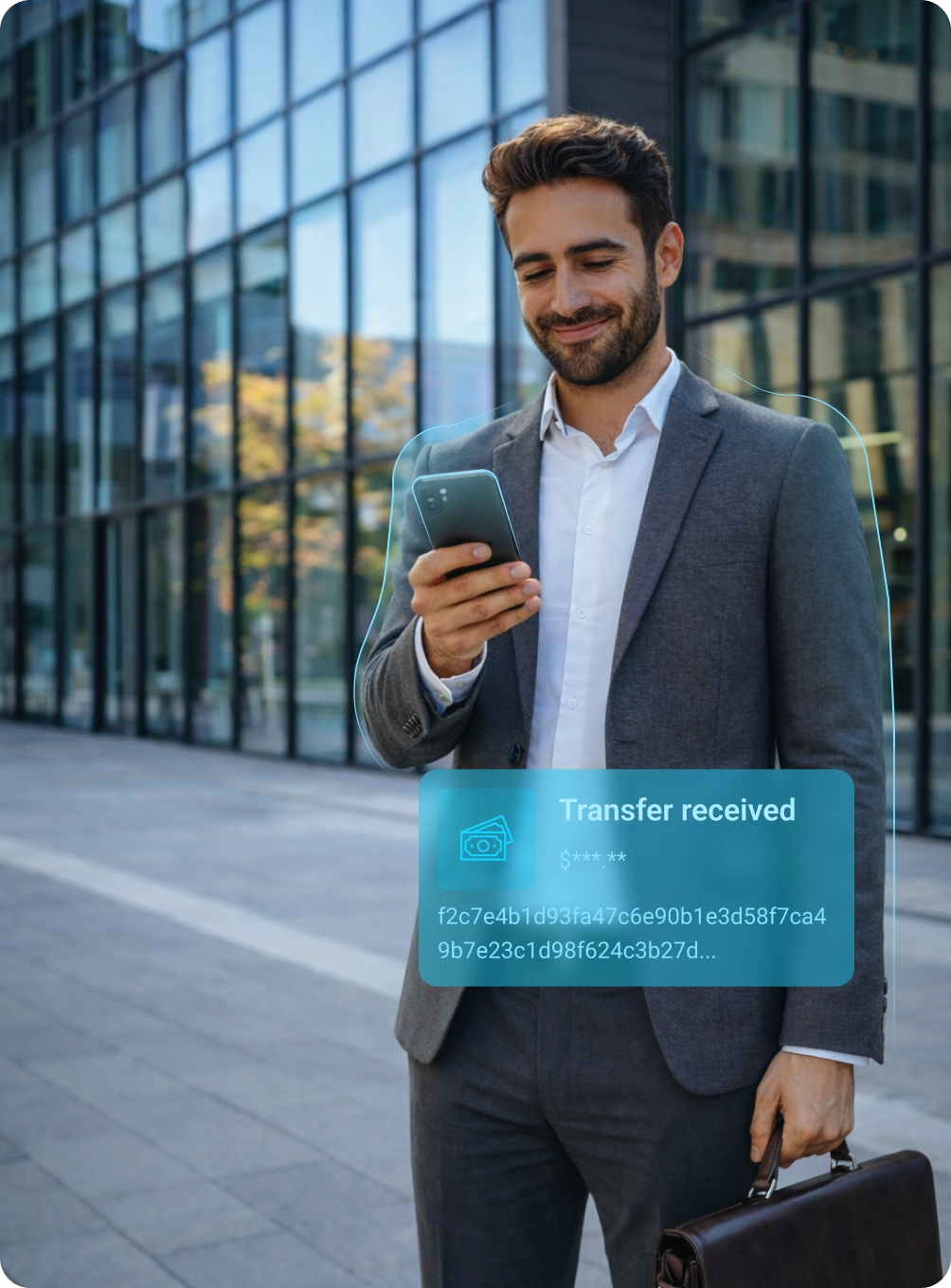
Apex VPN offers seamless protection for iOS, combining blazing-fast speeds, robust encryption, and unfettered access to worldwide content. Free services often compromise privacy, but Apex ensures your data stays secure and your browsing worry-free.
Apex VPN offers seamless protection for iOS, combining blazing-fast speeds, robust encryption, and unfettered access to worldwide content. Free services often compromise privacy, but Apex ensures your data stays secure and your browsing worry-free.
Download ApexApex VPN
-
Safe Haven
As a Swiss-based company, Apex VPN is committed to upholding the country’s strong data protection laws.
-
Private and Secure
Our strict no-logs policy ensures that user data remains private and secure on iOS, giving you peace of mind.
-
Encryption You Can Trust
Apex VPN operates with advanced encryption, giving iOS users peace of mind.
-
Worldwide Access
We provide unrestricted access to content worldwide, enabling you to browse and stream without limits.
-
Global Server Network
With Apex VPN’s extensive server network, you can enjoy fast and reliable connections worldwide.
Free VPN
-
Weak Protection
Can be based in countries with lax data protection laws, compromising the security of iOS users’ information.
-
Data in Peril
May collect and store user data, putting it at risk of being sold or exposed to third parties.
-
Prone to Attacks
Potential use of outdated encryption protocols, puts user security and privacy in danger.
-
Limited Reach
Without ApexGuard, users may face restrictions on accessing their favorite content due to geo-blocking.
-
Limited Server Options
With few server options, free VPNs can limit users’ ability to access content and services.
You may still be wondering
Frequently Asked Questions
Is Apex VPN compatible with all iOS versions?
Apex VPN requires iOS 11 or newer. The lightweight app design minimizes battery drain, making it ideal for iPhones and iPads used for streaming, gaming, or remote work.
Can I use Apex VPN on multiple iOS devices?
Yes. Apex VPN allows 10 concurrent connections, covering iOS, Android, and desktop platforms. Switch between devices without compromising speed or privacy.
Does using Apex slow down my connection?
No, our VPN service is optimized for performance. With Tier-1 networks and 2 Tb/s bandwidth, we ensure that your iOS traffic is prioritized, providing a fast and stable connection for HD streaming, video calls, or large downloads—even during peak hours.
How do I cancel my subscription?
Cancel anytime via iOS Settings > Apple ID > Subscriptions or Apex VPN’s website. Swiss jurisdiction guarantees no retention of payment or usage data post-cancellation.
What should I do if I encounter issues during installation?
If you encounter issues during installation, Apex VPN provides comprehensive support to help you resolve the problem. Our step-by-step guides offer solutions for common issues such as connectivity problems, DNS leaks, or certificate errors. Additionally, our community forums are a valuable resource where you can find crowdsourced solutions for niche iOS versions. If you’re still experiencing issues, you can submit a bug report directly to our developers via GitHub Issues.
Install the app
Launch the installer file and follow the on-screen instructions to complete the set-up.
Enjoy your online privacy
Open Apex VPN, log in or sign up, and connect to your desired server.
System requirements