Stay Private Even If Your VPN Connection Drops
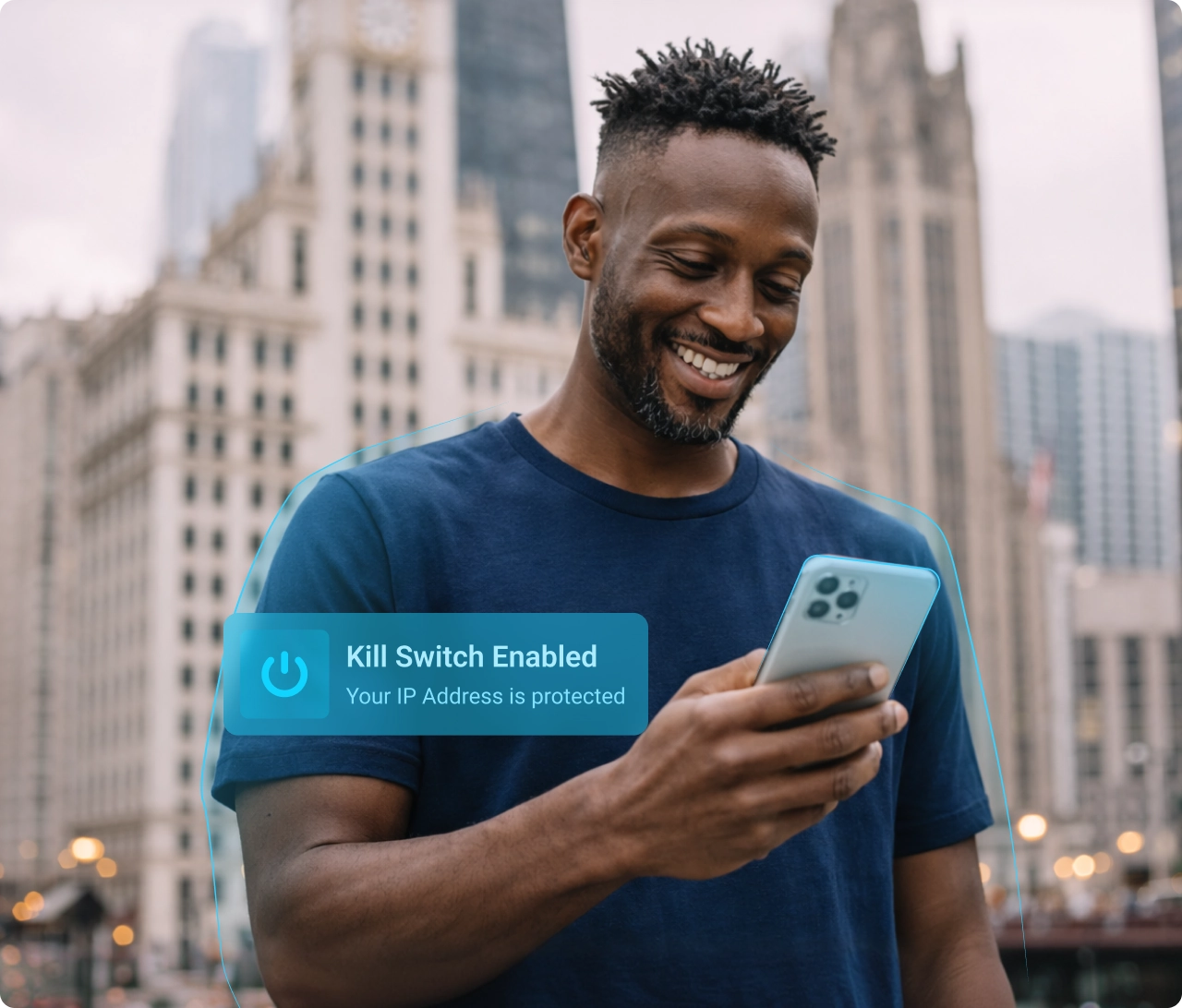
ApexGuard Kill Switch stops unprotected traffic before your real IP address, browsing activity, or sensitive sessions can be exposed. If your VPN connection becomes unstable, it automatically blocks traffic until protected access is restored.
- Prevents real IP exposure during VPN drops
- Blocks unprotected traffic until the VPN reconnects
- Protects browsing, logins, downloads, and remote work sessions
- Only VPN with ISO 27001 & PCI audit
From 185.76 EUR
2.58 EUR mo. + 3 Months Free
devices 1 Account
30-Day Money-Back Guarantee
Receive a full refund if ApexGuard doesn’t meet your expectations.

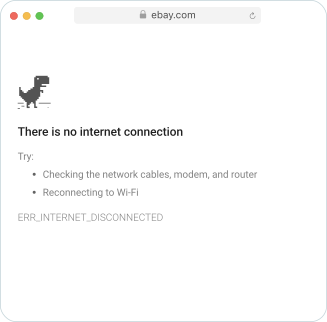
Why You Should Keep Kill Switch On
A VPN drop can happen in an instant. Even a brief interruption can expose your real IP address or allow traffic to continue through your regular internet connection. ApexGuard Kill Switch closes that gap by blocking unprotected traffic until VPN protection is restored.

One-Tap Protection Across All Your Devices
Turn Kill Switch on once and the same protection covers your phone, laptop, and tablet. If the VPN drops on any of them, ApexGuard instantly cuts off traffic until the secure connection returns.
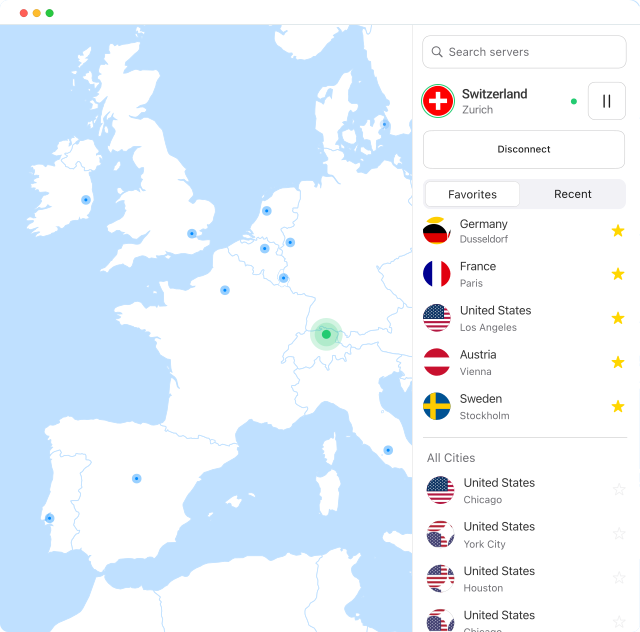

Better Privacy on Public and Shared Networks
Hotel Wi-Fi, airport networks, cafés, coworking spaces, and shared connections can be unstable. ApexGuard Kill Switch keeps your privacy protected when these networks interrupt or weaken your VPN connection.

Safer Handling of Sensitive Online Activity
Whether you are accessing work dashboards, signing into private accounts, using cloud tools, or handling confidential information, Kill Switch stops traffic from continuing outside the protected VPN tunnel.

More Confidence for Everyday Private Browsing
From passwords and payments to messaging, downloads, and personal browsing, ApexGuard quietly reduces the risk of accidental exposure in daily internet use, even if the VPN connection briefly drops.






Two Ways to Run Kill Switch Protection
ApexGuard gives you flexible Kill Switch protection depending on how you use the VPN. Whether you want full-device protection or browser-only protection, you can choose the setup that best fits your routine.

System-Wide Protection with the ApexGuard App

Browser-Only Protection with the ApexGuard Extension
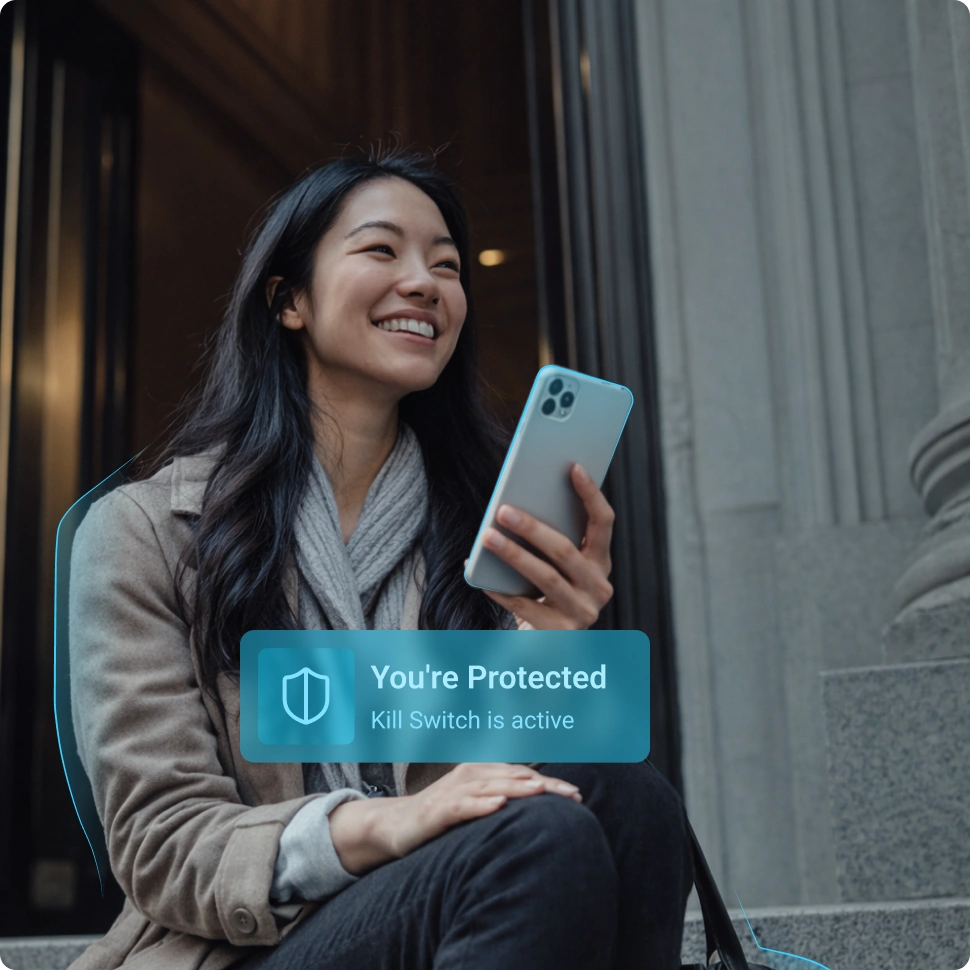
System-Wide Kill Switch
For the strongest coverage, use Kill Switch through the ApexGuard app. If the VPN disconnects, the app stops internet traffic across your device until the secure connection is restored.
This is the best option for users who want broader protection while browsing, working remotely, using file-sharing apps, making calls, or handling sensitive information across multiple apps.
- One layer of protection across the apps you use most
- Stronger continuity through busy multi-app sessions
- A better match for broader day-to-day coverage

Browser-Only Kill Switch
If you mainly use the VPN in your browser, the ApexGuard extension offers a lighter setup focused on browser activity. This keeps web browsing protected while giving you a simpler option for everyday use.
It is a practical choice for users who want quick browser privacy without applying the same protection to every app on the device.
- Quick browser privacy in a lighter setup
- Focused coverage for logins, browsing, and web tasks
- Easy protection for the part of your day that happens online
Get ApexGuard Kill Switch on Your Device
ApexGuard gives you clear protection options depending on how you use the VPN. Use the desktop and mobile apps for broader protection, or the browser extension for focused web privacy.
Windows
Protect your full desktop experience across browsing, work tools, downloads, calls, and everyday apps. Kill Switch keeps traffic controlled if the VPN connection drops.
Download for Windows
macOS
Keep your Mac protected across cloud apps, private browsing, secure logins, and file transfers. Traffic is kept within the protected VPN experience during unexpected interruptions.
Download for macOS
What the ApexGuard Kill Switch Protects
ApexGuard Kill Switch protects the details most likely to leak during a VPN interruption. If your connection drops or becomes unstable, it blocks unprotected traffic so your real IP address, DNS requests, browsing activity, and active sessions stay inside the protected VPN path.
Your Real IP Address
Kill Switch prevents your real IP from being exposed if the VPN connection drops unexpectedly.
Your Browsing Activity
It helps stop traffic from continuing outside the VPN tunnel until protected access is restored.
Sensitive Online Sessions
It adds protection for activities where a sudden unprotected reconnect could expose more than you expect.
DNS Leak Protection
It keeps DNS requests within the protected VPN path and blocks traffic during connection interruptions.
Always Ready When Your Connection Is Interrupted
ApexGuard Kill Switch adds a smarter safety layer for the moments your VPN connection changes, drops, or needs to reconnect. It keeps protection active without asking you to monitor your connection.
Privacy That Runs Quietly in the Background
Once enabled, Kill Switch adds a protective layer that works automatically without changing how you browse, work, or use your apps.

Stronger Privacy, No Extra Steps
Stay protected across browsing, work tools, payments, downloads, messaging, and account access without constantly checking your VPN.

Prevents Costly Exposure
If the VPN connection is interrupted, Kill Switch blocks unprotected traffic before your real IP address, DNS requests, or sensitive activity can be exposed.

Built for Premium VPN Protection
Kill Switch is part of the ApexGuard privacy experience, combining encrypted VPN protection, strict no-logs design, Swiss privacy standards, and verified security controls.
How ApexGuard Kill Switch Works
ApexGuard Kill Switch monitors your VPN connection and blocks unprotected traffic if the secure VPN tunnel becomes unstable. Once protection is restored, your internet access continues through the VPN.
 Monitor
ApexGuard checks the status of your VPN connection in the background, watching for connection changes, drops, or interruptions
 Detect
If the VPN connection becomes unstable or disconnects unexpectedly, Kill Switch detects the interruption immediately
 Block
Block
ApexGuard blocks unprotected traffic on your regular internet connection, helping prevent IP exposure, DNS and data leaks
 Restore
When the VPN connection is securely reestablished, ApexGuard restores protected access so you can continue browsing through the VPN
Verified Security You Can Trust
Kill Switch is part of a broader privacy-first platform designed to make everyday browsing safer and more consistent. It brings together trusted privacy protections, stronger standards, and built-in safeguards that support a more reliable VPN experience.

Privacy-First by Design
Kill Switch is supported by ApexGuard’s strict no-logs protection and Swiss privacy standards, helping keep privacy at the center of your connection experience. It adds another layer of protection to a platform built for trusted everyday use.

Backed by Verified Standards
ApexGuard is supported by active ISO 27001 security controls and a PCI-audited environment for sensitive data. These stronger standards help reinforce the trust, security, and reliability behind the broader ApexGuard user experience.

Protected from Day One
Kill Switch is included as part of the ApexGuard experience, with 30-day risk-free access that makes it easy to get started with confidence. It adds consistent protection during connection drops without adding extra complexity to everyday use.
You May Still Be Wondering
Frequently Asked Questions About Kill Switch
How do I enable ApexGuard Kill Switch?
You can enable Kill Switch from the settings menu inside the ApexGuard app or browser extension. Once enabled, it works in the background to help protect your connection if the VPN drops unexpectedly.
Should I keep Kill Switch on all the time?
Yes. Keeping Kill Switch enabled gives you stronger privacy continuity and reduces accidental exposure during unexpected VPN interruptions. Even brief connection drops can expose your real IP, so keeping Kill Switch on at all times is the safest approach.
What happens if Kill Switch activates?
If the VPN connection drops, Kill Switch temporarily blocks unprotected traffic until the VPN reconnects or protected access is restored. This prevents your real IP address and browsing activity from being exposed during the interruption, even briefly.
Does ApexGuard Kill Switch protect my real IP address?
Yes. Kill Switch prevents your real IP address from being exposed by stopping traffic from continuing outside the VPN tunnel during a connection drop. Without it, even a brief interruption could allow your real IP to become visible to websites or network observers.
Does ApexGuard Kill Switch protect DNS requests?
Yes. ApexGuard is designed to keep DNS requests within the protected VPN path when VPN protection is active. Kill Switch adds another layer by blocking all traffic during connection interruptions, which helps prevent DNS requests from leaking outside the VPN tunnel if the connection drops unexpectedly.
Is Kill Switch the same on the app and browser extension?
No. The ApexGuard app provides broader device-level protection, blocking traffic across apps, downloads, and system activity if the VPN drops. The browser extension focuses on browser activity only. For the strongest and most complete Kill Switch coverage, the ApexGuard app is the recommended option.
What platforms support ApexGuard Kill Switch?
ApexGuard Kill Switch is available through supported ApexGuard apps and browser extensions across major desktop, mobile, and browser environments. Availability and behavior may vary by platform, app version, and operating system permissions.
Does Kill Switch slow down my connection?
No. Kill Switch is designed to act only when VPN protection is interrupted. It blocks unprotected traffic until the VPN reconnects, rather than slowing down normal browsing. During stable connections, it runs silently without affecting speed or performance.
Why does a VPN connection sometimes drop?
VPN connections can be interrupted by unstable networks, device sleep settings, network switching, firewall behavior, ISP issues, or temporary server interruptions. Kill Switch is designed to protect your privacy automatically whenever any of these interruptions occur.
Can I disable Kill Switch if needed?
Yes. You can manage Kill Switch from the app or browser extension settings. For stronger privacy protection, we recommend keeping it enabled. Disabling it means a sudden VPN drop could briefly expose your real IP address and unprotected browsing traffic.
Is Kill Switch included in all ApexGuard plans?
Yes. Kill Switch is included as a core ApexGuard protection feature, so you do not need a separate add-on to use it. It is available across supported apps and platforms, giving you consistent protection against accidental IP exposure from the start.
Is there a refund if I change my mind?
Yes. Every ApexGuard plan includes a 30-day money-back guarantee, so you can try ApexGuard risk-free. Test Kill Switch, privacy protection, and everyday performance across your devices. If it is not the right fit, you can request a full refund within 30 days.
Download Apex VPN
Get Apex for Windows, macOS, Linux, or get it from App Store or Google Play.
Install the App
Launch the installer file and follow the on-screen setup instructions.
Enjoy Your Online Privacy
Open Apex VPN, log in or sign up, and connect to your desired server.
Apexguard System Requirements by Platform
ApexGuard delivers refined privacy across modern devices without demanding high-end hardware, keeping protection accessible, seamless, and consistent every day.
Desktop devices:
OS Version:
macOS 13.5 Ventura or newer
Device:
Mac Mini, Mac Studio, Mac Pro, iMac, MacBook Air, and MacBook Pro
Disk Space:
~40 MB
Architecture:
Intel x86_64 or Apple Silicon (universal)
OS Version:
Windows 10 (64-bit, version 1607 and later) and Windows 11
RAM:
At least 1 GB
Disk Space:
~60 MB
Architecture:
64-bit
Supported Distros:
Debian, Ubuntu, and Fedora
RAM:
At least 1 GB
Disk Space:
~40 MB
Architecture:
64-bit
Additional:
libglib2.0, libgtk-3, and curl installed
Mobile devices:
OS Version:
iOS 15.6 or newer
Device:
iPhone, iPad, or iPod Touch 7th gen
Disk Space:
~50 MB
Other:
Internet connection required for full functionality
OS Version:
Android 9.0 or newer
Device:
Smartphone or tablet
Disk Space:
~50 MB
Other:
Network access, storage (for config/cache)
Do Not Let a Dropped VPN Connection Expose Your Real IP
ApexGuard Kill Switch blocks unsecured traffic before it can expose your real IP address, browsing activity, or DNS requests. Get Swiss privacy-first VPN protection with strict no-logs design, verified security standards, and support for unlimited devices.
Get ApexGuard