Download ApexGuard for Android
Secure your Android device with Swiss privacy standards, strict no-logs protection, and fast, stable VPN performance designed for everyday use.
- Protect browsing, apps, and mobile activity
- Connect through Swiss privacy-focused infrastructure
- Use one account across all your devices
- Secure your connection in seconds on Android
Official Android App • Verified Download • Android 8.0 or newer
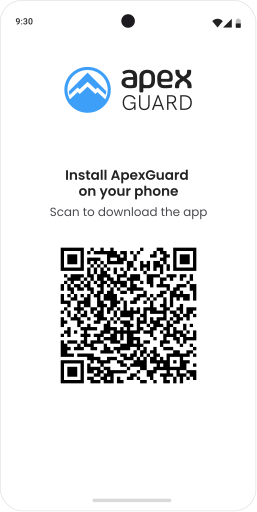
How to Set Up the ApexGuard Android VPN App
Set up ApexGuard on Android in minutes and start browsing with stronger privacy right away. Installation takes just a few taps, and your traffic is encrypted from the moment you connect.
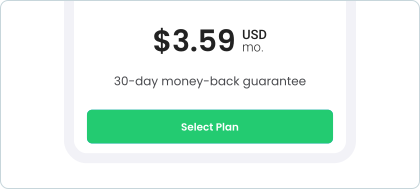
Choose Your ApexGuard Plan
Pick a plan that fits your needs, each one includes unlimited device protection.
Install the ApexGuard App
Download from Google Play or install via the APK from our website.
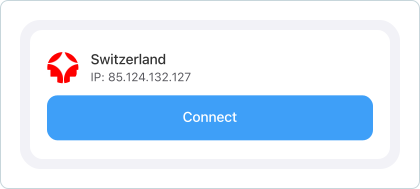
Connect and Stay Protected
Sign in, tap connect, and secure your mobile connection instantly.






Why Use ApexGuard on Android?

Protect Mobile Browsing and Apps
Keep your browsing, messaging, and app activity private on your Android device, encrypting it so the network can’t see what you do.
Secure Public Wi-Fi Connections
Encrypt your traffic on public Wi-Fi so no one else on the network can intercept your data, track your activity, or capture your logins.
Stay Private While Traveling
Protect your connection as you move between locations and networks, with reliable privacy for messages, logins, and mobile banking.
Smooth Streaming and Browsing
Enjoy stable everyday performance for streaming, browsing, downloads, and apps, with privacy that stays practical on your Android device.
ApexGuard Features
ApexGuard combines advanced privacy technologies with a refined, user-first experience, giving you greater control and stronger protection on Android, whether at home or on public Wi-Fi.
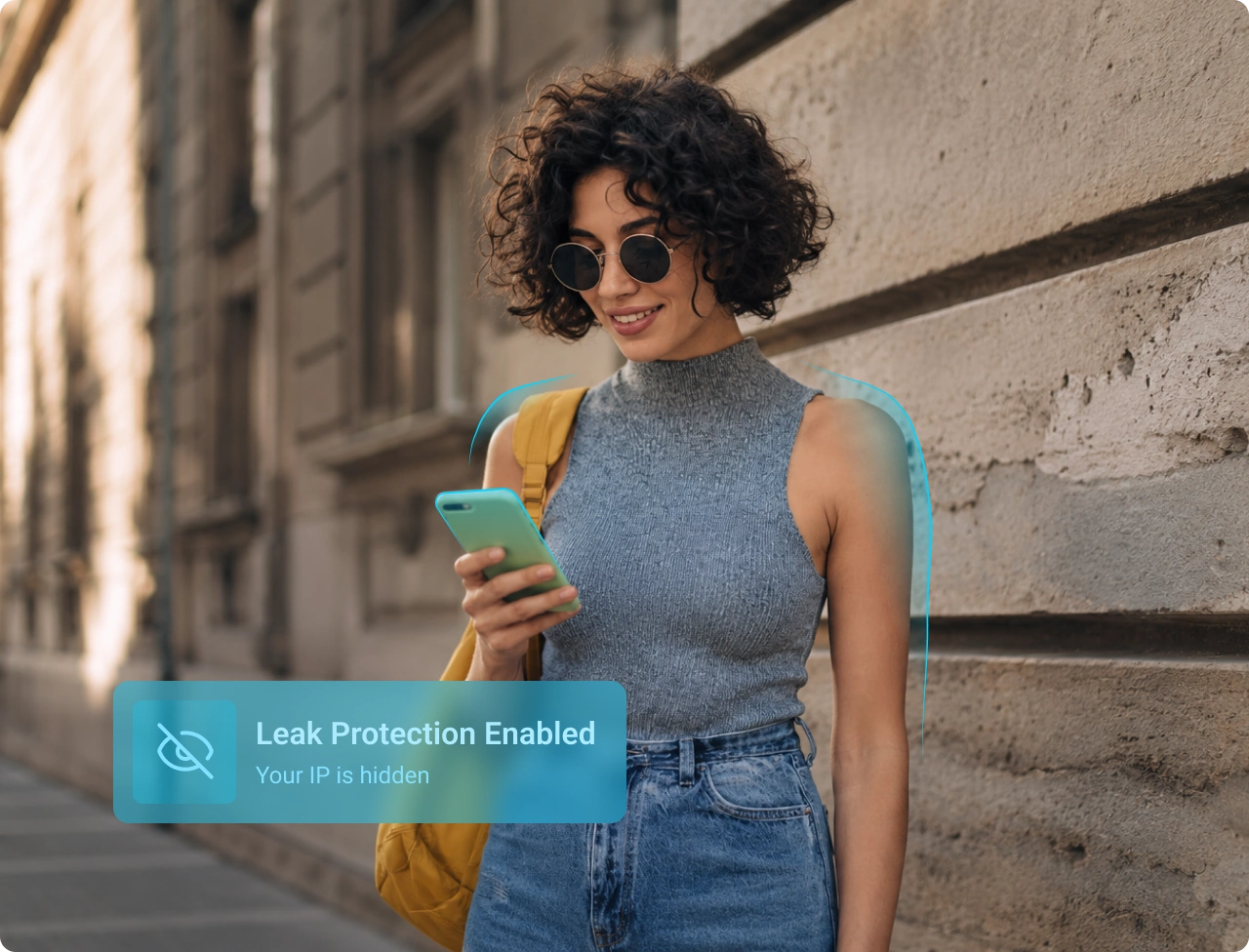
Why Choose a Paid VPN for Android?
Security Without Compromise
Free VPNs may offer basic access, but they often come with trade-offs around privacy, speed, and reliability. ApexGuard is built for users who want stronger protection and consistent performance across Android and all supported devices.
Free VPNs may offer basic access, but they often come with trade-offs around privacy, speed, and reliability. ApexGuard is built for users who want stronger protection and consistent performance across Android and all supported devices.
Download ApexApex VPN
-
Enterprise-Grade Security
AES-256 encryption and secure protocol protect your mobile traffic.
-
Global Server Network
Connect across 125+ countries for flexible access.
-
Fast, Stable Performance
10 Gbps infrastructure helps support smooth browsing and streaming.
-
Protection Across Devices
Use one account across Android and all supported devices.
-
Unlimited Data Usage
Absolutely no monthly caps or artificial speed restrictions.
Free VPN
-
Basic Security Features
Limited protection and unclear data practices can expose your information.
-
Limited Server Locations
Fewer location options, lower speed and frequent disconnects.
-
Slower Performance
Overloaded servers can reduce speed and reliability.
-
Limited Compatibility
Fewer supported platforms and inconsistent experience across devices.
-
Data Caps and Restrictions
Limits can slow down or interrupt internet usage.
How to Use ApexGuard on Android
Once installed, ApexGuard is simple to use and optimized for mobile. One tap connects you to a secure server, encrypting your traffic and hiding your real IP on Wi-Fi or cellular.
 Quick Connect
Tap once to encrypt your mobile traffic instantly. No setup needed as ApexGuard connects and protects automatically.
 Change Location
Switch between 125+ country locations anytime. Stay flexible whether you are at home, traveling, or on public networks.
 Auto-Connect
ApexGuard activates automatically when you join a new network, keeping your mobile traffic secure without requiring a manual tap.
 Kill Switch
Blocks all unencrypted traffic if the VPN drops unexpectedly, preventing your real IP address and active sessions from being exposed.
ApexGuard for Android — Technical Overview
ApexGuard for Android is built around structured security and privacy practices designed for secure, stable, and privacy-conscious mobile use. It aligns with Swiss FADP and GDPR principles.
Supported protocol
Enterprise-grade IKEv2
Devices per account
Unlimited devices
Advanced features
Auto-connect, kill switch, secure switching, mobile optimization
Leak protection
DNS and WebRTC leak protection prevent accidental exposure
Encryption
256-bit AES encryption
IP addresses
Shared VPN IPs
Internet speed restrictions
No data caps or artificial speed limits
Operating system
Android 9.0 or newer
Security and Privacy Standards
ApexGuard for Android is built using structured security and privacy practices typically found in regulated environments. From Swiss FADP and GDPR-aligned data handling to ISO/IEC 27001-style operational controls, encrypted VPN connectivity, and controlled infrastructure management, ApexGuard is designed to support secure, stable, and privacy-conscious everyday use.

Swiss FADP & GDPR-Aligned Data Handling
ApexGuard is designed around Swiss FADP and GDPR privacy principles, including data minimization, purpose limitation, and careful handling of personal data. The service avoids storing browsing activity, limits unnecessary connection metadata, and routes DNS requests through protected infrastructure to help reduce leakage and exposure.

PCI DSS-Aligned Security Environment
PCI DSS-aligned security practices ensure sensitive account and payment-related data is secured with encryption in transit and controlled access policies. ApexGuard for Android uses secure VPN connectivity with AES-256 encryption and enterprise-grade IKEv2/IPsec to help protect traffic across public Wi-Fi, home networks, and corporate systems.

SOC 2-Style Operational Controls
ApexGuard applies documented operational controls to support service integrity, availability, confidentiality, and predictable platform management. Access, configuration changes, monitoring, and incident response processes are structured to maintain reliable VPN operation.

ISO/IEC 27001-Aligned Platform Operations
Platform operations are guided by ISO/IEC 27001-aligned security practices, including risk assessment, access control, incident response, supplier oversight, and continuous improvement, supporting disciplined management of the VPN infrastructure behind ApexGuard’s Android app.
Need Help Installing ApexGuard?
Our team can guide you through setup and help you get connected on Android in minutes.
Start Setup GuideYou May Still Be Wondering
Frequently Asked Questions
How does ApexGuard protect my Android device?
ApexGuard encrypts your Android connection with AES-256 and IKEv2/IPsec, routes traffic through secure VPN servers, and masks your real IP address. DNS leak protection and a VPN kill switch add further protection on every session.
Can I install ApexGuard VPN without Google Play?
Yes. Android users can install ApexGuard using the official APK from the ApexGuard website. This gives you full app access without needing Google Play, with a verified version sourced directly from ApexGuard.
Which Android versions does ApexGuard support?
Yes. ApexGuard supports Android 9.0 and newer. This covers a wide range of Android phones, tablets, and compatible Android-based devices. Always download from Google Play or the official ApexGuard website for the verified app and latest updates.
Can I use ApexGuard on multiple devices at the same time?
Yes. ApexGuard includes unlimited device protection, so one account covers your Android device alongside all other supported desktop, mobile, and browser devices. No additional subscriptions or per-device fees are required.
Will ApexGuard affect my mobile connection speed?
No. ApexGuard is built for stable performance using high-capacity infrastructure and IKEv2/IPsec. Speeds may vary depending on network conditions and selected server. Choosing a nearby server typically gives the best performance.
Download Apex VPN
Get Apex for Windows, macOS, Linux, or get it from App Store or Google Play.
Install the App
Launch the installer file and follow the on-screen setup instructions.
Enjoy Your Online Privacy
Open Apex VPN, log in or sign up, and connect to your desired server.
Apexguard System Requirements by Platform
ApexGuard delivers refined privacy across modern devices without demanding high-end hardware, keeping protection accessible, seamless, and consistent every day.
Desktop devices:
OS Version:
macOS 13.5 Ventura or newer
Device:
Mac Mini, Mac Studio, Mac Pro, iMac, MacBook Air, and MacBook Pro
Disk Space:
~40 MB
Architecture:
Intel x86_64 or Apple Silicon (universal)
OS Version:
Windows 10 (64-bit, version 1607 and later) and Windows 11
RAM:
At least 1 GB
Disk Space:
~60 MB
Architecture:
64-bit
Supported Distros:
Debian, Ubuntu, and Fedora
RAM:
At least 1 GB
Disk Space:
~40 MB
Architecture:
64-bit
Additional:
libglib2.0, libgtk-3, and curl installed
Mobile devices:
OS Version:
iOS 15.6 or newer
Device:
iPhone, iPad, or iPod Touch 7th gen
Disk Space:
~50 MB
Other:
Internet connection required for full functionality
OS Version:
Android 9.0 or newer
Device:
Smartphone or tablet
Disk Space:
~50 MB
Other:
Network access, storage (for config/cache)
Download ApexGuard for Android
Get a trusted VPN on your Android device and benefit from Swiss privacy standards, strict no-logs policy and unlimited device coverage under one account.
Get ApexGuard