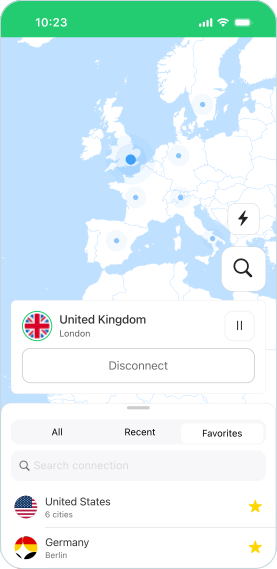

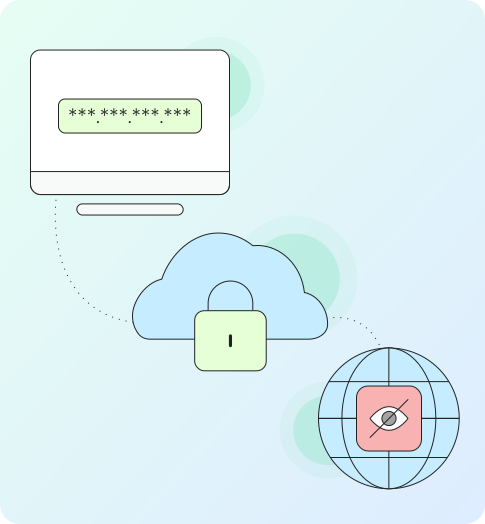
From 10.52 USD

3.27 USD mo.  + 3  Months Extra

10 devices 1 User

See All Plans

30-Day Money-Back Guarantee

Receive a full refund if ApexGuard doesn’t meet your expectations.

Special Offer | Save 60%
GET APEX

Control Your VPN Traffic

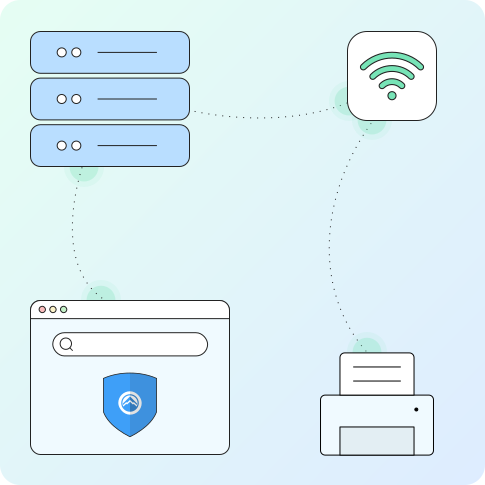
ApexGuard lets you route specific traffic through the VPN while keeping your real IP address available for local services.

From 10.52 USD

3.27 USD mo.  + 3  Months Extra

10 devices 1 User

Get Apex

30-Day Money-Back Guarantee

Receive a full refund if ApexGuard doesn’t meet your expectations.

What is Split Tunneling?

Split Tunneling is a feature in ApexGuard that allows you to select what traffic goes through the VPN. By default, connecting to the VPN routes all your data through the virtual tunnel and to the VPN server. However, Split Tunneling makes it possible to access some service from your real IP, while using the VPN for apps and sites that impose geo-restrictions or require elevated privacy.

Split Tunneling is a feature in ApexGuard that allows you to select what traffic goes through the VPN. By default, connecting to the VPN routes all your data through the virtual tunnel and to the VPN server. However, Split Tunneling makes it possible to access some service from your real IP, while using the VPN for apps and sites that impose geo-restrictions or require elevated privacy.

Access local devices

You can continue to access devices and files on your local network while the VPN is connected.

Use Whitelisted IPs

Remote workers can access corporate networks with the same IP without worrying about getting blocked.

Eliminate extra hop

Services hosted in or near your country can perform better without using a remote VPN server in another country.

VoIP and P2P

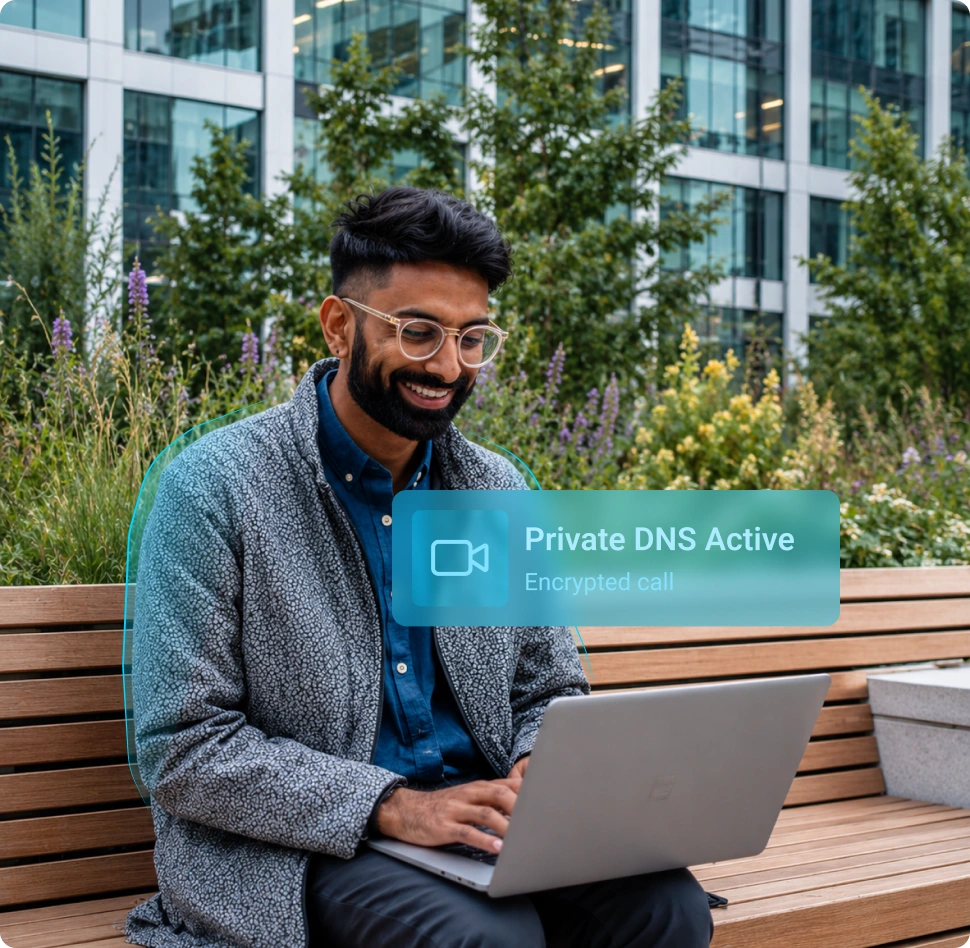
Voice communication and file transfer apps may benefit from lower latency, especially if you have weak Wi-Fi reception.

Types of Split Tunneling

Split Tunneling is about separating traffic you want to run with and without a VPN. The technique lets you enjoy better speeds for activities like gaming that don’t benefit from extra security. Here’s how you can use Split Tunneling to control your Internet traffic:

Split Tunneling is about separating traffic you want to run with and without a VPN. The technique lets you enjoy better speeds for activities like gaming that don’t benefit from extra security. Here’s how you can use Split Tunneling to control your Internet traffic:

Application-Based

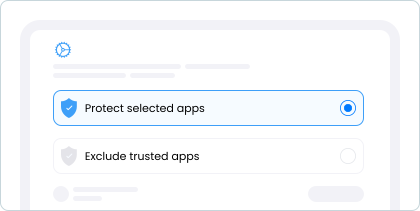
Lets you pick individual apps such as web browsers and streaming apps for the VPN, while other apps such as Zoom use the existing network.

IP-Based

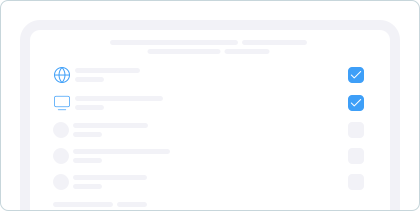
Allows you to add a rule for traffic to specific IP addresses to bypass the VPN for accessing specific local websites or internal corporate networks.

Device-Based

When Apex is installed on your router, you can send traffic from your phone, laptop, and PC to use the VPN, while setting IoT devices to access the internet directly.

You may still be wondering

Frequently Asked Questions

Frequently Asked Questions FAQ
How to get Apex How to install
System requirements Requirements

Where is Split Tunneling available?

Split Tunneling is available in the Apex VPN app for Windows, Mac, Linux, Android, and iOS.

How to enable Split Tunneling in ApexGuard?

Split Tunneling can be enabled inside the ApexGuard app. Navigate to the settings menu, toggle the switch next to the option, and add the apps you want to use with the VPN.

Is Split Tunneling safe?

Split Tunneling does not affect the safety of the traffic you send through the VPN, but the apps or sites that you set to be excluded from the tunnel will inherently have less protection.

Step 1

Download Apex VPN

Download Apex for Windows, macOS, Linux, or get it from App Store or Google Play.

Step 2

Install the app

Launch the installer file and follow the on-screen instructions to complete the set-up.

Step 3

Enjoy your online privacy

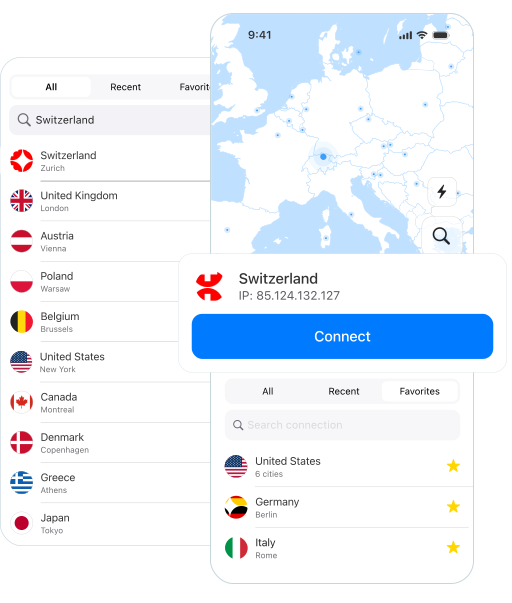
Open Apex VPN, log in or sign up, and connect to your desired server.

Apexguard System Requirements by Platform