

Share Apex, Use it for Free
From 10.52 USD
3.27 USD mo. + 3 Months Extra
10 devices 1 User
30-Day Money-Back Guarantee
Receive a full refund if ApexGuard doesn’t meet your expectations.
How It Works
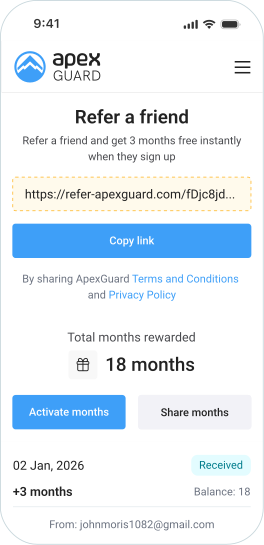
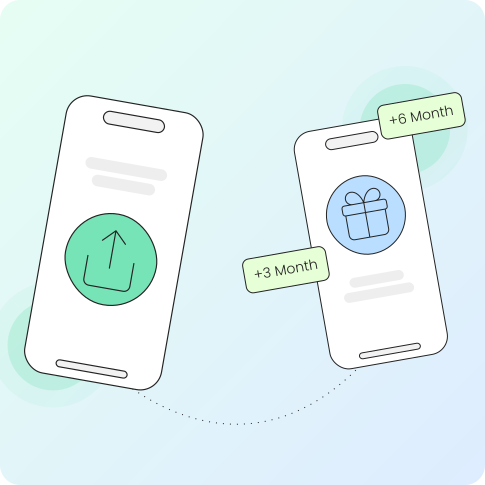
As soon as your friend subscribes to any Apex VPN plan, you’ll receive 3 months of free access. Your friend will get 30 days free with the Essential plan, or 90 days free with the Advanced or Ultimate plans.
Pass Along Protection
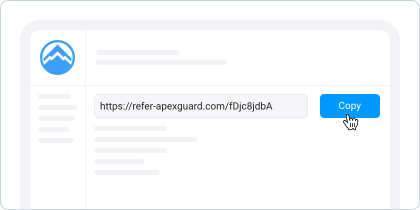
Send your personal referral link to friends through email, WhatsApp, or your favorite social media. The link is connected to your account, so we know who to thank when someone joins.
Friends Get Protected Too
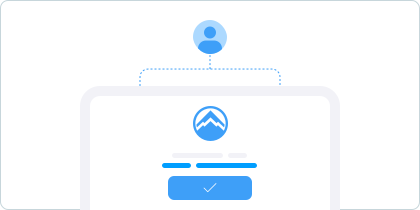
Your friends follow your link and create their own Apex accounts. They’ll appreciate the introduction when they see how much better browsing feels with proper protection and no restrictions.
Everybody Gets Rewarded
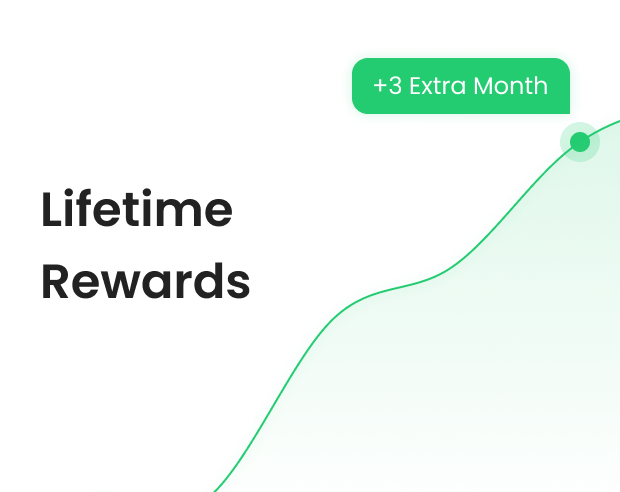
After your friend joins Apex, you’ll both enjoy up to 3 months of free service automatically added to your accounts. The more friends you bring, the longer you can extend your protection at no cost.
Real Talk from Real Users
Our users are at the heart of everything we do. Don’t just take our word for it—check out what everyday Apex users have to share about their experiences. From protecting their banking info to unlocking streaming content and earning free months, these are genuine reviews from people like you.
I’ve been using Apex VPN for a few months now, and it’s been a true game-changer in my work. As a graphic designer, I often work in public spaces like cafés, and Apex gives me peace of mind knowing my data is secure. The app is super easy to use, and I love how quickly I can connect to any country.
Laura Whitman
Freelance Graphic Designer
Apex VPN has been a solid choice for me. I work with sensitive data, and having a VPN I can trust is essential. What I like most is how fast the connection is—I can upload and download large files without any issues. The app is straightforward, and I’ve never had to deal with annoying drops in connection. It’s worth it for anyone who needs a dependable VPN.
Leo Huang
IT Specialist
I travel a lot and need a VPN to access my favorite shows and keep my info safe when im on airport or hotel wifi. Apex has been great so far, always fast to connect to and no sudden drops. It also has lots of countries to chose from, which is great for booking flights and hotels for the lowest price.
Elena Rodriguez
Travel Blogger
I run a small business, and Apex VPN has been a great ally in keeping my communication secure. I use it daily for emails and video calls, and its been working perfectly. The app is super simple to set up and I appreciate how it doesn’t slow down my internet at all, unlike some free VPNs I’ve tried.
James Carter
Small Business Owner
One of the ways I use a VPN is to test my apps from different parts of the world, so I really like the amount of server options Apex gives you. I also keep it on for daily use, just for the extra peace of mind. The connection is solid and I did not notice any speed drops, so there is not much reason to turn it off for me.
Walter Jordan
Software Developer
You may still be wondering
Frequently Asked Questions
Where do I get my referral link?
Finding your referral link is easy—just sign into your account on our website and look for the ‘Refer a Friend’ option. App users can also access it directly through the settings menu on any of our mobile or desktop applications.
What’s in it for my friends?
Your friends get a nice welcome gift: 30 free days with our basic Essential plan, or a full 90 days at no cost if they choose our feature-packed Advanced or Ultimate plans. It’s our way of saying thanks for joining.
Does it matter if I subscribed through an app store?
Here’s the catch—if you’re billed through Apple or Google, we can’t add the free months to your account since they control the billing. To get your referral rewards, you’ll need to switch your payment method to our website.
Is there a maximum number of referrals?
Nope—refer as many people as you like! Each friend who subscribes earns you 3 free months of Apex. With enough referrals, you could potentially use our service for free indefinitely. The more you share, the more you save.
How long until I see my free months?
Your account gets updated instantly! The moment your friend’s purchase is confirmed, we immediately add your 3 free months. No waiting periods, no delays—just instant gratification for sharing Apex.
Do past subscribers qualify for referral bonuses?
No, the referral program is exclusively for brand-new users. If someone has previously had an Apex account at any point, even if they canceled long ago, they won’t trigger the referral reward when they sign up again.
What if someone I refer doesn’t stick around?
Good news—you’ll still keep your 3 free months even if your friend decides to cancel. However, they’ll forfeit any remaining free time on their account, and you won’t be able to refer them again in the future.
Download Apex VPN
Download Apex for Windows, macOS, Linux, or get it from App Store or Google Play.
Install the app
Launch the installer file and follow the on-screen instructions to complete the set-up.
Enjoy your online privacy
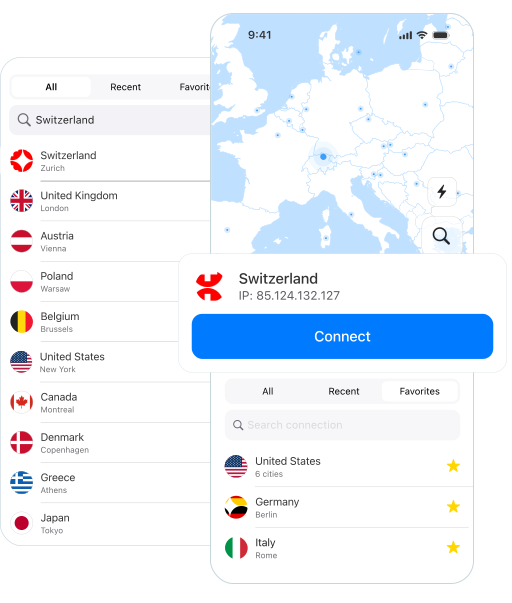
Open Apex VPN, log in or sign up, and connect to your desired server.
Apexguard System Requirements by Platform
You don’t need the latest or most expensive device to use ApexGuard. It’s designed to work on a wide range of platforms with minimal system demands.
Desktop devices:
OS Version:
macOS 11 Big Sur and above
Device:
Mac Mini, Mac Pro, iMac, MacBook Air, and MacBook Pro
Disk Space:
~200 MB
OS Version:
Windows 10 (64-bit, version 1607 and later) and Windows 11
RAM:
At least 1 GB
Disk Space:
~200 MB
Architecture:
64-bit
Supported Distros:
Debian, Ubuntu, and Fedora
RAM:
At least 1 GB
Disk Space:
~200 MB
Architecture:
64-bit
Additional:
libglib2.0, libgtk-3, and curl installed
Mobile devices:
OS Version:
iOS 13.0 or newer
Device:
iPhone, iPad, or iPod Touch
Disk Space:
~150 MB
Other:
Internet connection required for full functionality
OS Version:
Android 8.0 (Oreo) or newer
Device:
Smartphone or tablet
Disk Space:
~150 MB
Other:
Network access, storage (for config/cache)