


From 215.76 USD

2.99 USD mo.  + 3  Months Free

devices 1 Account

See All Plans

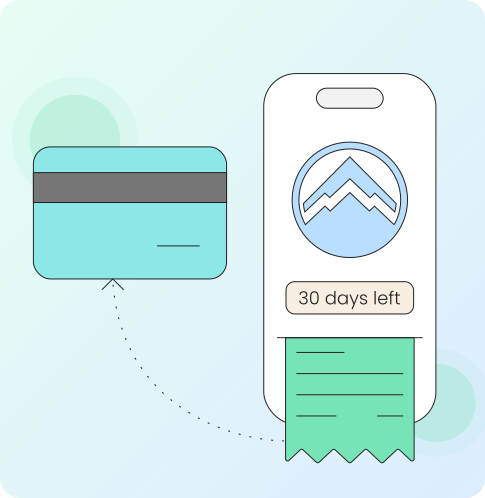
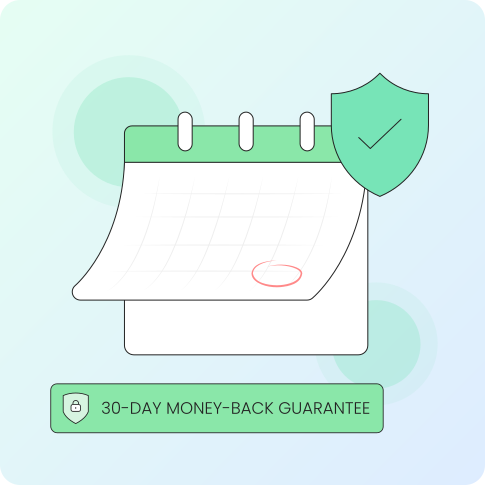
30-Day Money-Back Guarantee

Receive a full refund if ApexGuard doesn’t meet your expectations.

Special Offer | Save 67%
GET APEX

Try ApexGuard Risk-Free for 30 Days

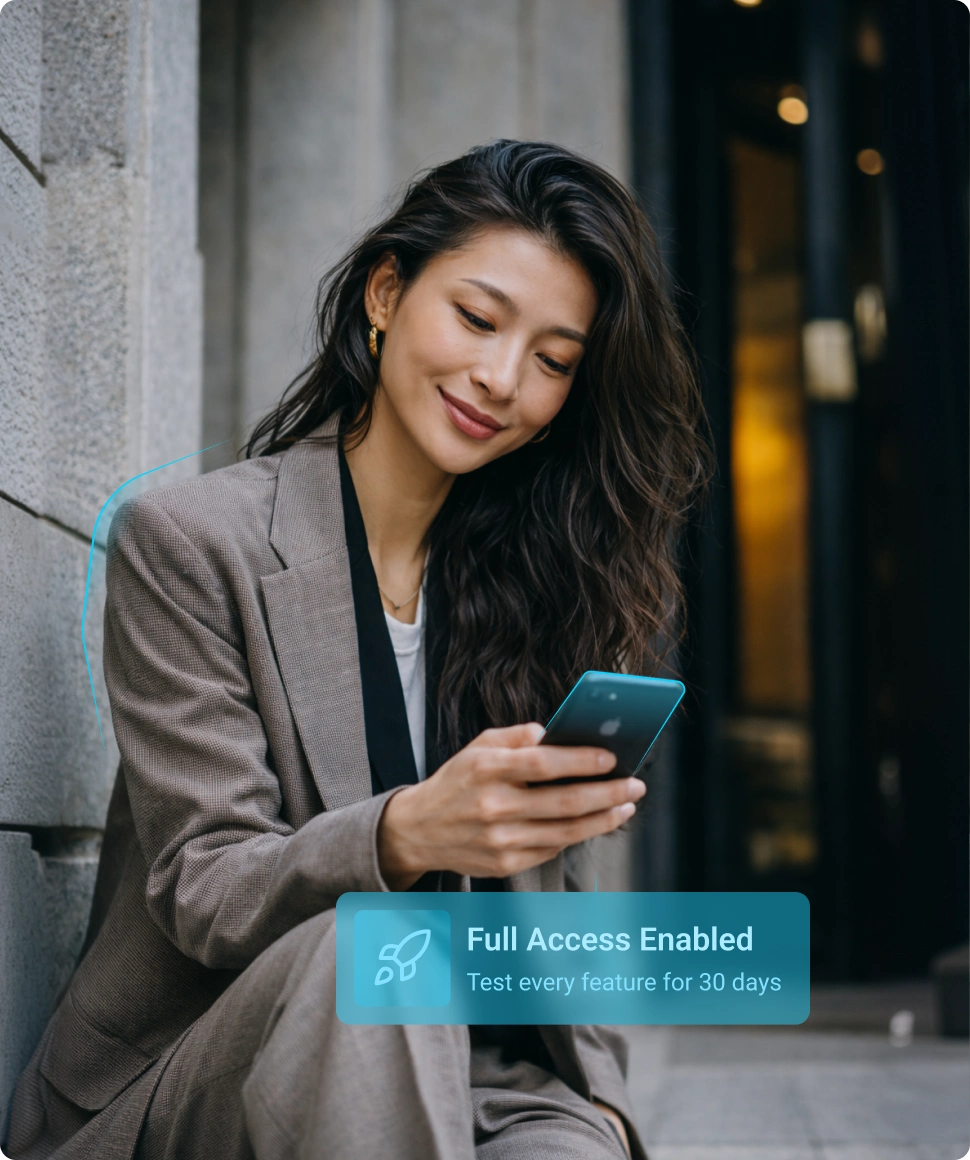
Start with full ApexGuard access and decide after real use. Every plan includes a 30-day guarantee, so you can test privacy, speed, apps, and daily protection with confidence.

  • 30-Day Money-Back Guarantee
  • Full Feature Access
  • Swiss Privacy Protection

From 215.76 USD

2.99 USD mo.  + 3  Months Free

devices 1 Account

Get ApexGuard

30-Day Money-Back Guarantee

Receive a full refund if ApexGuard doesn’t meet your expectations.

10:22

Connected to:Zurich, Switzerland

Client Strategy Call

17 Apr, 11:40 AM

Discuss growth plan, performance metrics, and next steps with the Zurich team.

Trip to Germany

18 Apr, All day

Test the Full ApexGuard Experience

ApexGuard’s guarantee is designed around real use, not a restricted trial. During the first 30 days, you can test the full VPN experience across your devices, networks, apps, and everyday routine.

Privacy Protection

Use strict no-logs protection, encrypted VPN connections, DNS leak protection, and Swiss privacy standards from day one.

Speed and Streaming

Test browsing, streaming, downloads, video calls, remote work, and everyday performance on the networks you actually use.

Global Access

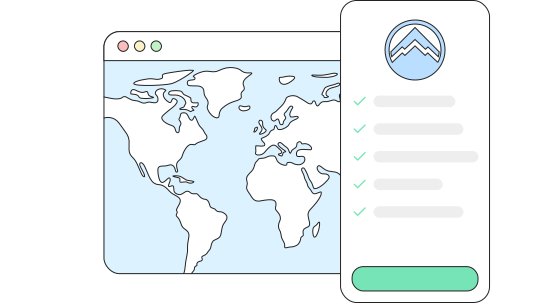
Explore ApexGuard VPN locations across regions for travel, streaming, private browsing, account access, and secure everyday connectivity.

All Your Devices

Use ApexGuard across desktop, mobile, and browser environments to evaluate protection, and speed on the devices you rely on every day.

What You Can Test During the 30 Days

Test ApexGuard in real-life conditions, from privacy and performance to device compatibility and ease of use, before making a longer-term commitment.

Privacy Features

Test no-logs protection, encrypted VPN connections, DNS leak protection, and privacy-focused browsing across the websites, apps, and networks you use daily.

Speed and Streaming

Try ApexGuard for browsing, downloads, streaming, video calls, remote work, and everyday performance on home, office, mobile, or public Wi-Fi networks.

Device Compatibility

Use ApexGuard across desktop, mobile, and browser environments to confirm setup, connection quality, and protection on the devices you rely on most.

Daily Usability

See how ApexGuard fits into your normal routine before committing long term, from quick browsing sessions to streaming, travel, work, and account access.

Why We Offer a 30-Day Guarantee

Privacy, speed, and reliability should be proven in real life. ApexGuard lets you test the full service across your devices, apps, and networks.

No Long-Term Commitment Up Front

ApexGuard is designed to be tested in real life before you make a long-term decision. The 30-day guarantee gives you the freedom to experience the full VPN service first, then decide based on performance, privacy, and everyday fit.

The 30-day guarantee lets you try the full ApexGuard experience first, then decide based on performance, privacy, and everyday fit.

Full Service, Not a Preview

Use the full ApexGuard experience during the guarantee period, including privacy protection, VPN locations, device support, streaming, and browsing security.

Lower-Risk Decision

Start with more confidence and less hesitation. You can try ApexGuard in your normal routine before deciding whether it is the right VPN for long-term use.

Built for Long-Term Trust

A clear 30-day refund window lets you start using ApexGuard with greater transparency, confidence, and no unnecessary pressure.

How to Use the Money-Back Guarantee

Start your plan, use the full ApexGuard VPN in real everyday conditions, and request a refund within 30 days if it is not the right fit.

Start Your Plan

Choose the ApexGuard plan that fits your needs and begin using the full VPN service across all your supported devices right away.

Test ApexGuard Normally

Use ApexGuard in real conditions, including apps, VPN locations, speeds, privacy features, streaming, browsing, and device coverage.

Request Within 30 Days

If ApexGuard is not the right fit, simply contact support within the 30-day guarantee window and request your full refund quickly and easily.

Receive Your Refund

If ApexGuard is not the right fit, contact support within the 30-day guarantee window and request your full refund quickly and easily.

Benefits of a 30-Day Money-Back Guarantee

Start with full access, test ApexGuard across your real devices, apps, locations, and networks, then decide within 30 days based on actual privacy, speed, and everyday performance.

Full Access from Day One

Get the full ApexGuard service for 30 days with no restricted trial mode, so you can decide before committing long-term.

Test Every Privacy Feature

Use ApexGuard from day one to test encrypted VPN connections, Swiss privacy standards, no-logs protection, VPN locations, streaming, browsing, and device coverage.

Simple Refund Process

If ApexGuard is not the right fit, contact support within 30 days. Approved refunds are returned through the original payment method, with timing depending on your provider.

Your Money Back, No Questions Asked

Choosing a VPN should feel straightforward. A clear refund policy gives you time to try ApexGuard with confidence, understand how it fits your routine, and make a decision without unnecessary pressure.

With simple terms and a defined 30-day window, getting started feels easier, more transparent, and lower risk from day one.

  • Clear next steps if the VPN is not right for you
  • Fewer surprises after checkout
  • A smoother path from signup to final decision
  • More confidence in the the product
  • A clearer offer-to-experience match

30-Day Refund Terms

ApexGuard’s 30-day money-back guarantee is designed to be clear from the start.

30-Day Window

Request a refund within 30 days of your eligible purchase and get your money back no questions asked.

Full-Service Access

Use the features you’re interested in and see how ApexGuard performs across your devices and use cases.

Refund Request Required

Canceling your subscription does not automatically issue a refund. Contact support within 30 days to request one.

Original Payment Method

Approved refunds are usually returned through the original payment method, with final processing time depending on your bank or provider.

Third-Party Purchases

Apple, Google, or other third-party platform purchases may follow that platform’s refund process.

You May Still Be Wondering

Frequently Asked Questions

Frequently Asked Questions FAQ
How to get Apex How to install
System requirements Requirements

How do I request a refund?

If ApexGuard is not the right fit, contact support within 30 days of your eligible purchase to request a refund.

Are there any hidden refund fees?

No. ApexGuard’s money-back guarantee is designed to be clear and transparent, with no hidden refund fees from ApexGuard for eligible requests.

Can I cancel anytime within the 30 days?

Yes. You can cancel during the 30-day guarantee period and request a refund within that window.

How long does it take to receive my refund?

Once approved, refund timing depends on your payment method, bank, card issuer, or payment provider.

What happens if I do not request a refund within 30 days?

After the 30-day guarantee period ends, the refund window closes. You can still manage or cancel your subscription to stop future renewal charges.

Is the guarantee included with every ApexGuard plan?

Yes. The 30-day money-back guarantee is included with eligible ApexGuard plans.

Does the guarantee apply to renewals?

The 30-day guarantee is designed for eligible new purchases. Renewal refund eligibility may depend on your subscription terms and applicable law.

Do App Store purchases follow the same refund process?

Purchases made through Apple, Google, or other third-party platforms may need to be refunded through that platform’s own refund process.

Will my refund go back to the same payment method?

In most cases, approved refunds are returned to the original payment method. Processing time may vary by provider.

Step 1

Download Apex VPN

Get Apex for Windows, macOS, Linux, or get it from App Store or Google Play.

Step 2

Install the App

Launch the installer file and follow the on-screen setup instructions.

Step 3

Enjoy Your Online Privacy

Open Apex VPN, log in or sign up, and connect to your desired server.

Apexguard System Requirements by Platform

ApexGuard delivers refined privacy across modern devices without demanding high-end hardware, keeping protection accessible, seamless, and consistent every day.

Desktop devices:

MacOS:

OS Version:

macOS 13.5 Ventura or newer

Device:

Mac Mini, Mac Studio, Mac Pro, iMac, MacBook Air, and MacBook Pro

Disk Space:

~40 MB

Architecture:

Intel x86_64 or Apple Silicon (universal)

Windows:

OS Version:

Windows 10 (64-bit, version 1607 and later) and Windows 11

RAM:

At least 1 GB

Disk Space:

~60 MB

Architecture:

64-bit

Linux:

Supported Distros:

Debian, Ubuntu, and Fedora

RAM:

At least 1 GB

Disk Space:

~40 MB

Architecture:

64-bit

Additional:

libglib2.0, libgtk-3, and curl installed

Mobile devices:

iOS:

OS Version:

iOS 15.6 or newer

Device:

iPhone, iPad, or iPod Touch 7th gen

Disk Space:

~50 MB

Other:

Internet connection required for full functionality

Android:

OS Version:

Android 9.0 or newer

Device:

Smartphone or tablet

Disk Space:

~50 MB

Other:

Network access, storage (for config/cache)

Try ApexGuard Risk-Free Today

Try the full ApexGuard experience with stronger privacy, full feature access, and a 30-day money-back guarantee. Test it in real life, then decide with confidence.

Get ApexGuard