From 0 EUR

2.58 EUR mo.  + 3  Months Free

devices 1 Account

See All Plans

30-Day Money-Back Guarantee

Receive a full refund if ApexGuard doesn’t meet your expectations.

Special Offer | Save 67%
GET APEX

What Is a VPN? Private Browsing Explained

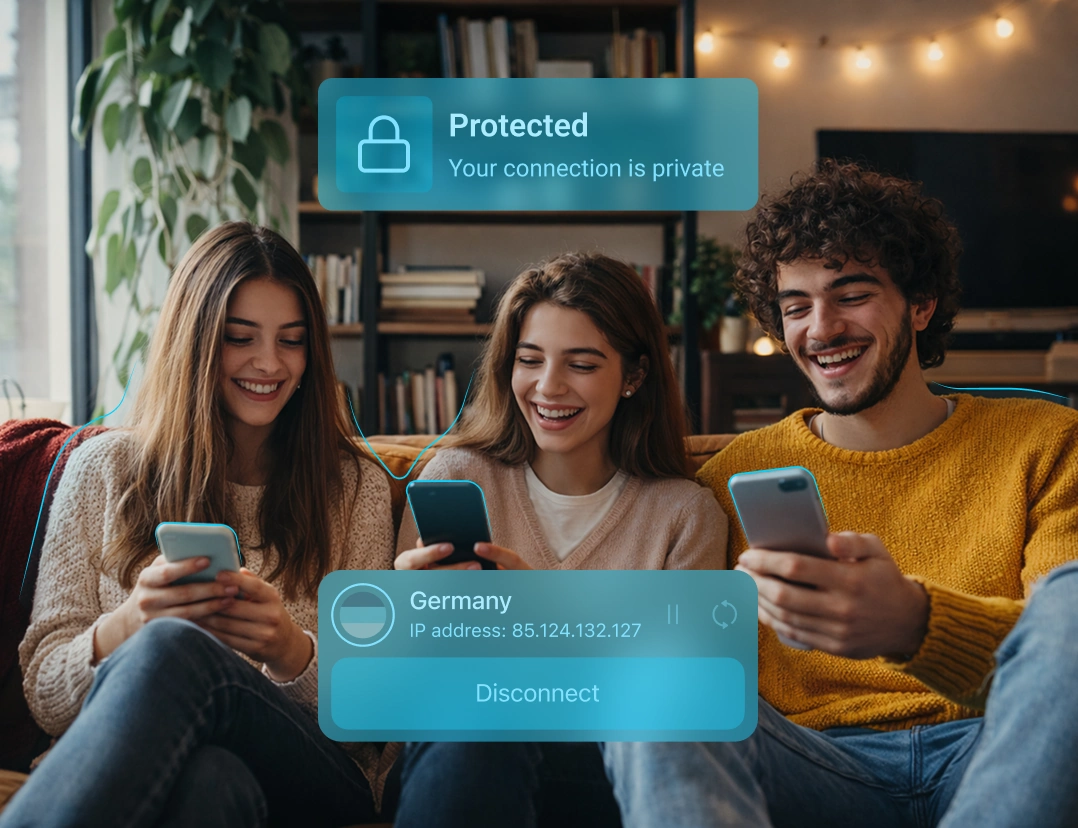
A VPN hides your IP, encrypts your connection, and keeps browsing more private. ApexGuard adds Swiss privacy standards, strict no-logs, secure infrastructure, ThreatShield, and Dark Web Monitor.

  • Hide your real IP address
  • Encrypt your internet connection
  • Stay safer on public Wi-Fi and shared networks

From 0 EUR

2.58 EUR mo.  + 3  Months Free

devices 1 Account

Get ApexGuard

30-Day Money-Back Guarantee

Receive a full refund if ApexGuard doesn’t meet your expectations.

What a VPN Does

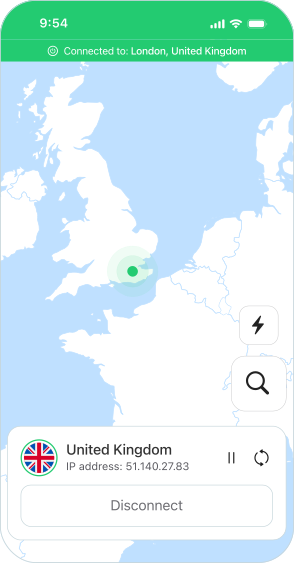
A VPN routes your traffic through a secure server before it reaches websites and apps, allowing remote hosts to see ApexGuard’s public VPN IP instead of your real one.

Hide Your IP Address

Your IP can reveal your approximate location and help others link activity to your connection. A VPN masks it by routing traffic through a VPN server.

Encrypt Your Data

A VPN encrypts the connection between your device and the VPN server, protecting data on public Wi-Fi, hotels, airports, cafés, campuses, and shared networks.

Reduce Online Tracking

Internet providers, workplace networks, schools, hotels, and public hotspots can normally see more about your connection. Encrypted VPN traffic reduces that visibility.

VPN Basics at a Glance

See what changes when you connect through ApexGuard instead of browsing without a VPN.

Protection Area

With ApexGuard VPN

Without a VPN

Real IP hidden
Connection encrypted
Protected on public Wi-Fi
Network activity hidden from your ISP
ThreatShield & Dark Web Monitor active

How ApexGuard VPN Protects You Online

ApexGuard secures your connection through an encrypted tunnel, routes traffic through private VPN infrastructure, hides your real IP, and blocks risky destinations before they load.

You Connect to ApexGuard

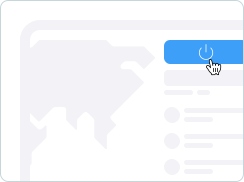
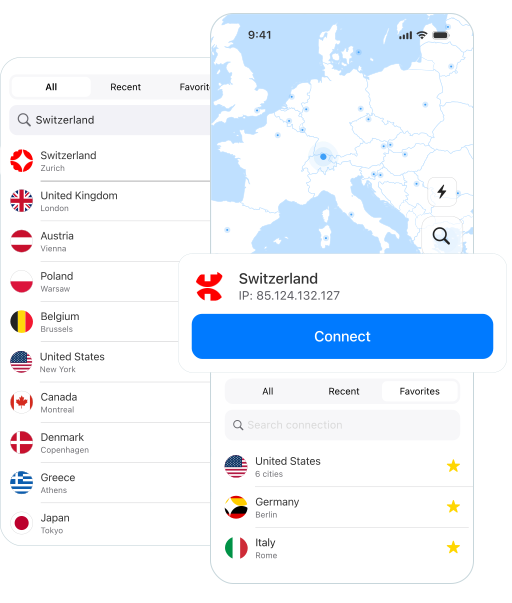
Open the app, choose a secure VPN location, and connect in seconds.

Your Traffic Is Encrypted

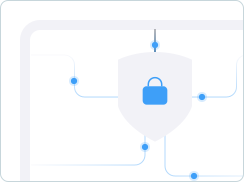
Your internet activity is protected between your device and the VPN server.

Your Real IP Address Is Hidden

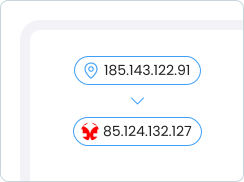
Websites and apps see the ApexGuard VPN server IP instead of your real IP.

ThreatShield Blocks Threats

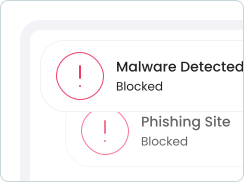
Unsafe sites, phishing, trackers, and suspicious links blocked before loading.

Browse with Stronger Privacy

Stay protected across home, public Wi-Fi, travel networks, and shared connections.

Free VPN vs. Paid VPN

Security Without Compromise

Free VPNs may look convenient, but they often come with limits, slowdowns, and privacy trade-offs. ApexGuard gives you premium VPN protection without compromise: secure Apex-owned infrastructure, fast global access, Swiss privacy standards, unlimited usage, and built-in safety tools for the devices you use every day.

Free VPNs may look convenient, but often bring limits, slowdowns, and privacy trade-offs. ApexGuard provides you secure servers, fast global access, unlimited usage, and built-in safety tools.

Download Apex

ApexGuard

  • Secure VPN Protection

    A privacy-focused VPN built on secure Apex-owned infrastructure.

  • Global Server Access

    Switch between 125+ countries for flexible worldwide access.

  • Fast, Stable Performance

    High-speed servers support browsing and 4K streaming.

  • One Account Across Devices

    Use ApexGuard across desktop, mobile, and browsers.

  • Unlimited Usage

    Browse, stream, work, and download – no caps or limits.

  • Built-In Safety Tools

    ApexGuard blocks phishing sites, trackers, and data leaks.

Free VPN

  • Basic IP Masking

    Free services can only change your IP with limited privacy.

  • Limited Server Choice

    Fewer VPN locations cause slower speeds, and less flexibility.

  • Slower Peak-Time Speeds

    Overloaded servers slow down, disconnect, or get unreliable.

  • Fragmented Protection

    Free VPN access may be limited to one device, browser, or platform.

  • Usage Restrictions

    Free VPNs often have data caps, speed limits, or fewer features.

  • Basic Connection Only

    Free VPNs often go no further than changing your visible IP.

When Should You Use a VPN?

A VPN is useful whenever your connection, accounts, or online activity need stronger protection, especially on shared networks, while traveling, or when using sensitive services.

On Public Wi-Fi

Use ApexGuard in airports, cafés, hotels, stations, coworking spaces, campuses, and shared networks where exposure is higher.

When Banking or Shopping Online

Add an encrypted layer before entering passwords, payment details, account numbers, or personal information.

While Traveling

Protect your connection on unfamiliar networks and keep safer access to your everyday online accounts.

For Remote Work

Use a more private connection when accessing business tools, cloud apps, admin panels, CRM systems, documents, or email.

For Everyday Privacy

Reduce network-level tracking from ISPs, shared Wi-Fi operators, hotels, workplaces, schools, and public hotspots.

For Families and Multiple Devices

Use one account across supported desktop, mobile, and browser environments with no per-device limits.

VPN Trust Checklist

A trustworthy VPN combines clear data practices, a subscription-based model, reliable infrastructure, and security controls aligned with ISO 27001, PCI, GDPR, and Swiss FADP principles.

Clear Data Practices

Explains what data is needed, what is not collected, and how long any required information is kept.

Privacy-by-Design Controls

Uses data minimization, access controls, encryption, retention limits, and request-review processes.

Recognized Security Standards

Operates with security practices aligned to ISO 27001, PCI-audited controls, GDPR, and Swiss FADP principles.

Transparent Business Model

Monetized through straightforward subscriptions, not advertising profiles, behavioral tracking, or selling user data.

Reliable Infrastructure

Provides stable performance, strong capacity, broad coverage, and dependable protection.

What You Get with ApexGuard

ApexGuard adds a stronger privacy foundation to core VPN benefits like encrypted traffic, hidden IP address, and safer browsing, keeping protection simple, fast, and trustworthy.

Strict No-Logs Architecture

Browsing history, visited websites, and VPN activity logs are not kept as routine records. ApexGuard protects activity, not stores it.

Fast Global Infrastructure

Secure global locations support everyday browsing, streaming, downloads, banking, shopping, work, and travel.

Protection Across Devices

One account supports the devices people use every day, including supported desktop, mobile, and browser environments.

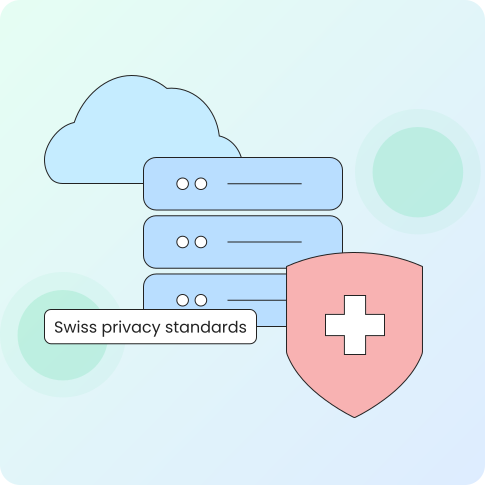
Swiss Privacy Standards

Data handling follows Swiss privacy principles, giving the service a clearer legal and operational base for user privacy.

Why a VPN’s Home Country Matters

A VPN provider’s country matters because privacy is both technical and legal. ApexGuard uses Swiss privacy standards to support data handling, request review, and privacy commitments.

Jurisdiction Affects VPN Privacy

ApexGuard is built around practical privacy principles:

  • No routine browsing activity logs
  • No selling of behavioral profiles
  • No ad-driven tracking model
  • No third-party data sharing for advertising
  • Apex-owned VPN infrastructure
  • Swiss privacy standards
  • PCI-audited security practices
  • ThreatShield and Dark Web Monitor included

Additional Security Layers

A VPN protects your traffic, but online safety also depends on blocking risky sites and responding to exposed account details. ApexGuard brings these layers together.

Private VPN Connection

Encrypts traffic, masks your real IP, and keeps browsing more private on home, public Wi-Fi, and shared connections.

ThreatShield Protection

Helps block harmful websites, phishing pages, trackers, suspicious links, and risky destinations before they load.

Dark Web Monitor

Checks monitored account details against known data leaks and alerts you if matching information appears in breach datasets.

Not Sure Yet?

Try ApexGuard Risk-Free

Upgrade to premium VPN protection, hide your IP and protect browsing, streaming, banking, shopping, travel, and work with Swiss privacy standards and built-in safety tools.

Get ApexGuard
30-day money-back guarantee

You May Still Be Wondering

Frequently Asked Questions

Frequently Asked Questions FAQ
How to get Apex How to install
System requirements Requirements

What is a VPN?

A VPN creates an encrypted connection between your device and the internet, helping hide your IP address, protect shared-network traffic, and make browsing more private.

What does a VPN hide?

A VPN hides your real IP address from websites, apps, and online services, while reducing traffic visibility on public Wi-Fi, hotels, airports, cafés, and shared networks.

How does a VPN protect my data?

Your data travels through an encrypted tunnel to the VPN server, helping protect passwords, messages, payments, browsing, banking, and personal information on shared networks.

Does ApexGuard keep logs of my browsing?

No. ApexGuard is built around strict no-logs architecture and is designed not to store browsing history, visited websites, or routine VPN activity logs.

Why does VPN jurisdiction matter?

A VPN provider’s country matters because privacy is technical and legal. ApexGuard uses Swiss privacy standards for data handling, request review, and privacy commitments.

What is the difference between a VPN and a proxy?

A proxy usually routes one app or browser through another server. A VPN protects more of your device connection with an encrypted tunnel to the VPN server.

Should I keep my VPN on all the time?

Keeping your VPN on gives stronger privacy, especially on public Wi-Fi, shared networks, and travel. Disconnect when you need a local connection or a service requires it.

Is using a VPN legal?

VPNs are legal in most countries and widely used for privacy, security, travel, remote work, and safer browsing. Always follow the laws where you are.

Does a VPN make me completely anonymous?

No VPN makes you completely anonymous. A VPN hides your IP and encrypts your connection, but websites may still recognize logins, cookies, fingerprinting, or account activity.

Can my internet provider see that I use a VPN?

Your internet provider can usually see that you connect to a VPN server, but encryption helps prevent them from seeing protected websites and app traffic.

Does a VPN protect against hackers?

A VPN helps protect your connection on public and shared networks, but it does not replace device security, updates, strong passwords, or 2FA. ApexGuard adds ThreatShield to block risky sites.

Is a paid VPN better than a free VPN?

A paid VPN usually offers stronger privacy, faster performance, better infrastructure, clearer policies, and fewer limits. ApexGuard adds Swiss privacy, ThreatShield, and Dark Web Monitor.

Which VPN location should I choose?

For the fastest connection, choose a nearby VPN location. For travel, privacy, or account access, choose the location that best matches the service or region you want to connect through.

Does a VPN slow down internet speed?

A VPN can add overhead because traffic is encrypted and routed through a VPN server. ApexGuard uses high-capacity infrastructure for a smooth user experience.

Step 1

Download Apex VPN

Get Apex for Windows, macOS, Linux, or get it from App Store or Google Play.

Step 2

Install the App

Launch the installer file and follow the on-screen setup instructions.

Step 3

Enjoy Your Online Privacy

Open Apex VPN, log in or sign up, and connect to your desired server.

Apexguard System Requirements by Platform

ApexGuard delivers refined privacy across modern devices without demanding high-end hardware, keeping protection accessible, seamless, and consistent every day.

Desktop devices:

MacOS:

OS Version:

macOS 13.5 Ventura or newer

Device:

Mac Mini, Mac Studio, Mac Pro, iMac, MacBook Air, and MacBook Pro

Disk Space:

~40 MB

Architecture:

Intel x86_64 or Apple Silicon (universal)

Windows:

OS Version:

Windows 10 (64-bit, version 1607 and later) and Windows 11

RAM:

At least 1 GB

Disk Space:

~60 MB

Architecture:

64-bit

Linux:

Supported Distros:

Debian, Ubuntu, and Fedora

RAM:

At least 1 GB

Disk Space:

~40 MB

Architecture:

64-bit

Additional:

libglib2.0, libgtk-3, and curl installed

Mobile devices:

iOS:

OS Version:

iOS 15.6 or newer

Device:

iPhone, iPad, or iPod Touch 7th gen

Disk Space:

~50 MB

Other:

Internet connection required for full functionality

Android:

OS Version:

Android 9.0 or newer

Device:

Smartphone or tablet

Disk Space:

~50 MB

Other:

Network access, storage (for config/cache)

Enhance Your Privacy with ApexGuard

Hide your IP, encrypt your connection, and browse privately on any network. ApexGuard combines no-logs architecture, Swiss privacy standards, audited security, and fast servers.

Get ApexGuard
30-day money-back guarantee