Block Online Threats Before They Load
ThreatShield stops unsafe websites, trackers, phishing pages, and suspicious destinations before they interrupt your browsing. ApexGuard adds risk-aware protection to everyday VPN use without making privacy slower, harder, or more complicated.
- Blocks harmful websites and suspicious domains
- Blocks phishing pages and reduces tracking
- Stops unsafe pages before they load
- Only VPN with ISO 27001 & PCI audit
From 185.76 EUR
2.58 EUR mo. + 3 Months Free
devices 1 Account
30-Day Money-Back Guarantee
Receive a full refund if ApexGuard doesn’t meet your expectations.
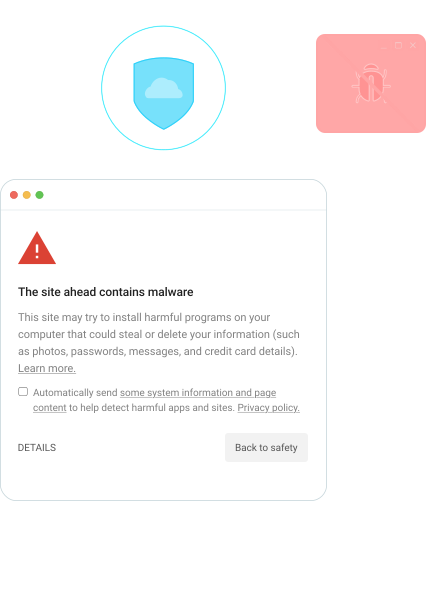
What ThreatShield Does
ThreatShield blocks risky domains, deceptive login pages, tracking networks, and suspicious destinations before they load, cutting off deceptive links and hidden tracking at the connection level while ApexGuard keeps your browsing private, encrypted, and protected by design.
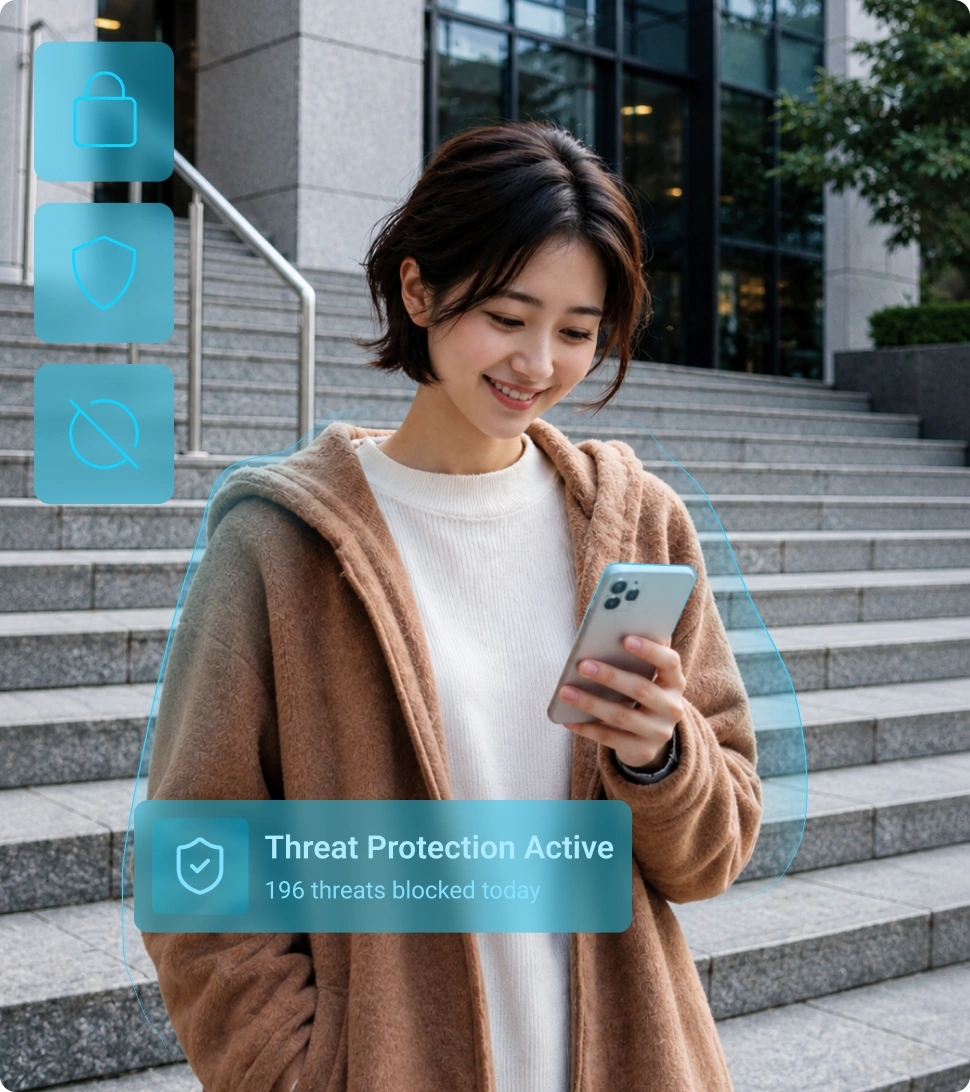

Malicious Website Blocking
Blocks known malicious domains the moment you try to open them, checking each site against an updated threat list so malware and scam sites never load on your device.

Tracker Blocking
Stops the trackers and hidden scripts advertisers embed in web pages, cutting off the data they use to follow you from site to site and build a profile of what you do online.

Phishing Protection
Catches phishing sites disguised as the banks, shops, and login pages you trust, and blocks them on arrival, before you can hand over a password or your payment details.

Risky Link Detection
Detects where a link leads before it opens, so one tap on a risky link in an email, message, or web page never sends you through to a phishing page or a site pushing malware.
How ThreatShield Works
ThreatShield checks domain and connection requests against known risk sources, including malicious domains, phishing pages, tracker networks, and untrusted destinations. When a destination matches a known risk source, ThreatShield blocks the request before the risky page, tracker, or resource can load. Protection runs quietly in the background without complex setup or manual security decisions.
1. You Open a Website, App, or Link
Behind the scenes, your device sends a request to the server that stores and delivers the content.
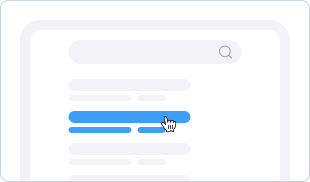
2. ThreatShield Checks the Destination
The request is checked against a list of sites involved in phishing, tracking, and spreading malware.
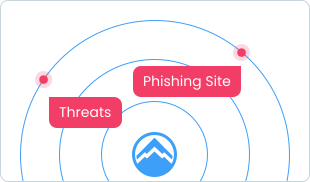
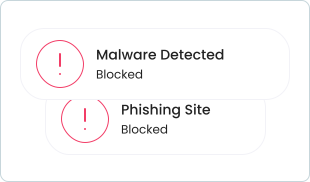
3. Risky Requests Are Blocked
If the destination is identified as unsafe, ThreatShield stops the connection before the threat loads.
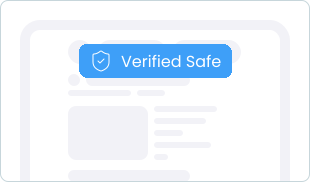
4. Safe Browsing Continues Normally
If no risk is detected, your connection continues through ApexGuard for a smoother, safer browsing experience.
Reduce Your Exposure to Everyday Online Threats
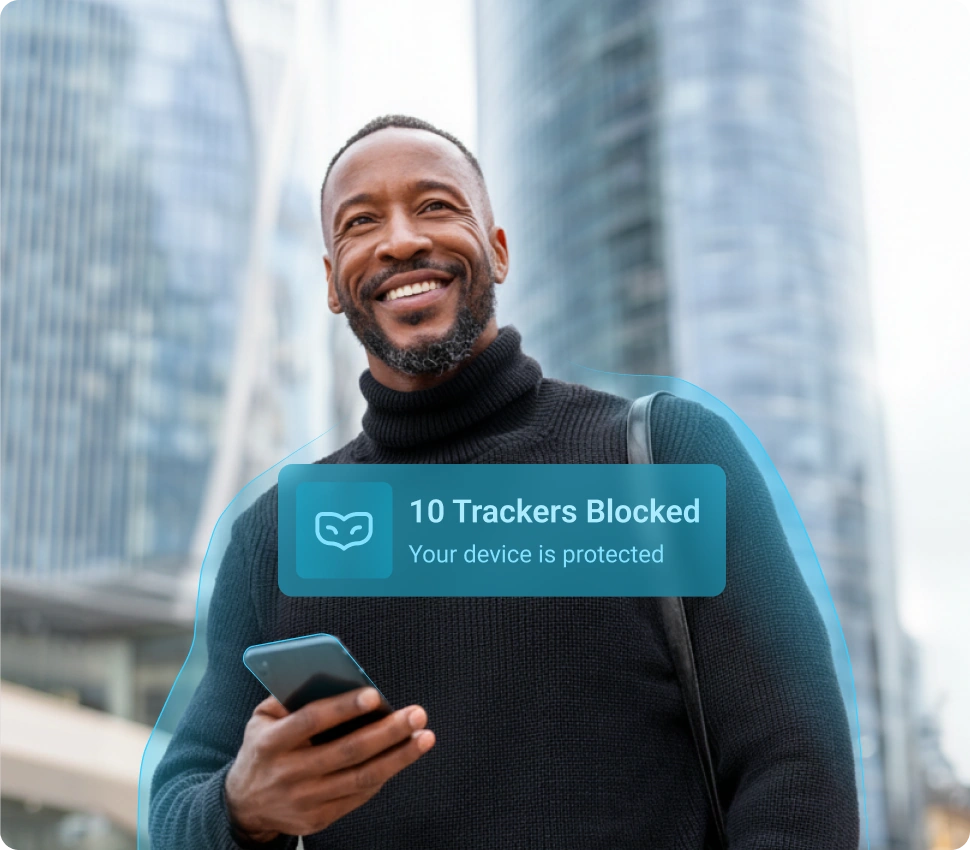
Online threats do not always look suspicious. They can appear as normal websites, fake login pages, hidden profiling scripts, misleading links, or unsafe downloads. ThreatShield reduces these risks while keeping browsing simple, fast, and easy to control.
Safer Browsing
Get added protection against common online threats while browsing, shopping, working, streaming, or opening links
Less Tracking
Reduce exposure to tracking networks, scripts, and hidden elements that follow users across websites
Fewer Risky Clicks
Add protection before suspicious links, unsafe pages, or deceptive websites become a bigger problem
More Confidence Online
Browse, shop, work, stream, and use public Wi-Fi securely with continuous protection running quietly in the background
Why ApexGuard Gives You More than a Free VPN
Free VPNs may change your IP address, but they rarely provide the same level of privacy, protection, speed, and trust. ApexGuard combines encrypted VPN connectivity with ThreatShield, Swiss privacy standards, strict no-logs design, and verified operational controls.
That means ApexGuard does more than route your traffic through a VPN tunnel. You are reducing exposure to harmful sites, tracking networks, fraudulent pages, and untrusted destinations while using a privacy-first VPN built for real-world browsing, shopping, banking, streaming, and public Wi-Fi.

More than IP Masking
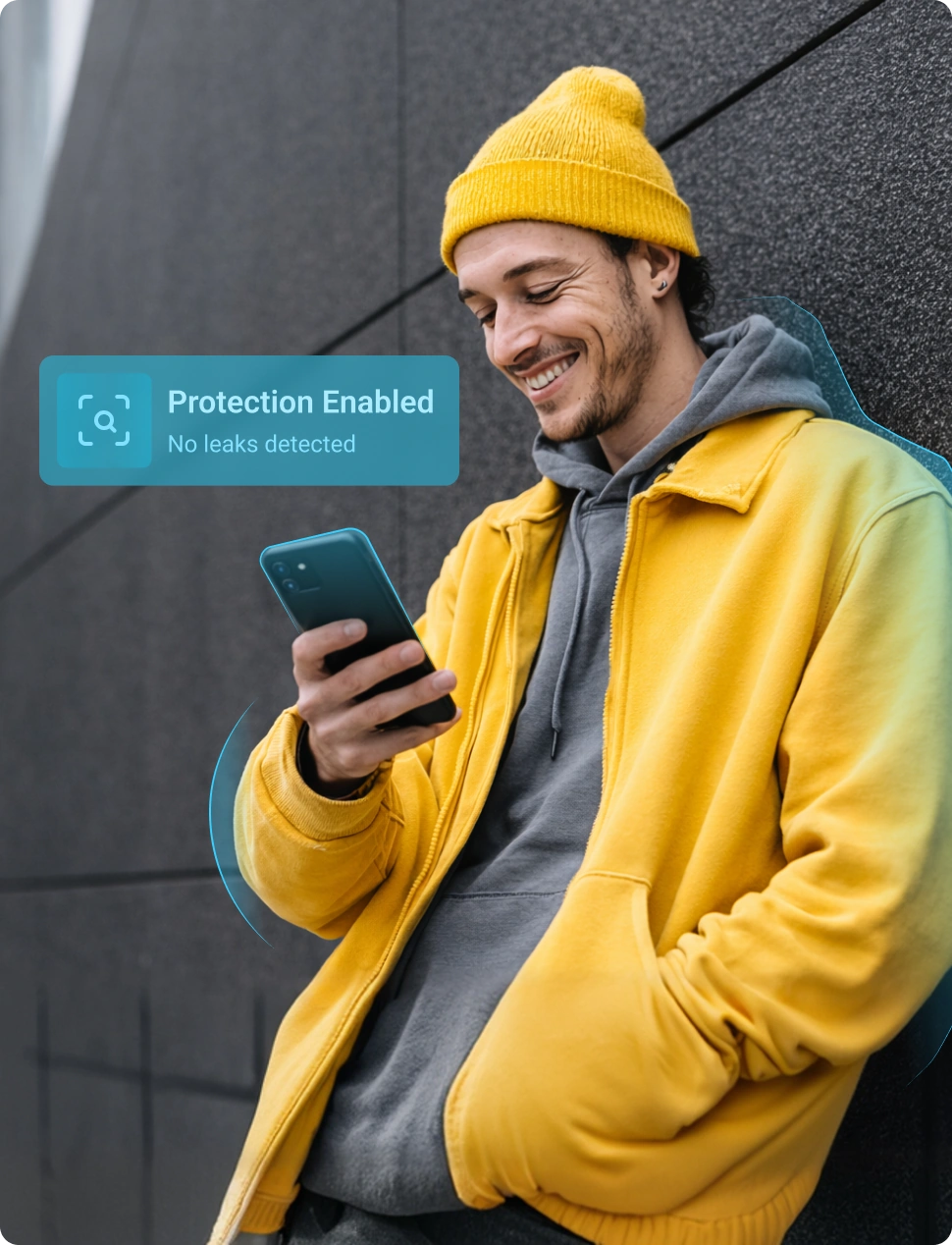
ApexGuard protects your connection while ThreatShield reduces exposure to risky sites, fraudulent pages, and suspicious destinations.

Privacy-First Security
ThreatShield is aligned with ApexGuard’s strict no-logs design and Swiss privacy standards, so safer browsing does not come at the cost of trust.

Anti-Phishing Layer
Prevents access to fake login pages and deceptive websites that capture passwords, payment details, or personal information.

Tracker Blocking
Stops many of the trackers, scripts, and hidden elements that monitor your activity, build profiles, and follow you around the web.

Built into Your VPN
ThreatShield works inside the ApexGuard experience, giving users safer browsing without a separate security app or complex setup.

Trust Foundation
ApexGuard combines Swiss privacy standards, active ISO 27001 security controls, and a PCI-audited environment for sensitive data handling.
Independently Verified Security Standards
ThreatShield is part of the wider ApexGuard privacy and security platform. It adds everyday browsing protection on top of a VPN experience built around strict no-logs principles, Swiss privacy standards, active security controls, and verified operational standards.
Privacy-First by Design
ThreatShield reduces exposure to online threats without compromising the private browsing experience users expect from ApexGuard protection.
Verified Security Standards
ApexGuard operates with active ISO 27001 security controls and a PCI-audited environment for handling sensitive user data, including payment information.

Protected from Day One
ThreatShield is included with ApexGuard, so users can start reducing exposure to risky websites, tracking networks, and phishing threats immediately.
You May Still Be Wondering
Frequently Asked Questions
What is ThreatShield?
ThreatShield is ApexGuard’s built-in threat protection feature. It blocks harmful websites, reduces trackers, and protects against common online threats while you browse. It runs quietly in the background and requires no separate app or setup to stay active.
What does ThreatShield help block?
ThreatShield blocks known malicious domains, phishing pages, intrusive trackers, suspicious links, and risky online destinations before they load. This means harmful content is stopped at the connection level, before it has a chance to reach your device or interrupt your browsing session.
Does ThreatShield work without the VPN enabled?
ThreatShield is part of the ApexGuard protection experience. Availability may vary by platform and whether the VPN connection is active. Where supported, it runs alongside your VPN and can be managed directly from the ApexGuard app settings.
Will ThreatShield slow down my internet speed?
ThreatShield is built to run efficiently in the background and is designed to add protection without noticeably affecting everyday browsing. Checks run at the connection level so streaming, downloads, and everyday sessions stay smooth and uninterrupted.
Does ThreatShield block all ads and trackers?
ThreatShield is designed to block many intrusive trackers, harmful domains, and unwanted elements. No protection tool can guarantee every ad, tracker, or risky page will be blocked.
Where is ThreatShield available?
ThreatShield is available on supported ApexGuard apps for Windows, macOS, iOS, Android, and browser environments. Availability may vary by device, OS, and app version. You can manage ThreatShield from the ApexGuard app settings where supported.
Does ThreatShield replace antivirus software?
No. ThreatShield reduces exposure to high-risk websites, phishing pages, trackers, and suspicious destinations, but it does not replace antivirus software or safe handling of unknown files.
How do I enable ThreatShield?
You can enable ThreatShield from the ApexGuard app settings and manage supported protection options there. Open the app, go to settings, and turn ThreatShield on. It activates immediately and runs quietly in the background without extra configuration.
Is ThreatShield included with ApexGuard?
Yes. ThreatShield is included with ApexGuard on supported apps and platforms, giving you safer browsing protection as part of your VPN experience. No separate subscription or add-on is needed. It is included in every ApexGuard plan from day one.
Does ThreatShield track my browsing?
No. ThreatShield is designed to reduce exposure to risky destinations while staying aligned with ApexGuard’s strict no-logs privacy model. Harmful websites, phishing pages, and trackers are blocked to protect your browsing, not to build a record of your online activity.
Download Apex VPN
Get Apex for Windows, macOS, Linux, or get it from App Store or Google Play.
Install the App
Launch the installer file and follow the on-screen setup instructions.
Enjoy Your Online Privacy
Open Apex VPN, log in or sign up, and connect to your desired server.
Apexguard System Requirements by Platform
ApexGuard delivers refined privacy across modern devices without demanding high-end hardware, keeping protection accessible, seamless, and consistent every day.
Desktop devices:
OS Version:
macOS 13.5 Ventura or newer
Device:
Mac Mini, Mac Studio, Mac Pro, iMac, MacBook Air, and MacBook Pro
Disk Space:
~40 MB
Architecture:
Intel x86_64 or Apple Silicon (universal)
OS Version:
Windows 10 (64-bit, version 1607 and later) and Windows 11
RAM:
At least 1 GB
Disk Space:
~60 MB
Architecture:
64-bit
Supported Distros:
Debian, Ubuntu, and Fedora
RAM:
At least 1 GB
Disk Space:
~40 MB
Architecture:
64-bit
Additional:
libglib2.0, libgtk-3, and curl installed
Mobile devices:
OS Version:
iOS 15.6 or newer
Device:
iPhone, iPad, or iPod Touch 7th gen
Disk Space:
~50 MB
Other:
Internet connection required for full functionality
OS Version:
Android 9.0 or newer
Device:
Smartphone or tablet
Disk Space:
~50 MB
Other:
Network access, storage (for config/cache)
Browse Safer with ApexGuard ThreatShield
Block harmful websites, reduce tracking, and browse with greater confidence every day. ThreatShield is included with ApexGuard, giving you more than a VPN connection: risk-aware protection, stronger privacy, and safer browsing from day one.
Get ApexGuard