From 0 EUR

2.58 EUR mo.  + 3  Months Free

devices 1 Account

See All Plans

30-Day Money-Back Guarantee

Receive a full refund if ApexGuard doesn’t meet your expectations.

Special Offer | Save 67%
GET APEX

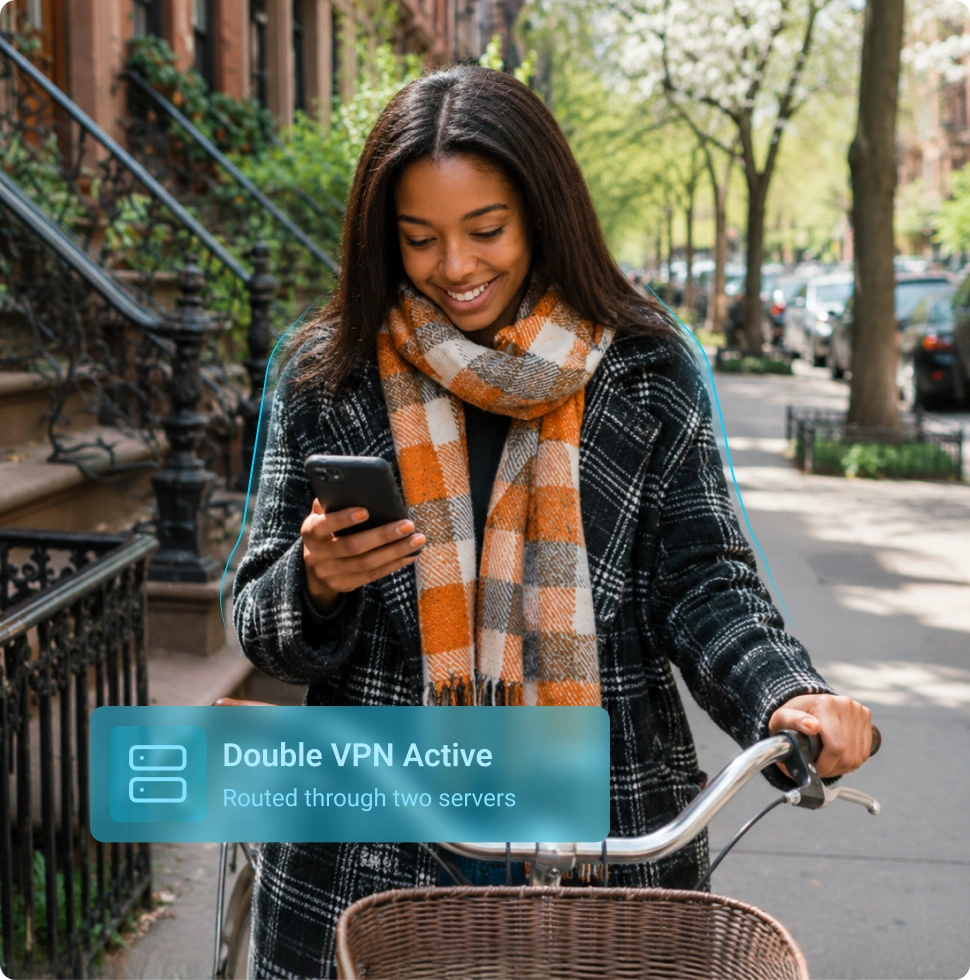
Double VPN Protection by Default

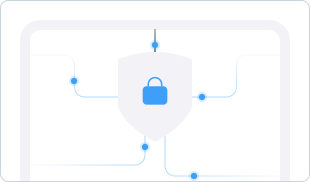
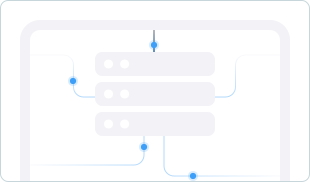
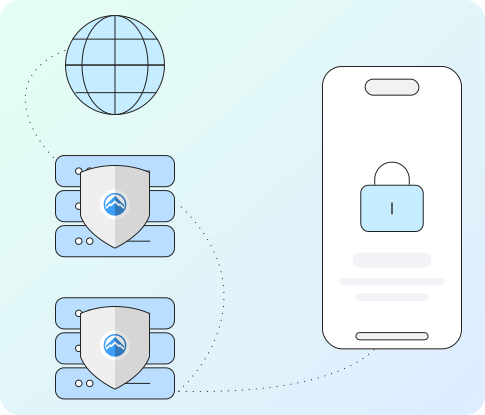
ApexGuard routes every connection through two encrypted VPN servers, protecting your real IP at entry while websites and apps only see the exit server IP.

  • Double VPN included by default
  • Traffic routed through two encrypted VPN nodes
  • Built on strict no-logs architecture
  • Protected by Swiss privacy standards

From 0 EUR

2.58 EUR mo.  + 3  Months Free

devices 1 Account

Get ApexGuard

30-Day Money-Back Guarantee

Receive a full refund if ApexGuard doesn’t meet your expectations.

What Is Double VPN?

Double VPN creates a stronger privacy path by routing traffic through two encrypted servers: first a nearby entry server, then a second VPN server before reaching websites or apps.

This layered route separates your device, real IP, network provider, and online activity. ApexGuard adds a second encrypted relay for public Wi-Fi, travel, remote work, and higher-privacy browsing.

With standard or free VPN services, your device uses one encrypted tunnel to one server. Your ISP can see the VPN server country, exposing part of your traffic destination pattern.
How Double VPN Works

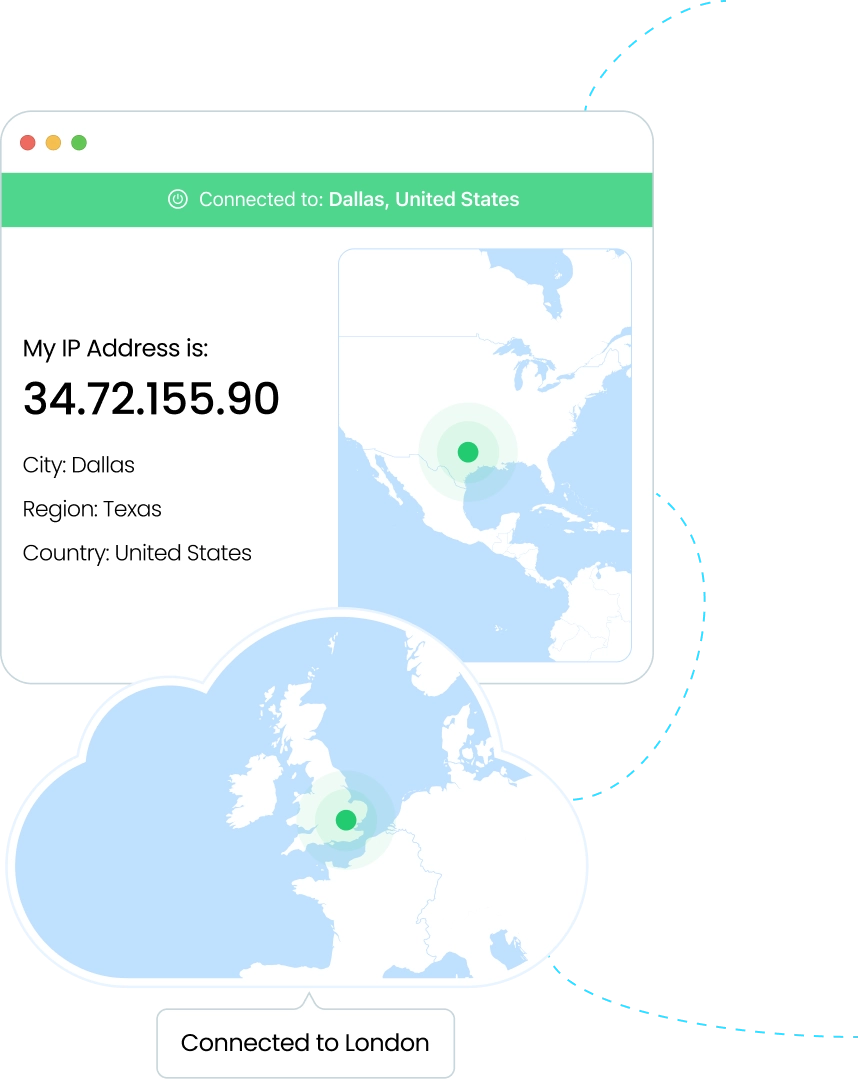
ApexGuard Double VPN uses an entry-and-exit server model: your ISP sees the entry connection, while websites and apps see only the exit server IP, not your real IP.

1. Your Device

You connect to ApexGuard to start a secure session

2. Entry VPN Server

Your traffic is fully encrypted and your real IP is masked

3. Exit VPN Server

Your traffic goes through an extra layer of encryption and exits via VPN IP

4. Internet

Websites and apps see the exit server IP, not your real IP

What Each Server Sees

Double VPN strengthens privacy by separating your entry point from your exit point, so no single layer has the full picture of both where your connection starts and where it appears online.

Information

Entry Server

Exit Server

Websites & Apps

Your device connection
Your real IP address
Final websites/apps you access
ApexGuard exit server IP address
ApexGuard separates your real network, visible exit location, and browsing activity, helping your connection stay more private, controlled, and harder to trace.
Get ApexGuard

Why Use Double VPN?

Double VPN adds stronger privacy than a standard VPN by separating your original connection from the final VPN server that reaches the internet.

Stronger IP Separation

Your real IP address is hidden before your traffic reaches the second VPN server, creating more distance between your device and the websites you visit.

Two Encrypted VPN Relays

Your traffic passes through two secure VPN servers instead of one, giving you an additional encrypted relay before it reaches the internet.

Shared Networks

Get stronger protection on hotel, airport, café, campus, coworking, and unsecured public Wi-Fi networks where your connection may be more exposed.

Built-In Double VPN

ApexGuard includes Double VPN by default, giving every connection stronger privacy without extra setup or activation.

When You Benefit from Double VPN

ApexGuard includes Double VPN by default, so stronger privacy separation is already active when you use public Wi-Fi, travel, work remotely, or browse more sensitive content.

Public Wi-Fi, Shared Networks

Stay better protected on airports, cafés, hotels, train stations, libraries, coworking spaces, and other public shared networks.

Sensitive Browsing

Protect privacy when researching topics, accessing accounts, reading sensitive info, or when stronger privacy matters.

Travel and Remote Work

Maintain stronger privacy when using unfamiliar networks while traveling, working remotely, joining video calls, signing in, or accessing cloud tools.

Stronger Everyday Privacy

Use Double VPN by default across browsing, messaging, shopping, banking, streaming, and general online activity.

Standard or Double VPN?

A standard VPN uses one encrypted server connection. ApexGuard includes Double VPN by default, routing every connection through two servers for stronger separation.

Feature

ApexGuard Double VPN

Standard VPN

VPN server route
Two encrypted VPN servers
One VPN server
IP address protection
Masks your real IP with stronger separation
Masks your real IP address
ISP visibility
ISP sees only the entry connection path
ISP may see the VPN server country only
Visible online location
Exit VPN server location, separated from entry
Final VPN server location
Privacy separation
Stronger privacy separation by default
Good everyday privacy
Public Wi-Fi protection
Stronger protection on public shared networks
Strong protection
Traffic destination pattern
Better separation between entry and exit
More visible network connection pattern
Best for
Premium privacy, travel, public Wi-Fi, remote work, and sensitive browsing
Basic everyday privacy

What You Get with ApexGuard Double VPN

ApexGuard includes Double VPN by default, turning every connection into a stronger privacy path without extra setup or manual activation. Your traffic is routed through two encrypted VPN servers, helping protect your real network identity, control your visible exit location, and reduce direct exposure online.

Two Servers, One Simple Experience

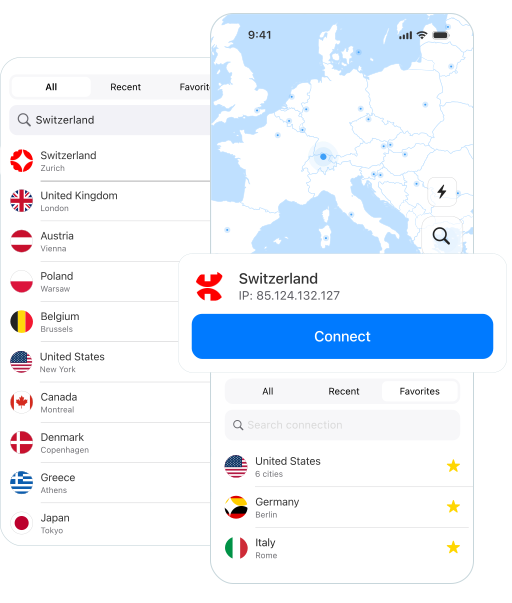
ApexGuard routes your traffic through a secure entry server and a separate exit server, while keeping the experience simple and seamless inside the app.

Stronger Privacy Separation

Your real IP address is protected at the entry point, while websites and apps only see the exit server IP address.

Swiss Privacy Foundation

Built in Switzerland, ApexGuard operates under a privacy-focused legal framework with Swiss FADP-aligned data handling.

Strict No-Logs Protection

ApexGuard is designed not to retain browsing history, visited websites, or IP activity logs, keeping your activity private and secure.

Apex-Owned VPN Infrastructure

Privately managed infrastructure gives ApexGuard stronger control over privacy, security, routing, and performance while reducing unnecessary third-party exposure.

The Standards Behind ApexGuard

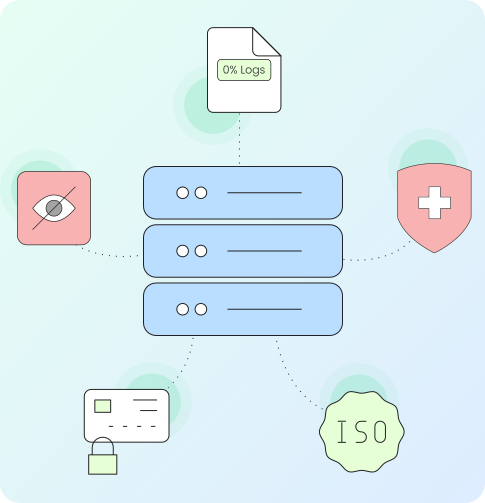
ApexGuard combines double VPN routing with a privacy-first operating model, Swiss legal standards, strict no-logs architecture, and verified security practices.

  • Strict no-logs architecture — no browsing history, visited sites, or IP activity logs are retained as part of the VPN service.
  • Swiss privacy standards — data handling is guided by Swiss FADP principles and responsible privacy operations.
  • ISO 27001-aligned controls — security operations are supported by structured access control, risk oversight, and continuous operational improvement.
  • PCI-audited environment — sensitive data is handled within a security environment designed for stronger operational protection.
  • Apex-owned infrastructure — privately managed VPN infrastructure helps reduce unnecessary third-party exposure.

Fast, Stable Privacy Across Your Devices

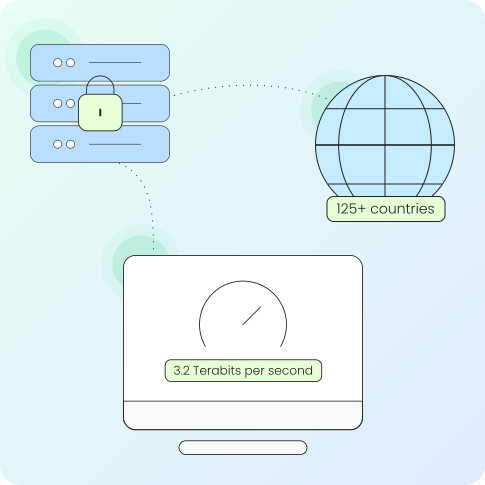
ApexGuard keeps Double VPN fast, stable, and simple to use, with a two-server privacy path supported by global infrastructure for browsing, work, shopping, banking, travel, and streaming.

With servers across 125+ countries and up to 3.4 Tb/s private network capacity, ApexGuard delivers flexible privacy protection across desktop, mobile, and browser platforms.

One account protects unlimited devices, so stronger privacy follows you wherever you connect.

Why ApexGuard Double VPN Is Different

ApexGuard makes Double VPN part of the default connection, routing every session through two encrypted servers while keeping the experience simple, fast, and effortless.

Double VPN by default

Stronger privacy separation is built into every connection.

Swiss privacy standards

Data handling is guided by a privacy-focused legal framework.

Strict no-logs architecture

Browsing history, visited websites, and IP activity logs are not retained.

Apex-owned infrastructure

Private infrastructure gives more control over routing, security, and speed.

Verified security controls

ISO 27001-aligned controls and PCI-audited handling strengthen security.

Unlimited devices

One account protects all your devices without restrictive limits.

You May Still Be Wondering

Frequently Asked Questions

Frequently Asked Questions FAQ
How to get Apex How to install
System requirements Requirements

What is Double VPN?

Double VPN is a privacy feature that routes your internet traffic through two VPN servers. ApexGuard includes it by default to separate your real network, visible exit location, and online activity.

How does Double VPN work?

Your connection enters a secure entry server, then passes through a second encrypted exit server. Websites and apps see the exit server IP, not your real IP.

What is the difference between the entry server and exit server?

The entry server is the first VPN server your device reaches and protects your real IP. The exit server reaches the internet, so websites see its IP instead of your network.

Can I choose my Double VPN route?

ApexGuard uses available Double VPN routes with an entry server and an exit server. Route availability may vary by platform, region, and network status.

Is Double VPN more private than a standard VPN?

Yes, ApexGuard Double VPN is more private than a standard VPN because it uses two encrypted servers, creating stronger separation between your device, ISP-visible path, and activity.

When should I use Double VPN?

Double VPN is most useful on public Wi-Fi, shared networks, while traveling, during remote work, when accessing sensitive accounts, or anytime you want stronger privacy separation.

Will Double VPN slow my connection?

ApexGuard is built for stable browsing, banking, shopping, streaming, travel, and remote work. Because Double VPN uses two servers, speed can vary by route, region, network, and device.

Does ApexGuard keep logs when I use Double VPN?

No. ApexGuard is built around strict no-logs architecture and is designed not to store browsing history, visited websites, or IP activity logs.

Step 1

Download Apex VPN

Get Apex for Windows, macOS, Linux, or get it from App Store or Google Play.

Step 2

Install the App

Launch the installer file and follow the on-screen setup instructions.

Step 3

Enjoy Your Online Privacy

Open Apex VPN, log in or sign up, and connect to your desired server.

Apexguard System Requirements by Platform

ApexGuard delivers refined privacy across modern devices without demanding high-end hardware, keeping protection accessible, seamless, and consistent every day.

Desktop devices:

MacOS:

OS Version:

macOS 13.5 Ventura or newer

Device:

Mac Mini, Mac Studio, Mac Pro, iMac, MacBook Air, and MacBook Pro

Disk Space:

~40 MB

Architecture:

Intel x86_64 or Apple Silicon (universal)

Windows:

OS Version:

Windows 10 (64-bit, version 1607 and later) and Windows 11

RAM:

At least 1 GB

Disk Space:

~60 MB

Architecture:

64-bit

Linux:

Supported Distros:

Debian, Ubuntu, and Fedora

RAM:

At least 1 GB

Disk Space:

~40 MB

Architecture:

64-bit

Additional:

libglib2.0, libgtk-3, and curl installed

Mobile devices:

iOS:

OS Version:

iOS 15.6 or newer

Device:

iPhone, iPad, or iPod Touch 7th gen

Disk Space:

~50 MB

Other:

Internet connection required for full functionality

Android:

OS Version:

Android 9.0 or newer

Device:

Smartphone or tablet

Disk Space:

~50 MB

Other:

Network access, storage (for config/cache)

Try ApexGuard Double VPN Risk-Free

Get stronger privacy by default without complicated setup. Connect in seconds and protect browsing, shopping, banking, travel, streaming, remote work, and public Wi-Fi.

Get ApexGuard
30-day money-back guarantee