
From 10.52 USD

3.27 USD mo.  + 3  Months Extra

10 devices 1 User

See All Plans

30-Day Money-Back Guarantee

Receive a full refund if ApexGuard doesn’t meet your expectations.

Special Offer | Save 60%
GET APEX

Swiss-Built VPN Security

Stay private on public Wi-Fi, home networks, and mobile connections with a VPN built to protect your traffic before it reaches the open internet. ApexGuard keeps your real IP address hidden, your browsing requests inside the VPN tunnel, and your activity out of logs.

  • AES-256 encryption
  • Double VPN By Default
  • RAM-Only Server Architecture
  • ISO 27001 Audited Swiss Infrastructure

From 10.52 USD

3.27 USD mo.  + 3  Months Extra

10 devices 1 User

Get Apex

30-Day Money-Back Guarantee

Receive a full refund if ApexGuard doesn’t meet your expectations.

What a Secure VPN Does

ApexGuard gives every session a secure path to the internet. Your connection is encrypted before traffic leaves your device, your real IP address is replaced with a VPN server IP, and built-in safeguards keep private traffic from escaping outside the tunnel. The result is simple: safer browsing on public Wi-Fi, less exposure to trackers, cleaner server privacy, and a VPN experience designed to stay protected in the background.

Encrypts Your Internet Traffic

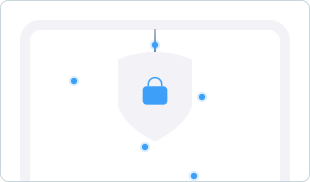
AES-256 encryption keeps your browsing, streaming, banking, messaging, shopping, and work activity unreadable inside the VPN tunnel.

Hides Your Real IP Address

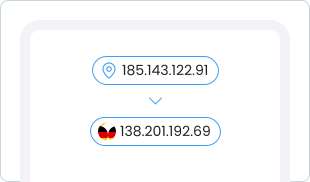
Websites and apps see an ApexGuard server IP instead of your real IP address, keeping your network identity separate from the services you access.

Prevents Data Leaks

Leak prevention keeps DNS requests, IPv6 traffic, WebRTC signals, and your real IP address inside the encrypted VPN tunnel.

Protects Against Connection Drops

The kill switch blocks internet traffic if the VPN connection drops, preventing your real IP address or unencrypted data from being exposed.

How ApexGuard Protects Your Connection

When you connect to ApexGuard, your traffic enters a secure VPN tunnel where encryption, IP masking, leak prevention, and automatic safeguards work together throughout the session.

1. You Connect To ApexGuard

Open the app and instantly start a secure VPN session.

2. Your Traffic Is Encrypted

ApexGuard protects your internet traffic with AES-256 encryption.

3. Your IP Address Is Hidden

Websites and apps see the VPN server IP instead of your real IP address.

4. Your Connection Stays Protected

DNS, IPv6, and WebRTC protection work with the kill switch, maintaining privacy.

Fast and Secure Servers

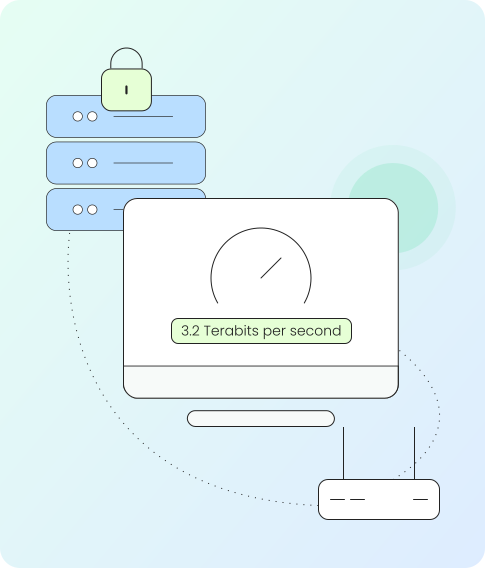
ApexGuard runs on a premium VPN network designed for private, stable, high-speed access across regions. RAM-only servers, Double VPN routing, proprietary path selection, and 3.2 Tbps of capacity work together to keep sessions fast and private.

RAM-Only Servers

ApexGuard servers run on volatile memory and clear operational session data when they restart, keeping the server environment clean by design.

Double VPN by Default

Every connection passes through an added privacy layer before reaching the internet, giving you Double VPN protection without specialty server selection.

Intelligent Connection Paths

Proprietary routing intelligence selects fast, stable network paths for browsing, streaming, work, travel, downloads, and daily VPN use.

Global High-Capacity Network

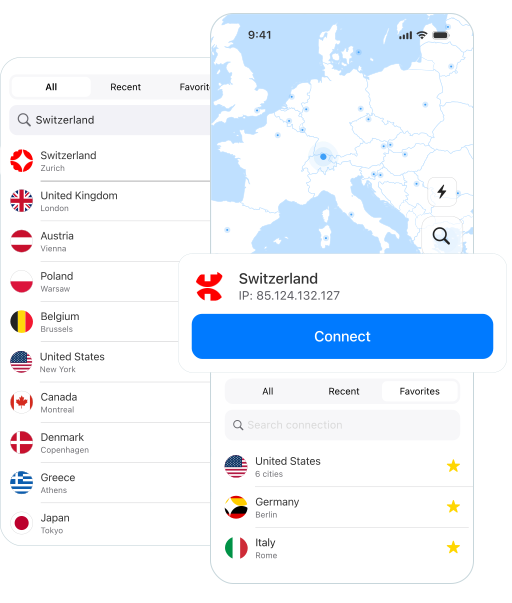
ApexGuard gives you access to VPN locations across 120+ countries, backed by 3.2 Tbps of capacity for smooth private access across regions.
Protection Built Into Your VPN

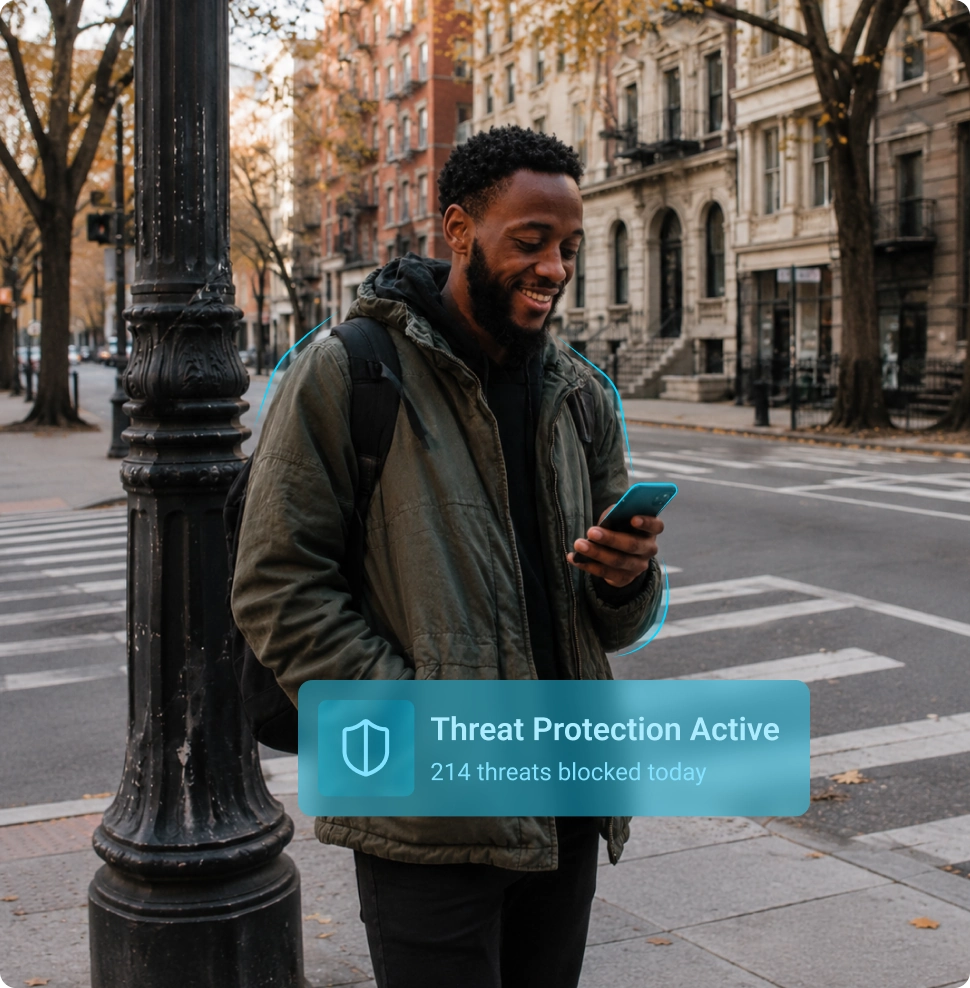
ThreatShield adds website-level protection to ApexGuard by blocking malware, phishing pages, trackers, and suspicious links as part of your VPN experience. It gives everyday browsing a cleaner security layer without requiring a separate tool.

Malware Blocking

ApexGuard blocks malicious websites that attempt to load unsafe pages, redirects, or harmful online resources.

Phishing Protection

Fake login pages and scam websites are stopped when they try to collect passwords, payment details, or personal information.

Tracker Blocking

Trackers, intrusive scripts, and background requests are blocked while you browse, reducing the data advertisers and third parties collect.

Risky Link Protection

Suspicious links are checked as they open, stopping unsafe destinations from turning one wrong click into a larger problem.

The Standards Behind ApexGuard

ApexGuard combines consumer VPN protection with infrastructure and data-handling standards built for trust. Swiss privacy law, ISO 27001 audited Swiss controls, PCI-audited sensitive data handling, and strict no logs give the service a clear security foundation beyond the app interface.

Swiss Privacy Laws

ApexGuard operates under Swiss privacy laws, giving data handling and privacy controls a clear legal foundation.

PCI-Audited Environment

A PCI-audited environment supports controlled handling of sensitive payment and account-related workflows.

Strict No Logs Policy

ApexGuard does not keep logs of browsing history, visited websites, DNS requests, traffic content, or online activity.

30-Day Money-Back Guarantee

Every plan includes a 30-day money-back guarantee, so you can start with confidence and experience ApexGuard on your own devices.

macOS

Windows

Linux

Chrome

Firefox

Edge

iOS

Android

Download

Secure VPN for All Your Devices

Use ApexGuard across the devices you rely on every day. One account gives you secure VPN protection for desktop, mobile, browser, and connected-device environments.

  • Desktop

    Protect Windows, macOS, and Linux devices with encrypted VPN connections, leak prevention, kill switch security, and fast private browsing.

  • Browser

    Use ApexGuard on Chrome, Firefox, and Edge for private browsing protection and WebRTC leak prevention.

  • Mobile

    Stay protected on Android and iOS while switching between mobile data, home Wi-Fi, airport Wi-Fi, hotel networks, cafés, and public hotspots.

  • TVs and Smart Devices

    Bring private, stable VPN protection to entertainment and connected home devices.

Download Apex

Every Protection Feature in One VPN

ApexGuard combines core VPN security with stronger privacy architecture, Swiss governance, and built-in browsing protection. AES-256 encryption, Double VPN by default, RAM-only servers, DNS/IPv6/WebRTC leak prevention, kill switch safeguards, ThreatShield, strict no logs, and audited security controls work together to reduce exposure across everyday browsing, public Wi-Fi, work, travel, and streaming.

ApexGuard Security Layer

Why It Matters

AES-256 Encryption
Protects traffic before it reaches public Wi-Fi, ISPs, or the open internet.
Double VPN by Default
Adds an extra privacy layer without requiring specialty server selection.
RAM-Only Servers
Clears operational session data when servers restart.
Leak Prevention
Helps prevent DNS, IPv6, WebRTC, and real IP exposure.
Kill Switch
Blocks unencrypted traffic if the VPN drops.
ThreatShield
Blocks malware, phishing pages, trackers, risky links, and suspicious destinations.
Swiss Trust Framework
Combines Swiss privacy law, strict no logs, ISO controls, and PCI-audited handling.

You May Still Be Wondering

Frequently Asked Questions

Frequently Asked Questions FAQ
How to get Apex How to install
System requirements Requirements

What encryption does ApexGuard use?

ApexGuard uses AES-256 VPN encryption to protect traffic between your device and the ApexGuard VPN network, helping keep your connection secure on home networks, mobile connections, public Wi-Fi, and shared networks.

Does ApexGuard keep logs?

No. ApexGuard is built around strict no-logs architecture and does not keep logs of browsing history, visited websites, DNS requests, traffic content, or online activity. What you do online while connected is not collected, stored, or linked back to your account.

Does ApexGuard use RAM-only servers?

Yes. ApexGuard servers run on volatile memory, meaning operational session data is cleared when servers restart. This helps keep the server environment cleaner by design and reduces the risk of session data persisting between connections or remaining after a restart.

What is Double VPN?

Double VPN routes traffic through an added privacy layer before it reaches the public internet. ApexGuard includes Double VPN protection by default, so every connection benefits from stronger privacy separation without specialty server selection.

What is DNS/IPv6/WebRTC leak prevention?

DNS/IPv6/WebRTC leak prevention helps keep DNS requests, IPv6 traffic, browser-level WebRTC signals, and real IP details from being exposed outside the VPN tunnel. These protections help keep sensitive connection details inside the encrypted VPN path.

What does the VPN kill switch do?

The VPN kill switch blocks internet traffic if the VPN connection drops, helping prevent your real IP address, DNS requests, or unencrypted data from being exposed by mistake. It works automatically in the background without requiring any manual action.

What is ThreatShield?

ThreatShield helps block harmful websites, phishing pages, trackers, risky links, and suspicious destinations before they load, adding an extra security layer to everyday browsing. It runs quietly in the background without any extra setup required.

Is ApexGuard safe on public Wi-Fi?

Yes. ApexGuard protects public Wi-Fi activity with VPN encryption, IP masking, DNS/IPv6/WebRTC leak prevention, kill switch safeguards, ThreatShield, and tracker blocking. These protections work together to keep your connection private on any shared network.

Step 1

Download Apex VPN

Get Apex for Windows, macOS, Linux, or get it from App Store or Google Play.

Step 2

Install the app

Launch the installer file and follow the on-screen instructions.

Step 3

Enjoy your online privacy

Open Apex VPN, log in or sign up, and connect to your desired server.

Apexguard System Requirements by Platform

ApexGuard delivers refined privacy across modern devices without demanding high-end hardware, keeping protection accessible, seamless, and consistent every day.

Desktop devices:

MacOS:

OS Version:

macOS 13.5 Ventura or newer

Device:

Mac Mini, Mac Studio, Mac Pro, iMac, MacBook Air, and MacBook Pro

Disk Space:

~40 MB

Architecture:

Intel x86_64 or Apple Silicon (universal)

Windows:

OS Version:

Windows 10 (64-bit, version 1607 and later) and Windows 11

RAM:

At least 1 GB

Disk Space:

~60 MB

Architecture:

64-bit

Linux:

Supported Distros:

Debian, Ubuntu, and Fedora

RAM:

At least 1 GB

Disk Space:

~40 MB

Architecture:

64-bit

Additional:

libglib2.0, libgtk-3, and curl installed

Mobile devices:

iOS:

OS Version:

iOS 15.6 or newer

Device:

iPhone, iPad, or iPod Touch 7th gen

Disk Space:

~50 MB

Other:

Internet connection required for full functionality

Android:

OS Version:

Android 9.0 or newer

Device:

Smartphone or tablet

Disk Space:

~50 MB

Other:

Network access, storage (for config/cache)

Secure Your Connection With ApexGuard

Protect your devices with a secure VPN built for private browsing, safer public Wi-Fi, hidden IP protection, leak prevention, ThreatShield, RAM-only servers, Double VPN, and strict no logs.

Get Started