

From 0 EUR

2.58 EUR mo.  + 3  Months Free

devices 1 Account

See All Plans

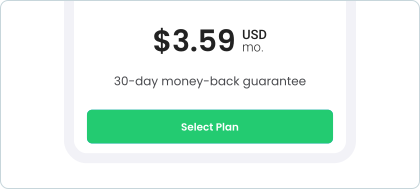
30-Day Money-Back Guarantee

Receive a full refund if ApexGuard doesn’t meet your expectations.

Special Offer | Save 67%
GET APEX

Smart Play for Smoother and Private Streaming

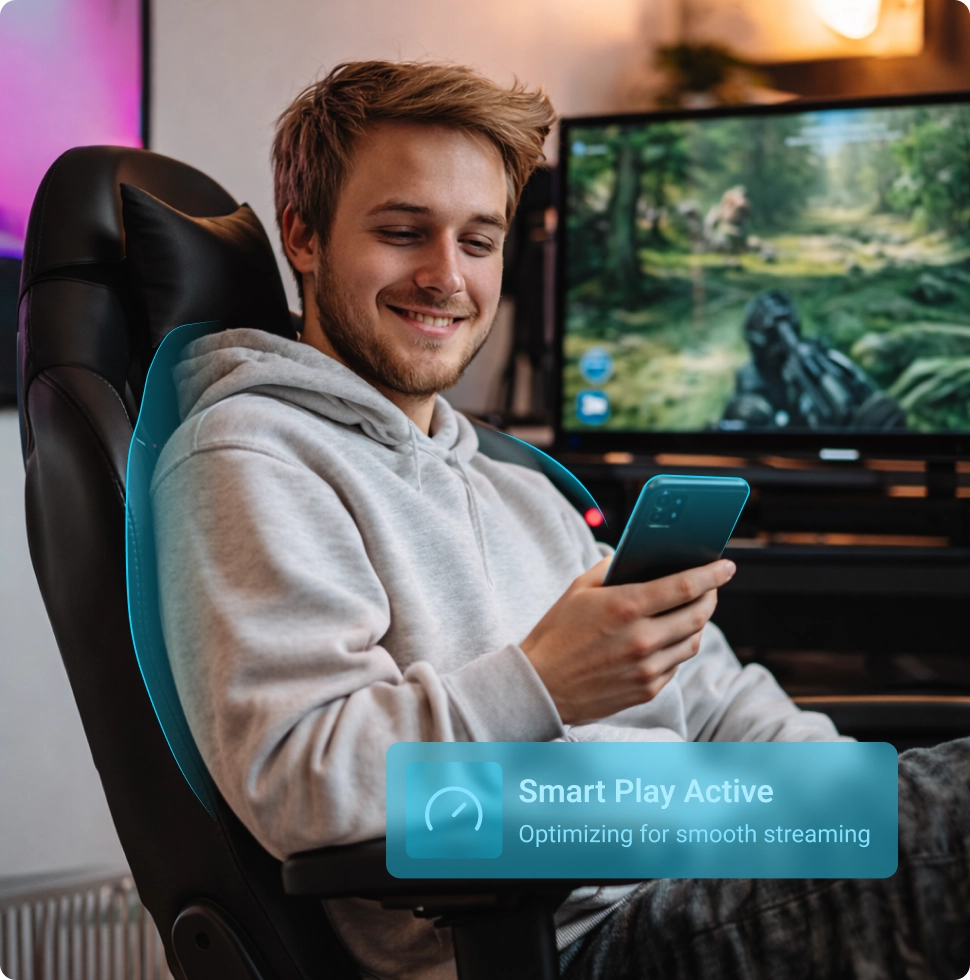
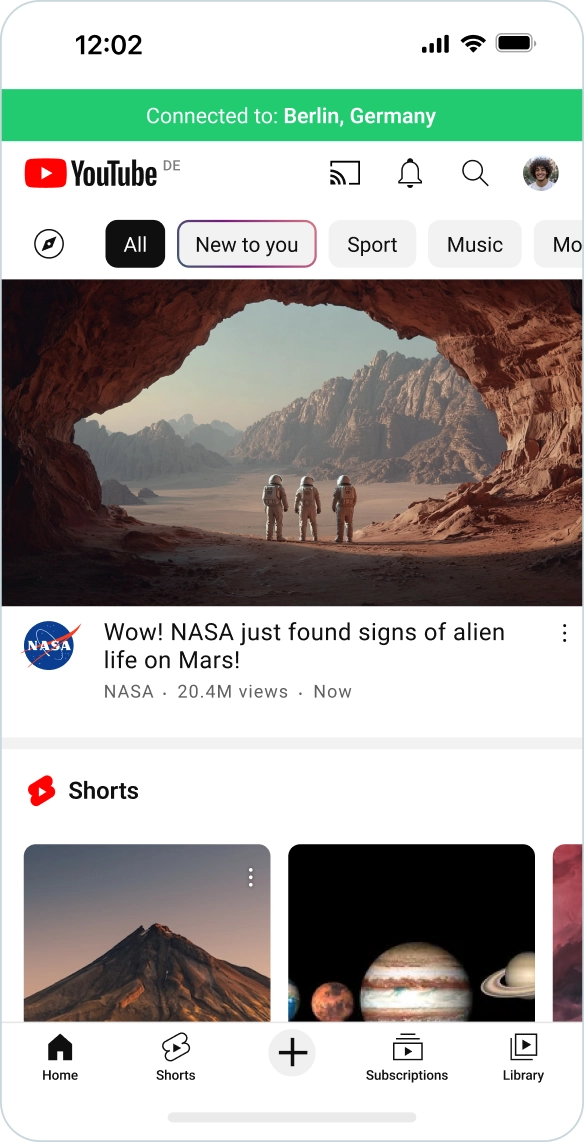
Stream, browse, and use online services with ApexGuard privacy active. Smart Play runs inside your VPN, cutting manual switching, supporting HD and 4K playback, and keeping your real IP safe.

  • Built into every ApexGuard plan
  • No separate Smart DNS setup
  • Unlimited streaming data
  • 125+ countries for flexible access

From 0 EUR

2.58 EUR mo.  + 3  Months Free

devices 1 Account

Get ApexGuard

30-Day Money-Back Guarantee

Receive a full refund if ApexGuard doesn’t meet your expectations.

Smart Play Enabled Selected optimal server

What Is Smart Play?

Smart Play activates automatically with ApexGuard, supporting smoother access to streaming platforms, websites, and online services while VPN privacy stays active.

Choose Your Region

ApexGuard locations across 125+ countries let you connect through the region that fits your needs, whether you are at home, traveling, or accessing familiar services abroad.

Keep Streaming Smooth

Smart Play reduces extra steps when platforms react differently to VPN connections, keeping ApexGuard privacy active without making streaming feel technical.

Stay Private by Design

Streaming and browsing stay inside the ApexGuard private environment, supported by strong encryption, IP masking, and DNS leak protection across all your devices.

Streaming on ApexGuard’s Privacy-First Infrastructure

ApexGuard’s Swiss privacy-first approach creates a stronger foundation than streaming tools alone. Smart Play keeps entertainment, browsing, and access protected by the same privacy standards.

  • Online activity is not tracked
  • Browsing history is not recorded
  • Real IP covered through ApexGuard
  • Traffic secured by strong encryption
  • Infrastructure built with privacy at its core
When a Full VPN Solution Makes a Difference

Smart Play weaves smoother access into the ApexGuard experience, covering streaming, accounts, shared networks, connected devices, and daily activity with VPN protection active.

Streaming Movies and Shows

Enjoy smoother streaming with ApexGuard protection running quietly in the background, with no buffering or setup needed.

Watching in HD or 4K

Use high-speed routing and unlimited data to support HD, 4K, and entertainment content without slowdowns or data caps.

Travel

Connect through ApexGuard locations across 125+ countries when using familiar services while traveling away from home.

Public Wi-Fi Use

Protect browsing, streaming, messaging, and account activity on shared networks in hotels, cafés, airports, campuses, and public spots.

Account Logins and Sensitive Pages

Use websites and online accounts with privacy active when signing in, shopping, paying, or entering sensitive information.

Smart TV and Media Use

Make movies, shows, live content, and media playback easier to use across entertainment devices and compatible network setups.

From Manual Switching to Smarter Access

Some services work better through specific regions or paths. Smart Play helps ApexGuard handle this in-app, reducing trial and error while keeping privacy active.

Smarter Connection Handling

Smart Play helps optimize the connection automatically, reducing the need to manually switch servers.

No Separate Setup

Once you connect through ApexGuard, Smart Play runs in the background with no setup required.

Steadier Entertainment Flow

Movies, shows, live content, browsing, and account access can feel smoother with less friction.

Access and Privacy Together

Smart Play keeps smooth access and ApexGuard privacy unified, bringing protection and convenience together.

Get Started with Smart Play

ApexGuard Smart Play is built directly into the connection. Choose your region, connect through ApexGuard, and Smart Play runs automatically with no separate setup or configuration.

Activate Your ApexGuard Account

Choose your ApexGuard plan and create your account for full VPN access.

Set Up ApexGuard on Your Device

Install ApexGuard on desktop or mobile or use the browser extension, then sign in.

Connect Through Your Selected Region

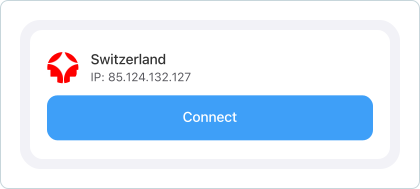
Choose your country or region. Once connected, Smart Play runs automatically.

Where Smart Play Works

Smart Play keeps ApexGuard seamless across daily devices and access points, from laptops and mobile data to browsers and home streaming, with privacy active.

Desktop Apps

Keeps streaming, browsing, work access, and account-based services easier to use on your main computer.

Mobile Apps

Supports smoother entertainment, messaging, shopping, payments, and account access on mobile networks, hotel Wi-Fi, airport Wi-Fi, cafés, and other shared connections.

Browser Use

Keeps browser-based streaming, websites, and online services smoother with Smart Play active inside ApexGuard.

Smart TVs and Media Devices

Keeps movies, shows, live content, and media playback easier to use across entertainment-focused devices and compatible network setups.

Router-Level Setup

Extends ApexGuard connection handling across configured networks, making Smart Play useful for households, shared screens, and devices without a dedicated ApexGuard app.

What Changes When Smart Play Is Built In

Smart Play is designed for moments when privacy protection and online access need to work together. It helps streaming, browsing, and travel use feel more consistent while staying built into the ApexGuard VPN experience.

Smart Play is designed for moments when privacy and access need to work together, keeping streaming, browsing, and travel more consistent within the ApexGuard VPN experience.

Download Apex

ApexGuard Smart Play

  • Private Environment

    Improves streaming and site access while privacy stays intact.

  • Streaming Optimization

    Reduces manual server switching and repeated connection testing.

  • Expansive Server Network

    Uses ApexGuard’s 125+ country locations for flexible access.

  • Automatic App Experience

    Enabled automatically whenever you are connected to ApexGuard.

  • Safer Streaming Protection

    Works with ApexGuard’s Kill Switch and ThreatShield features.

Standard VPN Connection

  • Standard Connection

    Sends traffic through a VPN tunnel with no streaming handling.

  • Platform-Dependent Access

    Streaming varies by server choice and platform VPN response.

  • Regular Server Routing

    Uses the chosen server location without auto-optimization.

  • Manual Troubleshooting

    Requires manually switching servers for any streaming issues.

  • Basic Protection

    Uses basic VPN encryption, no Smart Play or threat blocking.

Why Choose ApexGuard Smart Play?

Smart Play is part of the ApexGuard experience, helping you stream, browse, shop, work, pay, and connect with smooth access, strong privacy, encryption, IP masking, and device coverage.

Verified Security Standards

ApexGuard pairs Swiss privacy, ISO 27001 controls, and PCI-audited handling, stronger than access-only streaming tools.

All devices on one account

Extend ApexGuard across desktop, mobile, browser, and connected devices with unlimited coverage under one subscription.

Start risk-free

Every plan has a 30-day money-back guarantee to test speed, features, and daily experience before committing long term.

Flexible Platform Coverage

ApexGuard covers Windows, macOS, Linux, Android, iOS, Chrome, Firefox, and Edge for Smart Play on every device.

You May Still Be Wondering

Frequently Asked Questions

Frequently Asked Questions FAQ
How to get Apex How to install
System requirements Requirements

What is ApexGuard Smart Play?

ApexGuard Smart Play activates automatically when you connect through ApexGuard, helping streaming, websites, and services run smoother while VPN protection stays active.

Is Smart Play only used with streaming platforms?

No. Smart Play shines for streaming, but also covers travel, public Wi-Fi, account access, browsing, shopping, payments, and services that react differently to VPN connections.

Does Smart Play hide my IP address?

Yes. Smart Play works with ApexGuard IP masking, so your real IP address is not shown to the websites and services you access.

Do I need to set up Smart Play separately?

No. Smart Play works automatically once you connect through ApexGuard. Choose your country or region, connect through the app, and use your online services as usual.

Will Smart Play slow down streaming?

Smart Play is designed to support smoother access while ApexGuard protection remains active. ApexGuard also provides unlimited data and high-speed routing for HD and 4K entertainment.

Can I use Smart Play on multiple devices?

Yes. Smart Play works as part of the ApexGuard experience across compatible desktop, mobile, browser, Smart TV, media device, and router-based setups.

Is Smart Play included with ApexGuard?

Yes. Smart Play is included with every ApexGuard plan at no extra cost, including the monthly plan.

Step 1

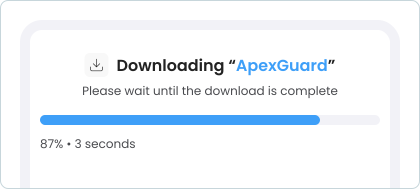
Download Apex VPN

Get Apex for Windows, macOS, Linux, or get it from App Store or Google Play.

Step 2

Install the App

Launch the installer file and follow the on-screen setup instructions.

Step 3

Enjoy Your Online Privacy

Open Apex VPN, log in or sign up, and connect to your desired server.

Apexguard System Requirements by Platform

ApexGuard delivers refined privacy across modern devices without demanding high-end hardware, keeping protection accessible, seamless, and consistent every day.

Desktop devices:

MacOS:

OS Version:

macOS 13.5 Ventura or newer

Device:

Mac Mini, Mac Studio, Mac Pro, iMac, MacBook Air, and MacBook Pro

Disk Space:

~40 MB

Architecture:

Intel x86_64 or Apple Silicon (universal)

Windows:

OS Version:

Windows 10 (64-bit, version 1607 and later) and Windows 11

RAM:

At least 1 GB

Disk Space:

~60 MB

Architecture:

64-bit

Linux:

Supported Distros:

Debian, Ubuntu, and Fedora

RAM:

At least 1 GB

Disk Space:

~40 MB

Architecture:

64-bit

Additional:

libglib2.0, libgtk-3, and curl installed

Mobile devices:

iOS:

OS Version:

iOS 15.6 or newer

Device:

iPhone, iPad, or iPod Touch 7th gen

Disk Space:

~50 MB

Other:

Internet connection required for full functionality

Android:

OS Version:

Android 9.0 or newer

Device:

Smartphone or tablet

Disk Space:

~50 MB

Other:

Network access, storage (for config/cache)

Upgrade Streaming With ApexGuard Smart Play

Get smoother streaming and everyday access as part of a complete VPN service: Swiss-built, verified, multi-device, designed for daily use.

Get ApexGuard
30-day money-back guarantee