From 10.52 USD

3.27 USD mo.  + 3  Months Extra

10 devices 1 User

See All Plans

30-Day Money-Back Guarantee

Receive a full refund if ApexGuard doesn’t meet your expectations.

Special Offer | Save 60%
GET APEX

Swiss Privacy in Your Pocket

Secure your phone and tablet across Wi-Fi, cellular, travel, and shared networks. ApexGuard encrypts mobile traffic, masks your real IP address, and protects everyday apps, browsing, payments, messages, streaming, and public Wi-Fi with one simple VPN.

  • Encrypt mobile traffic on every network
  • Mask your real IP address while connected
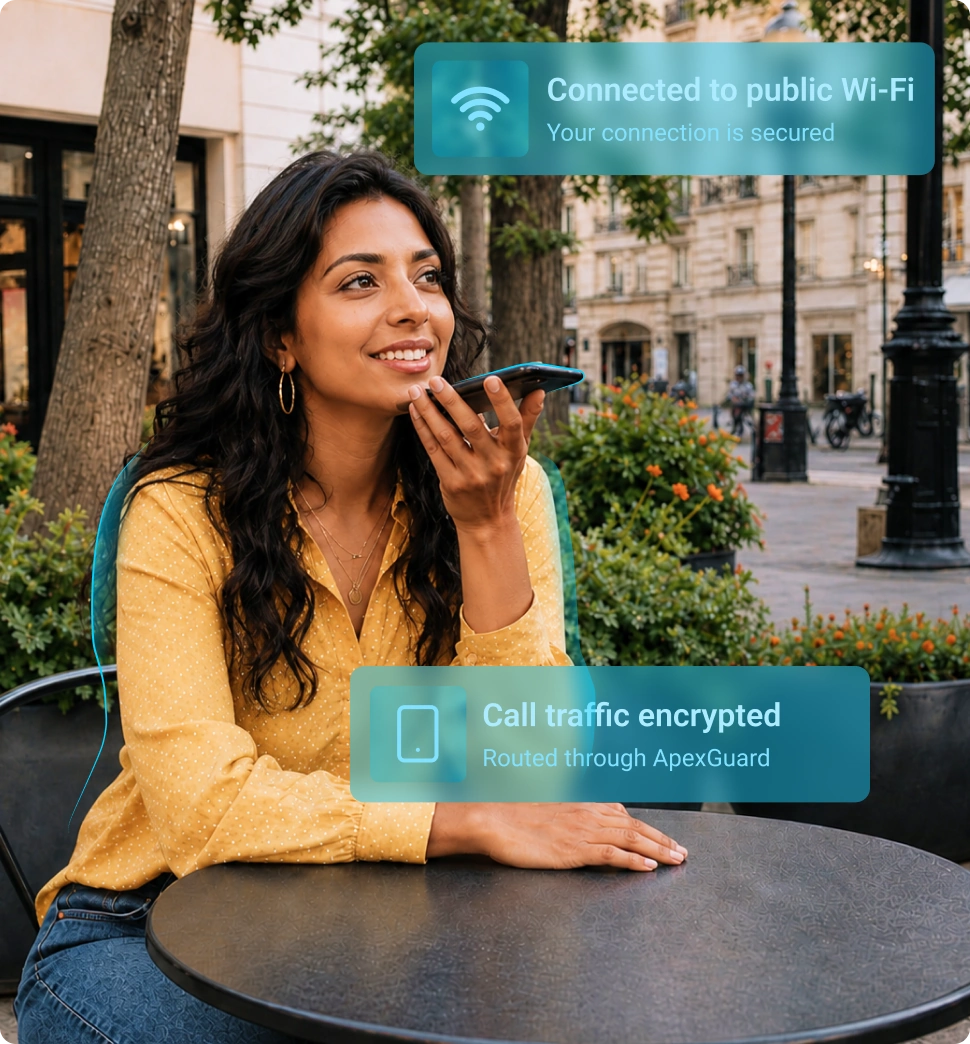
  • Protect activity on public Wi-Fi
  • Cover unlimited supported devices

From 10.52 USD

3.27 USD mo.  + 3  Months Extra

10 devices 1 User

Get Apex

30-Day Money-Back Guarantee

Receive a full refund if ApexGuard doesn’t meet your expectations.

How to Get ApexGuard on Mobile

ApexGuard is easy to install on iOS and Android, and downloading from official sources gives you the correct app, secure updates, and the latest supported version.

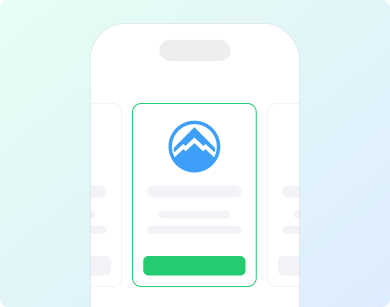
Choose your ApexGuard plan

Each ApexGuard plan includes unlimited-device protection and a 30-day money-back guarantee.

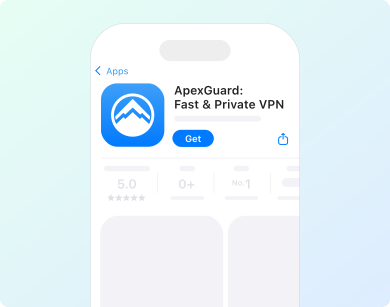
Install the official app

Download ApexGuard from the App Store for iPhone and iPad, or from Google Play for Android phones and tablets. Android users can also install the official APK.

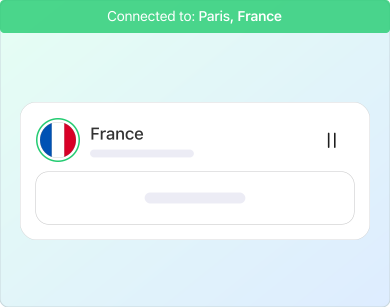
Sign In and Connect

Open the app, choose a VPN location, and tap connect to secure your mobile connection.

Install the ApexGuard Mobile App

Download ApexGuard for iOS, iPadOS, or Android and secure your mobile connection with one tap. Stay private on public Wi-Fi, hide your IP address, and browse with stronger protection wherever you connect.

What Is a Mobile VPN?

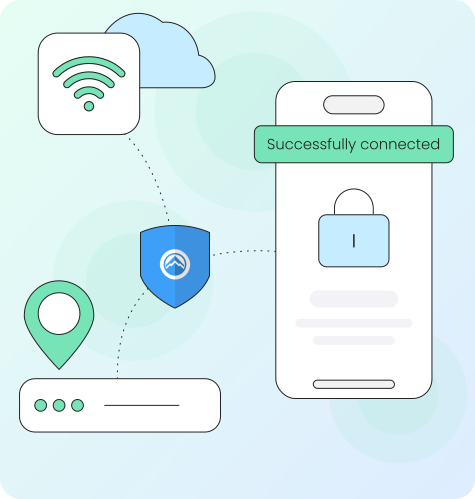
A mobile VPN protects the internet connection on your phone or tablet by creating an encrypted tunnel between your device and the VPN server, so websites and apps see the VPN server’s IP address instead of yours.

This matters most when your phone moves between home Wi-Fi, mobile data, and public Wi-Fi, because ApexGuard gives everyday mobile activity a private, encrypted path without complicated setup.

  • Stays connected as your phone switches between Wi-Fi and mobile data
  • Secures app traffic, not just your browser
  • Encrypts logins and payments on shared networks
  • Connects automatically when you join public Wi-Fi
  • One Accoubt works across every device you own
What ApexGuard Protects on Mobile

Your phone carries conversations, payments, work tools, accounts, and browsing all day. ApexGuard protects those mobile sessions with encrypted VPN access, IP masking, and secure global locations.

Protection Area

ApexGuard Protection

Public Wi-Fi
Encrypts traffic on public Wi-Fi in airports, cafés, hotels, stations, campuses, and coworking spaces.
Mobile Apps and Browsers
Masks your IP address while using browsers, search, messaging, email, cloud tools, and private accounts.
Payments and Account Access
Adds VPN protection before entering passwords, payment details, account information, or personal data on shared networks.
Travel and Regional Use
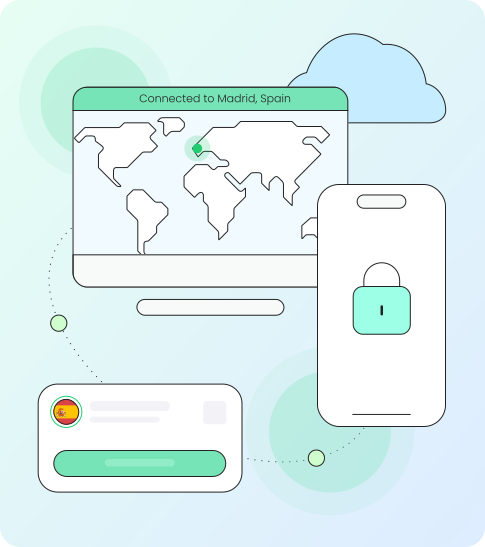
Lets you choose VPN locations in 120+ countries while abroad or away from your usual network.
Streaming, Calls, and Downloads
Keeps mobile streaming, video calls, downloads, and everyday app use smooth through high-capacity infrastructure.

Stay Encrypted On Every Network

ApexGuard protects your connection across home Wi-Fi, cellular data, and public networks. Stay encrypted as your device moves between the networks you use every day.

Auto-Connect on Public Wi-Fi

Set ApexGuard to connect automatically when you join public Wi-Fi.

Stable Mobile Reconnection

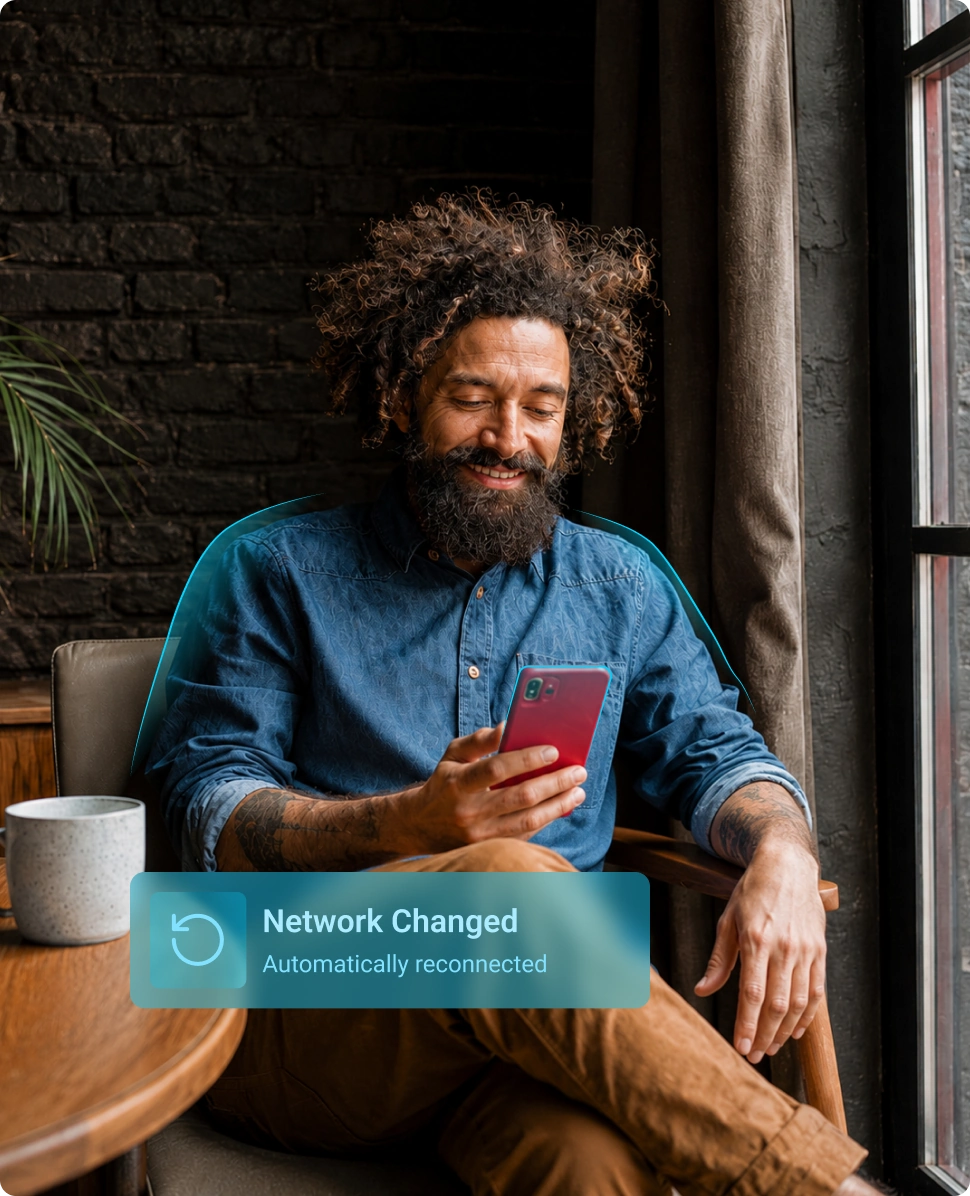
IKEv2/IPsec supports stable mobile VPN reconnection as devices move between Wi-Fi, cellular networks, and changing signal conditions.

VPN Kill Switch

A VPN kill switch blocks unencrypted traffic if the VPN connection drops, preventing real IP exposure during unstable Wi-Fi, mobile handoff, or reconnection.

Private Location Control

Change VPN regions for travel, account access, streaming, or private browsing without rebuilding your mobile setup.

Core Mobile VPN Protections

ApexGuard delivers premium mobile VPN protection with encrypted connections, leak protection, and built-in safeguards that block everyday browsing risks before they reach your device.

AES-256 Encryption

Protects mobile traffic from network-level snooping while your device communicates through the VPN connection.

DNS, IP, and WebRTC Leak Protection

Keeps DNS requests, real IP information, and related connection details inside the protected VPN path.

ThreatShield Protection

Blocks harmful websites, phishing pages, trackers, and suspicious destinations before they load on mobile.

Double VPN Protection

Adds an extra privacy layer before traffic reaches the internet, without requiring advanced setup.

Split Tunneling Control

Choose which supported apps or websites use the VPN and which stay on your regular connection, without turning protection off completely.

Unlimited Data

Browse, stream, download, call, shop, and travel without data caps or artificial usage limits.

Premium Mobile VPN

ApexGuard combines simple mobile controls with stronger default privacy, a paid-service model, and one account for the devices people use every day.

Privacy at the Core

ApexGuard actively protects your mobile browsing instead of turning it into advertising profiles or behavioral data.

Double VPN by Default

Stronger privacy needs no special server or advanced settings, because Double VPN protection is part of every ApexGuard connection.

Coverage Across Every Platform

Protect phones, tablets, laptops, browsers, and smart home devices under one account, so privacy follows your real digital routine.

Tools for Everyday Mobile Privacy

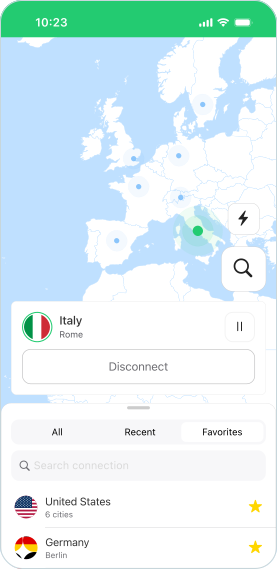
ApexGuard keeps mobile VPN controls easy to find, letting you connect, check protection status, switch location, and manage safeguards without complicated settings.

Quick Connect

Tap once to secure your mobile connection through the fastest ApexGuard VPN server.

Auto-Connect

Start VPN protection automatically on public Wi-Fi, travel networks, and shared connections.

Location Switching

Choose a nearby VPN location for speed or switch regions for travel, streaming, private browsing, and account access.

Split Tunneling

Choose which supported apps or websites use the VPN and which stay on your regular connection.

One Account Across All Your Devices

ApexGuard covers unlimited supported devices under one account across screens, platforms, and home networks.

  • Phones and Tablets

    Protect your iOS and Android devices for worry-free browsing, messaging, shopping, maps, and travel.

  • Laptops and Desktops

    Secure Windows, macOS, and Linux devices to keep work, downloads, video calls, and account access fast and safe.

  • Browser Sessions

    Use ApexGuard browser extensions for lightweight privacy in Chrome, Firefox, Edge, and other supported browsers where available.

  • Whole Home Coverage

    Set up ApexGuard on a compatible router to extend VPN protection across smart TVs, game consoles, streaming devices, and other connected home devices that do not support VPN apps directly.

Download Apex

Privacy Standards Behind the Mobile Experience

ApexGuard combines encrypted mobile protection with clear service practices, strict no-logs handling, Swiss privacy standards, and stronger controls for sensitive service data.

Swiss Privacy Standards

Personal data handling follows Swiss privacy standards, giving ApexGuard a clearer framework for responsible handling and access.

Strict No Logs Policy

Browsing history, visited websites, DNS requests, traffic content, and VPN usage records are not stored.

ISO 27001 Security Controls

ISO 27001 security controls reinforce disciplined access management, monitoring, incident response, risk review, and operational security.

Privacy-First Architecture

RAM-only servers clear temporary operational session data when servers restart, limiting what remains on VPN servers over time.

ApexGuard vs. Free Mobile VPN

Free mobile VPNs can change your visible IP address, but many come with trade-offs in privacy, speed, reliability, device support, and everyday trust. ApexGuard is made for users who want stronger protection across the devices they actually use.

Free mobile VPNs can change your visible IP address, but many come with trade-offs in privacy, speed, reliability, device support, and everyday trust. ApexGuard is made for users who want stronger protection across the devices they actually use.

Download Apex

ApexGuard

  • Strict No-Logs Protection

    Browsing history, DNS requests, content, and VPN usage records are not stored.

  • Swiss Privacy Standards

    Personal data handling follows Swiss standards with a privacy framework.

  • Smooth Mobile Performance

    120+ country coverage and high-speed servers support stable mobile use.

  • Unlimited Device Coverage

    One account protects phones, tablets, laptops, browsers, and home networks.

  • Kill Switch and Leak Protection

    Built-in safeguards prevent real IP exposure if the VPN disconnects.

  • Threat Blocking Included

    Helps block phishing pages, trackers, and suspicious destinations.

Free VPN

  • Unclear Data Trade-Offs

    Some free VPNs rely on ads, tracking, and data sale to earn money.

  • Less Clear Oversight

    Privacy protections and data-handling rules may be harder to verify.

  • Crowded Servers

    Smaller networks with slower speeds, fewer regions, and less stable access.

  • Device Restrictions

    Free plans often limit devices, platforms, or simultaneous connections.

  • Basic Connection Only

    Connection drops may expose your real IP address or DNS requests.

  • Limited Threat Protection

    Many free VPNs focus only on IP masking.

Device and Platform Support

ApexGuard supports modern iOS and Android devices with simple setup, strong encryption, and the same privacy standard used across the wider ApexGuard service. IKEv2/IPsec helps maintain stable VPN protection as mobile devices move between Wi-Fi, 4G, 5G, and changing signal conditions.

Supported devices

iPhone, iPad, Android phones and tablets

Device requirements

iOS 15.6 or newer • Android 9.0 or newer

VPN protocol

IKEv2/IPsec

Encryption

AES-256

Devices per account

Unlimited supported devices

Data limits

No data caps or artificial usage limits

Official sources

App Store, Google Play, and official ApexGuard APK where supported

Protection features

Quick Connect, location switching, auto-connect, VPN kill switch, ThreatShield, leak protection, and Double VPN

You May Still Be Wondering

Frequently Asked Questions

Frequently Asked Questions FAQ
How to get Apex How to install
System requirements Requirements

How Does ApexGuard Protect My Mobile Device?

ApexGuard encrypts your mobile connection, masks your real IP address, and routes supported traffic through secure VPN servers on Wi-Fi, 4G, and 5G networks.

Does ApexGuard Work on iPhone, iPad, and Android?

Yes. ApexGuard supports iPhone, iPad, Android phones, and Android tablets through official mobile apps for secure mobile VPN protection.

Can I Install ApexGuard Without Google Play?

Yes. Android users can install ApexGuard using the official APK from the ApexGuard website.

How Many Devices Can I Use With One Account?

ApexGuard includes unlimited-device protection, so one account can cover supported phones, tablets, desktops, browsers, and compatible home-use setups.

Should I Use ApexGuard on Public Wi-Fi?

Yes. ApexGuard helps protect activity on public Wi-Fi in airports, hotels, cafés, campuses, coworking spaces, and other shared places.

Will ApexGuard Affect Mobile Speed or Battery Life?

A VPN can add some overhead because traffic is encrypted and routed through secure servers. ApexGuard uses high-capacity infrastructure, smart routing, and stable VPN protocols for smooth everyday mobile use.

What Does the VPN Kill Switch Do?

A VPN kill switch blocks unencrypted traffic if the VPN connection drops, helping prevent real IP address, DNS requests, or sensitive activity from being exposed.

Does ApexGuard Store My Browsing History?

No. ApexGuard does not store browsing history, visited websites, DNS requests, traffic content, or VPN usage records.

Does ApexGuard Protect Mobile Apps or Only Browsers?

ApexGuard protects supported mobile traffic across apps and browsers while connected, helping secure browsing, messages, payments, streaming, account access, and public Wi-Fi use.

Can I Use ApexGuard While Traveling?

Yes. ApexGuard offers VPN locations in 120+ countries, helping protect mobile activity on hotel Wi-Fi, airport networks, cafés, coworking spaces, and other shared connections.

Step 1

Download Apex VPN

Get Apex for Windows, macOS, Linux, or get it from App Store or Google Play.

Step 2

Install the app

Launch the installer file and follow the on-screen instructions.

Step 3

Enjoy your online privacy

Open Apex VPN, log in or sign up, and connect to your desired server.

Apexguard System Requirements by Platform

ApexGuard delivers refined privacy across modern devices without demanding high-end hardware, keeping protection accessible, seamless, and consistent every day.

Desktop devices:

MacOS:

OS Version:

macOS 13.5 Ventura or newer

Device:

Mac Mini, Mac Studio, Mac Pro, iMac, MacBook Air, and MacBook Pro

Disk Space:

~40 MB

Architecture:

Intel x86_64 or Apple Silicon (universal)

Windows:

OS Version:

Windows 10 (64-bit, version 1607 and later) and Windows 11

RAM:

At least 1 GB

Disk Space:

~60 MB

Architecture:

64-bit

Linux:

Supported Distros:

Debian, Ubuntu, and Fedora

RAM:

At least 1 GB

Disk Space:

~40 MB

Architecture:

64-bit

Additional:

libglib2.0, libgtk-3, and curl installed

Mobile devices:

iOS:

OS Version:

iOS 15.6 or newer

Device:

iPhone, iPad, or iPod Touch 7th gen

Disk Space:

~50 MB

Other:

Internet connection required for full functionality

Android:

OS Version:

Android 9.0 or newer

Device:

Smartphone or tablet

Disk Space:

~50 MB

Other:

Network access, storage (for config/cache)

Secure Your Mobile Connection with ApexGuard

Secure your iPhone, iPad, Android phone, and Android tablet with Swiss privacy standards, strict no-logs protection, unlimited-device coverage, and a full 30-day money-back guarantee.

30-day risk-free money-back guarantee