
From 10.52 USD

3.27 USD mo.  + 3  Months Extra

10 devices 1 User

See All Plans

30-Day Money-Back Guarantee

Receive a full refund if ApexGuard doesn’t meet your expectations.

Special Offer | Save 60%
GET APEX

Hide Your IP Behind a Swiss-Built VPN

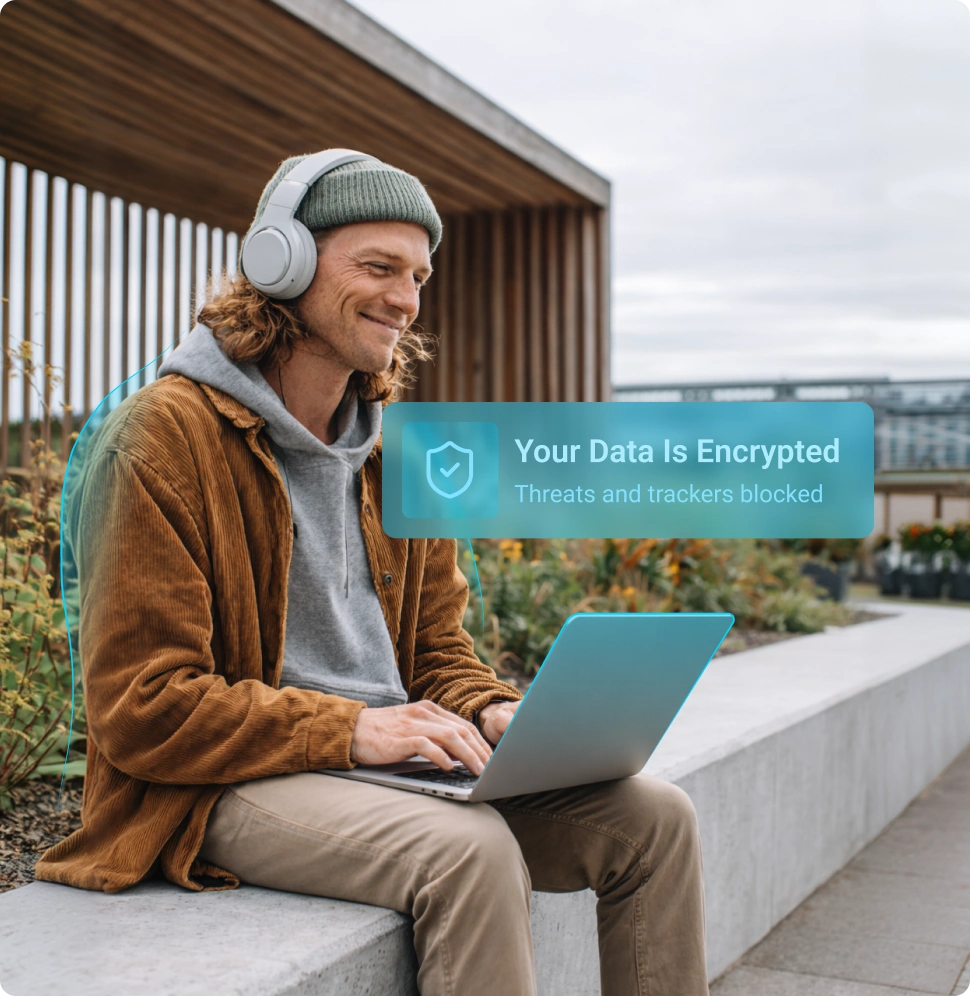
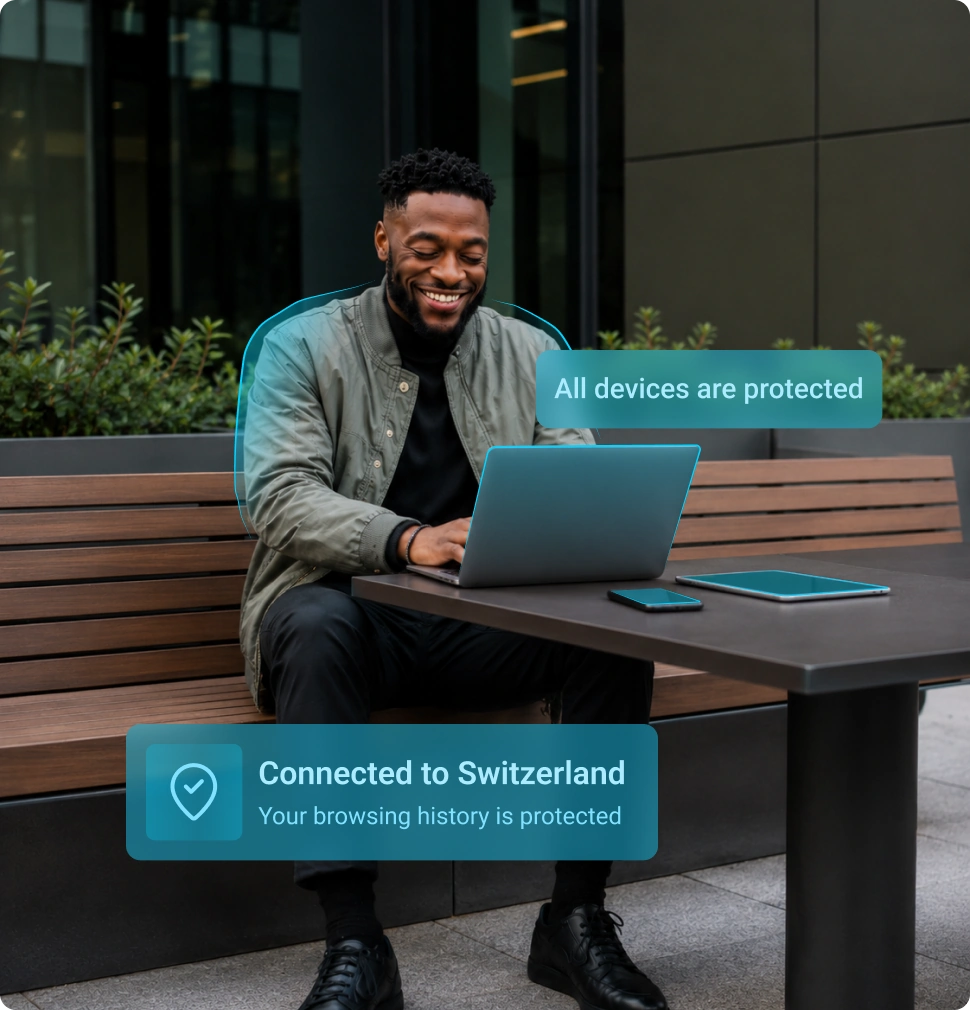
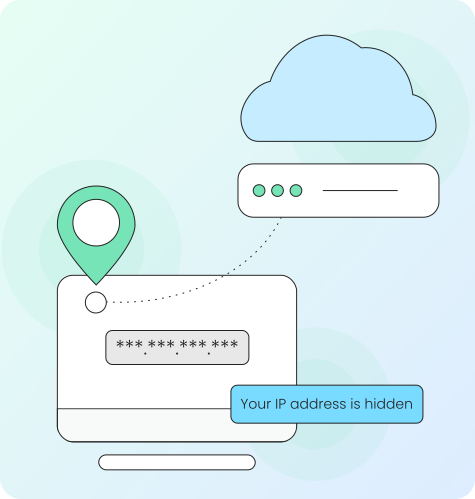
ApexGuard protects your real IP address through a secure Swiss-built VPN, reducing exposure of your location, connection details, and browsing activity across every device.

  • Real IP address protection
  • Strict no-logs architecture
  • Unlimited device coverage
  • VPN locations across 120+ countries

From 10.52 USD

3.27 USD mo.  + 3  Months Extra

10 devices 1 User

Get Apex

30-Day Money-Back Guarantee

Receive a full refund if ApexGuard doesn’t meet your expectations.

3 Steps to Hide Your IP

Protect your real IP address with Swiss-built VPN privacy, strict no-logs protection, and unlimited devices under one account.

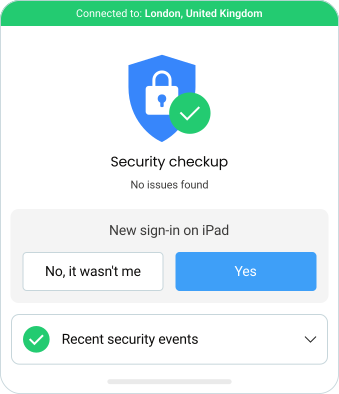
1. Create Your ApexGuard Account

Choose your ApexGuard plan and create your account in seconds.

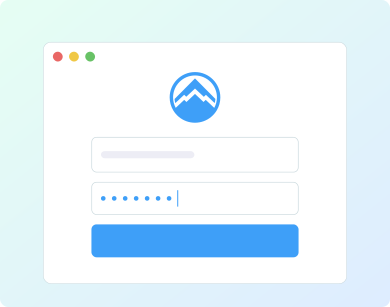
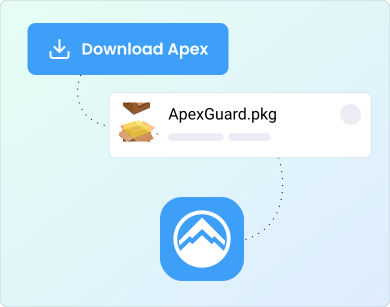
2. Download the ApexGuard App

Install ApexGuard on your desktop, mobile device, or browser, then sign in.

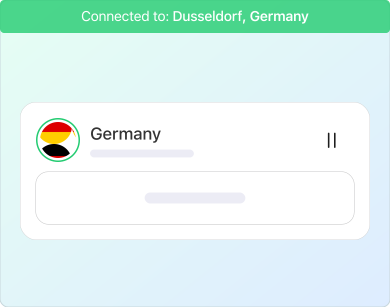
3. Connect to a VPN Server

Connect to a secure location and browse with your real IP hidden.

Everything You Need in One VPN Plan

ApexGuard gives you a simple way to protect your IP address while keeping privacy, performance, and device coverage clear from the start.

120+ Countries

Global VPN locations for private browsing at home or abroad

Unlimited Devices

Protect phones, laptops, tablets, browsers, and more

Up to 3.2 Tb/s Private Capacity

High-capacity private network built for stable performance

No Browsing History Logs

Strict no-logs architecture with no IP activity logs retained

Why Your IP Needs Protection

Your IP address is part of how the internet connects your device to websites and apps. It helps services send content back to you, but it can also reveal more than you may want to share.

ApexGuard hides your real IP address by sending your traffic through a secure VPN server. Instead of connecting directly from your home, mobile, office, or public Wi-Fi network, your traffic exits through the ApexGuard server location you choose.

  • No browsing history stored
  • No IP activity logs retained
  • Protected under Swiss privacy standards
  • Active ISO 27001 security controls
  • Sensitive data handled in a PCI-audited environment

What ApexGuard Protects

Your Real IP Address

Websites and apps see the ApexGuard VPN server IP address, not the IP address assigned to your device or network.

Your Approximate Location

Masking your IP helps reduce exposure of location details linked to your home, workplace, mobile provider, or travel network.

Your Browsing Privacy

ApexGuard is built around strict no-logs architecture, so your browsing history and IP activity logs are not retained.

Your Connection on Shared Networks

Encryption helps protect your traffic on cafés, hotels, airports, coworking spaces, campuses, and other public or shared Wi-Fi networks.

How We Hide Your IP Address

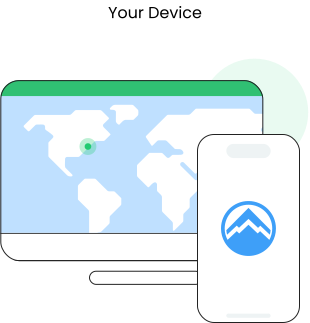
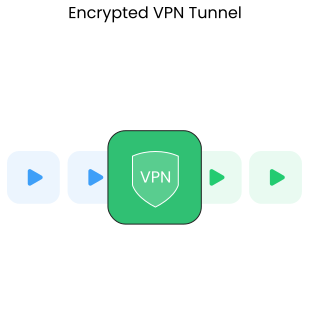
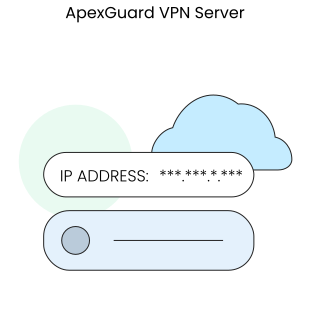
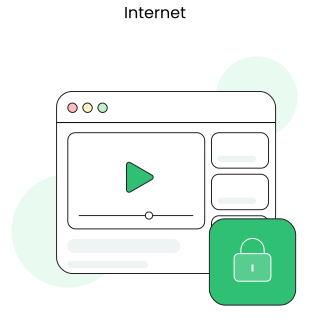
ApexGuard creates an encrypted connection between your device and the VPN server you choose. Your traffic then exits through that server before reaching websites, apps, and online services.

You Connect to ApexGuard

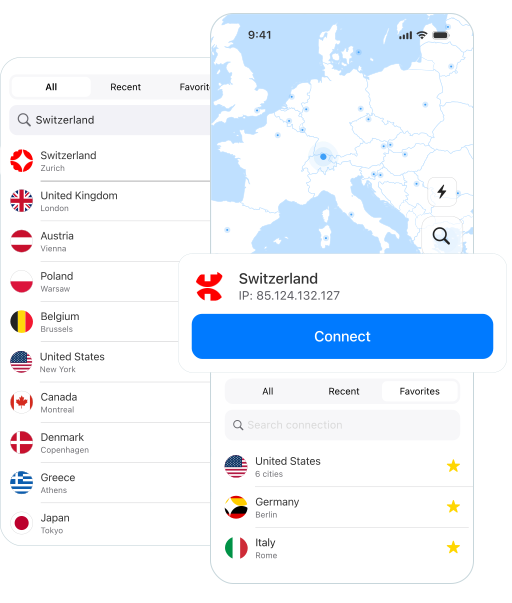
Open the app, choose your preferred VPN location, and connect to a private encrypted session in seconds.

Your Traffic Is Encrypted

Your data travels through a secure VPN tunnel, protecting visibility on shared or unfamiliar networks.

Your IP Address Is Replaced

Websites and apps see the ApexGuard VPN server IP address instead of your real one.

Your Activity Stays Private

ApexGuard does not retain any browsing history or IP activity logs as routine records.

Benefits of Hiding Your IP Address

Hiding your IP address helps reduce unnecessary visibility across everyday online activity. It gives you more control over what websites, advertisers, network operators, and other observers can connect back to your device or location.

Reduce Online Tracking

Masking your IP address helps limit one of the signals used to estimate your location or connect activity back to your network.

Browse More Privately at Home

ApexGuard helps prevent websites and online services from directly seeing your home IP address.

Stay Safer on Public Wi-Fi

Encryption adds protection when you connect through airports, hotels, cafés, stations, campuses, and shared networks.

Travel with More Confidence

Connect through VPN servers in 120+ countries and keep your browsing more private while away from trusted networks.

VPN vs. Other Privacy Tools

There are several ways to change or mask a visible IP address, but they do not provide the same level of privacy, encryption, or device-wide protection. ApexGuard gives you a stronger privacy layer by combining IP masking, encrypted traffic, advanced VPN features, and strict no-logs architecture.

Feature

ApexGuard VPN

Proxy

Mobile Networks

Smart DNS

Encryption
Encrypts your internet traffic through a secure VPN tunnel
Usually does not encrypt traffic by default
Encrypts data between the device and cell tower only
Does not encrypt traffic
Privacy
Masks your IP address from websites and apps
Usually masks IP only for specific browser or app traffic
Changes your network IP, but does not provide VPN privacy
Changes DNS routing, but does not hide your IP
Access to Geo-Restricted Content
Supports private access through VPN locations across 120+ countries
Can help unblock some content
Usually does not bypass geo-restrictions
Can help access certain streaming services
Speed
Built for stable performance across a high-capacity private network
Can be fast, but often with weaker privacy protection
Depends on carrier coverage and signal quality
Depends on the provider and service
Anonymity
Strong device-wide privacy protection through the VPN app
Limited to the configured browser or app
Limited privacy benefits
Minimal privacy protection

Privacy Across Every Platform

Your IP address can be exposed from any device you use online. ApexGuard keeps protection simple by covering unlimited devices under one account, so you do not have to choose which devices matter most.

One Account. Full Everyday Coverage.

Protect your phones, laptops, tablets, and browsers under one account without artificial device limits.

One Account. Full Everyday Coverage.

Protect your phones, laptops, tablets, and browsers under one account without artificial device limits.

  • Desktop Devices

    Protect your connection across Windows, macOS, and Linux for browsing, work, downloads, streaming, and everyday use.

  • Mobile Devices

    Stay private on Android and iOS while using mobile networks, public Wi-Fi, travel connections, and shared networks.

  • Browser Extensions

    Use ApexGuard through Chrome, Firefox, and Edge browser extensions for fast, simple privacy where you browse, search, and shop most.

Enhanced Privacy Features

Changing your IP address is only one part of online privacy. ApexGuard combines IP masking with encryption, secure infrastructure, and built-in privacy tools to create stronger protection across everyday browsing, travel, work, and public Wi-Fi.

Encrypted VPN Connection

Protects your traffic between your device and the VPN server. AES-256 encryption keeps connections secure on public Wi-Fi, shared networks, and everyday use.

DNS Leak Protection

Keeps DNS requests protected so browsing activity is not exposed through avoidable leaks. Private DNS handling routes website lookups through ApexGuard, away from network operators.

Automatic Kill Switch

Protects your privacy if the VPN connection unexpectedly drops. Traffic is blocked until the secure connection is restored, preventing real IP exposure.

Threat Protection

Reduces exposure to malicious websites, harmful links, phishing pages, and common online threats. ThreatShield checks destinations before they load, adding a cleaner security layer to browsing.

Double VPN Connection

Adds a privacy layer by routing traffic through an additional secure connection path. Included by default, every ApexGuard connection benefits from stronger privacy separation.

Built on Security and Verified Standards

ApexGuard is designed to support secure, stable, and privacy-conscious everyday use. The service combines strong encryption, structured operational controls, and disciplined infrastructure management behind a simple user experience.

Active ISO 27001 Security Controls

ApexGuard uses active ISO 27001-aligned controls to support disciplined platform operations.

PCI-Audited Security Environment

Sensitive data is handled in a PCI DSS-aligned environment.

Controlled Infrastructure Management

Privately managed infrastructure gives ApexGuard stronger control over security, performance, and service consistency.

Privacy-First Operations

Data handling, access control, and platform decisions are structured around protecting user privacy.

ApexGuard’s Essential Security Features

ApexGuard does more than change the IP address websites see. It combines real IP protection with Swiss-built privacy, strict no-logs architecture, encrypted traffic, unlimited-device coverage, controlled infrastructure, and verified security controls.

Swiss-Built Privacy

Operated under a privacy-focused legal framework with Swiss privacy standards.

Strict No-Logs Architecture

Browsing history and IP activity logs are not retained.

Unlimited Devices

Protect phones, laptops, tablets, browsers, and more under one account.

120+ Countries

Choose VPN locations for private browsing at home or abroad.

Controlled Infrastructure

Stronger control over security, routing, performance, and service consistency.

Built-In Privacy Tools

DNS protection, kill switch, ThreatShield, and Double VPN boost everyday privacy.

Verified Standards

ISO 27001-aligned controls and PCI-audited handling support stronger operational trust.

You May Still Be Wondering

Frequently Asked Questions

Frequently Asked Questions FAQ
How to get Apex How to install
System requirements Requirements

What does hiding my IP address do?

Hiding your IP address helps prevent websites and apps from seeing the real IP address assigned to your device or network. Instead, they see the ApexGuard VPN server IP address, helping reduce exposure of your location and connection details.

Does ApexGuard hide my location?

ApexGuard helps reduce exposure of location details linked to your IP address by routing your traffic through the VPN server location you choose. Websites may still use other signals, such as account information, cookies, browser settings, or device permissions, so VPN protection works best alongside good privacy habits.

Does ApexGuard keep logs of my browsing?

No. ApexGuard is built around strict no-logs architecture and does not retain browsing history, visited websites, or IP activity logs.

Does incognito mode hide my IP address?

No. Incognito or private browsing mode may stop your browser from saving local history on your device, but it does not hide your IP address from websites, apps, your ISP, or network operators.

Will hiding my IP slow down my connection?

Any VPN can introduce some overhead, but ApexGuard is built for stable high-speed performance, low-latency routing, and reliable everyday use across browsing, streaming, work, and travel.

How many devices can I protect?

ApexGuard allows unlimited devices under one account, so you can protect desktop, mobile, and browser platforms without separate plans.

Is a VPN better than a proxy for hiding my IP?

Yes. A proxy may change the IP address seen by specific websites or apps, but ApexGuard encrypts your traffic and protects more of your device connection through a secure VPN tunnel.

Can websites still identify me after I hide my IP?

Websites may still use cookies, account logins, browser fingerprinting, or location permissions. ApexGuard helps protect your IP address, but stronger privacy also depends on good browser and account habits.

Does ApexGuard protect DNS requests?

Yes. ApexGuard includes DNS leak protection to help keep browsing requests protected from avoidable DNS exposure.

Step 1

Download Apex VPN

Get Apex for Windows, macOS, Linux, or get it from App Store or Google Play.

Step 2

Install the app

Launch the installer file and follow the on-screen instructions.

Step 3

Enjoy your online privacy

Open Apex VPN, log in or sign up, and connect to your desired server.

Apexguard System Requirements by Platform

ApexGuard delivers refined privacy across modern devices without demanding high-end hardware, keeping protection accessible, seamless, and consistent every day.

Desktop devices:

MacOS:

OS Version:

macOS 13.5 Ventura or newer

Device:

Mac Mini, Mac Studio, Mac Pro, iMac, MacBook Air, and MacBook Pro

Disk Space:

~40 MB

Architecture:

Intel x86_64 or Apple Silicon (universal)

Windows:

OS Version:

Windows 10 (64-bit, version 1607 and later) and Windows 11

RAM:

At least 1 GB

Disk Space:

~60 MB

Architecture:

64-bit

Linux:

Supported Distros:

Debian, Ubuntu, and Fedora

RAM:

At least 1 GB

Disk Space:

~40 MB

Architecture:

64-bit

Additional:

libglib2.0, libgtk-3, and curl installed

Mobile devices:

iOS:

OS Version:

iOS 15.6 or newer

Device:

iPhone, iPad, or iPod Touch 7th gen

Disk Space:

~50 MB

Other:

Internet connection required for full functionality

Android:

OS Version:

Android 9.0 or newer

Device:

Smartphone or tablet

Disk Space:

~50 MB

Other:

Network access, storage (for config/cache)

Hide Your IP with ApexGuard

Protect your real IP address with Swiss-built VPN privacy, strict no-logs architecture, active ISO 27001 security controls, and a PCI-audited environment for sensitive data. ApexGuard helps reduce exposure of your location, connection details, and browsing activity across unlimited devices.
Get Apex