From 10.52 USD

3.27 USD mo.  + 3  Months Extra

10 devices 1 User

See All Plans

30-Day Money-Back Guarantee

Receive a full refund if ApexGuard doesn’t meet your expectations.

Special Offer | Save 60%
GET APEX

Effortless VPN Protection, Built in Switzerland

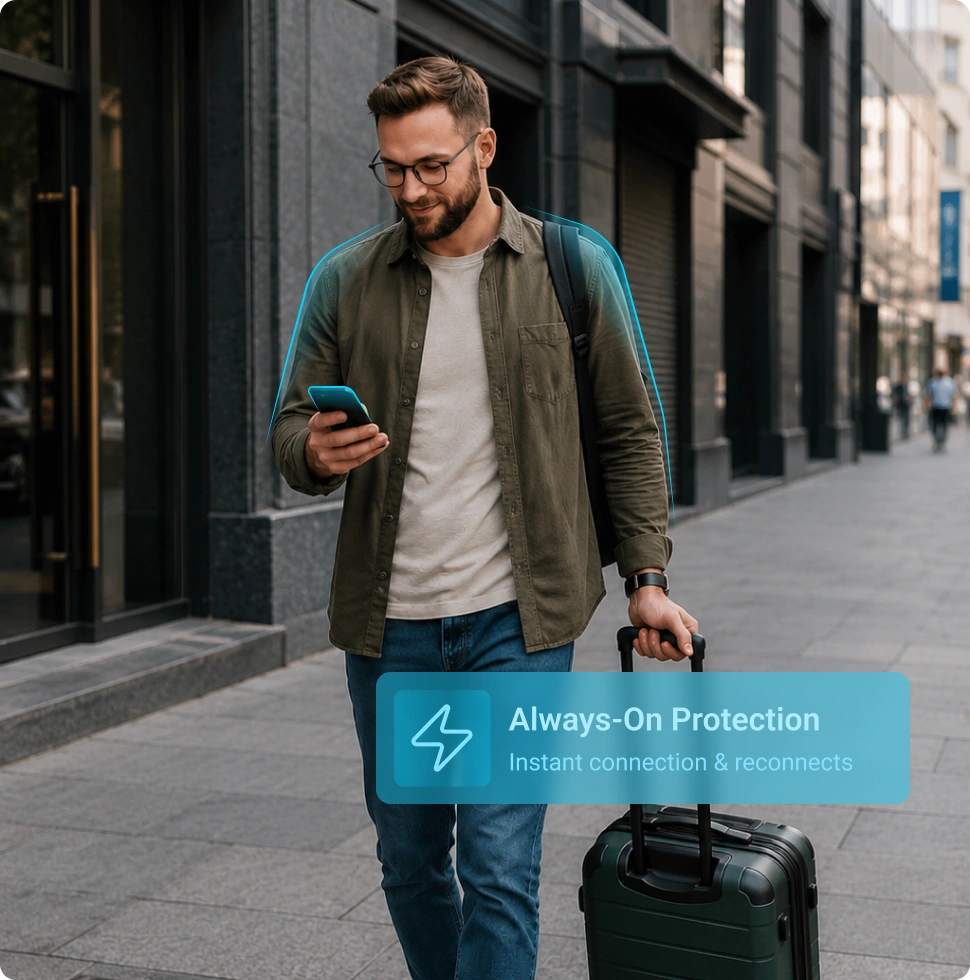
ApexGuard protects your connection in one tap across every device you use, with Swiss privacy standards, strict no-logs protection, and no data monetisation.

  • Connect securely in one tap
  • Protect phones, laptops, tablets, browsers, and routers
  • Use unlimited devices under one plan
  • No ads, profiling, or sale of browsing data
  • Try ApexGuard risk-free for 30 days

From 10.52 USD

3.27 USD mo.  + 3  Months Extra

10 devices 1 User

Get Apex

30-Day Money-Back Guarantee

Receive a full refund if ApexGuard doesn’t meet your expectations.

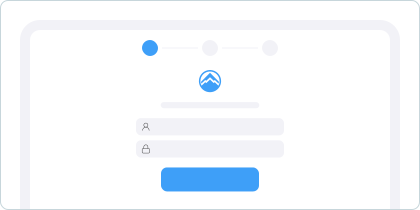
Get Protected In Three Simple Steps

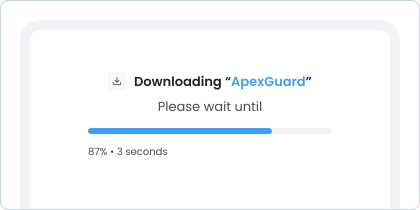
Install ApexGuard, create your account, and connect securely without technical setup, manual configuration, or confusing network settings.

Download ApexGuard

Get the app from the App Store, Google Play, or the official downloads page for desktop and browser.

Create Your Account

Choose your plan, review everything clearly before payment, and activate your subscription in minutes.

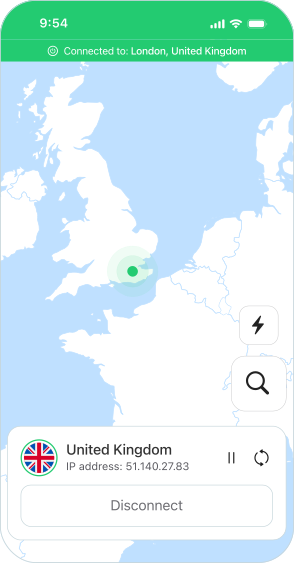
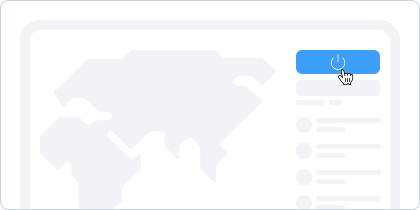
Tap Connect

Open ApexGuard, tap connect, and your internet traffic is protected automatically.

Full VPN Coverage across 120+ Countries

ApexGuard delivers private, encrypted internet access across 120+ countries and unlimited devices. Server selection, encryption, reconnection, and protection settings run quietly in the background, so you can connect once and browse with confidence.

  • 120+ Countries
  • Unlimited devices on one plan
  • No data limits or speed restrictions
  • No data monetisation, ads, or profiling
Get ApexGuard

Stay Private Wherever You Connect

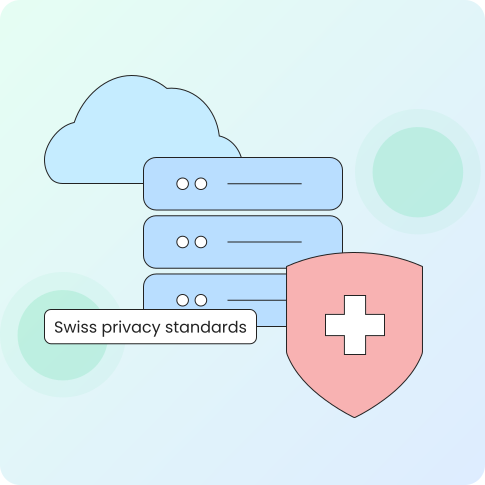
For any browsing where privacy matters most, ApexGuard encrypts your connection and operates under Swiss law, meaning any request for your data requires a formal judicial process and court authorisation.

Public Wi-Fi

ApexGuard encrypts your connection on shared networks, from airport lounges and hotels to cafés and public hotspots.

Streaming & Geo-Restricted Content

Connect through VPN locations in 120+ countries and access online services through the region you choose.

Remote Work

Keep your work connection encrypted when using home Wi-Fi, office networks, hotels, airports, or cafés.

Gaming

Route through high-speed VPN locations when gaming, with unlimited data and no artificial speed caps from ApexGuard.

Travel

Browse with added privacy while abroad, reduce exposure on unfamiliar networks, and connect through your chosen VPN region.

P2P & Torrenting

Use P2P-optimised VPN locations for private file sharing with unlimited data and no artificial speed caps.

Smart Protection Features for Daily Use

ApexGuard is built for everyday privacy, with essential VPN protections that work automatically once you connect. Server selection, encryption, reconnection, kill switch safeguards, and unlimited data access run quietly in the background, helping keep your connection private without ongoing setup or technical adjustments.

One-Tap Connection

Tap once and ApexGuard selects the best server, negotiates a secure connection using IKEv2/IPsec, and applies AES-256 encryption, all without any input from you.

Intuitive Interface

Every screen is built around what you actually need, and the interface stays clear whether you’re connecting for the first time or adjusting a setting.

Auto-Reconnect and Kill Switch

If your connection drops, ApexGuard reconnects automatically. If it can’t, the kill switch cuts your device’s internet access until the VPN is restored.

Unlimited Speed

ApexGuard applies no artificial speed caps or data limits, keeping performance free from restrictive bandwidth limits across your VPN connection.

One Subscription For All Your Devices

One subscription protects unlimited devices simultaneously, with purpose-built apps for mobile, desktop, browsers, and compatible home routers.

macOS

Windows

Linux

Chrome

Firefox

Edge

iOS

Android

Download

  • iPhone & iPad

    Stay protected on Wi-Fi and cellular networks with simple controls built for everyday mobile use.

  • Android

    Protect your Android phone or tablet with a clean VPN app that stays out of the way.

  • Mac

    Keep privacy simple on macOS for browsing, work, streaming, and travel.

  • Windows

    Secure your PC with a fast VPN app designed for clear setup and daily use.

  • Chrome, Firefox & Edge

    Use lightweight browser protection for private, safer web browsing.

  • Home router

    Extend VPN protection across compatible devices connected through your home network.

Download Apex

Supported by Verified Privacy Standards

ApexGuard combines easy-to-use VPN apps with Swiss jurisdiction, strict no-logs architecture, ISO 27001 certified controls, and a subscription-funded model that does not rely on advertising or user profiling.

Swiss Jurisdiction

ApexGuard operates under Swiss privacy law, where lawful data requests require formal judicial process and court authorisation.

Strict No-Logs Policy

ApexGuard does not store browsing activity, websites visited, DNS requests, connection history, or source IP addresses as routine VPN records.

ISO 27001 Certified

ApexGuard’s security controls are independently audited against an internationally recognised information security standard.

No Data Monetisation

ApexGuard is funded by subscriptions, not advertising, profiling, or the sale of user browsing data.

Why Choose ApexGuard VPN

ApexGuard combines subscription-funded service, privacy-first infrastructure, and independently verified security controls to deliver reliable VPN protection built around the user. The comparison below highlights how ApexGuard approaches privacy, devices, speed, setup, and security standards across the areas that matter most when choosing a VPN.

Feature

ApexGuard VPN

Typical Paid VPNs

Free VPNs

Privacy model
Swiss-based, strict no-logs, subscription-funded
Varies by jurisdiction and provider
Often unclear or advertising-funded
Data monetisation
No ads, profiling, or sale of browsing data
Depends on provider
Often part of the business model
Devices
Unlimited devices
Often limited by plan
Usually restricted
Setup
One-tap apps for major platforms
Varies by app quality
Often limited, cluttered, or ad-heavy
Speed and Data
No artificial speed caps or data limits
May vary by plan or server load
Commonly restricted
Security controls
ISO 27001 certified controls
Varies by provider
Rarely independently verified
Support
24/7 human support
Varies by provider
Limited or unavailable

You May Still Be Wondering

Frequently Asked Questions

Frequently Asked Questions FAQ
How to get Apex How to install
System requirements Requirements

Is ApexGuard easy for complete beginners?

Yes. ApexGuard is designed for first-time VPN users. Open the app, tap connect, and the core protection runs automatically in the background.

Will ApexGuard work with streaming services like Netflix?

ApexGuard offers VPN locations in 120+ countries, helping you access online services through the region you choose. Availability can depend on the platform, account region, and the service’s own rules.

Is using a VPN legal?

Yes, VPN use is legal in most countries. ApexGuard is built for everyday privacy, helping encrypt your connection, protect activity on shared networks, and keep your real IP address hidden.

What happens if my VPN connection drops?

ApexGuard attempts to reconnect automatically. If protection cannot be restored, the kill switch helps block internet access to prevent unprotected traffic from passing through.

Does ApexGuard store any data about me?

ApexGuard follows a strict no-logs policy and does not store browsing activity, websites visited, DNS requests, connection history, or source IP addresses as routine VPN records.

Will ApexGuard slow my connection?

ApexGuard applies no artificial speed caps or data limits. Performance depends on your internet connection, selected VPN location, distance to the server, and network conditions.

Is there a refund policy?

Yes. ApexGuard includes a 30-day money-back guarantee, so you can use the full VPN service and request a refund within the guarantee period if it is not the right fit.

Step 1

Download Apex VPN

Get Apex for Windows, macOS, Linux, or get it from App Store or Google Play.

Step 2

Install the app

Launch the installer file and follow the on-screen instructions.

Step 3

Enjoy your online privacy

Open Apex VPN, log in or sign up, and connect to your desired server.

Apexguard System Requirements by Platform

ApexGuard delivers refined privacy across modern devices without demanding high-end hardware, keeping protection accessible, seamless, and consistent every day.

Desktop devices:

MacOS:

OS Version:

macOS 13.5 Ventura or newer

Device:

Mac Mini, Mac Studio, Mac Pro, iMac, MacBook Air, and MacBook Pro

Disk Space:

~40 MB

Architecture:

Intel x86_64 or Apple Silicon (universal)

Windows:

OS Version:

Windows 10 (64-bit, version 1607 and later) and Windows 11

RAM:

At least 1 GB

Disk Space:

~60 MB

Architecture:

64-bit

Linux:

Supported Distros:

Debian, Ubuntu, and Fedora

RAM:

At least 1 GB

Disk Space:

~40 MB

Architecture:

64-bit

Additional:

libglib2.0, libgtk-3, and curl installed

Mobile devices:

iOS:

OS Version:

iOS 15.6 or newer

Device:

iPhone, iPad, or iPod Touch 7th gen

Disk Space:

~50 MB

Other:

Internet connection required for full functionality

Android:

OS Version:

Android 9.0 or newer

Device:

Smartphone or tablet

Disk Space:

~50 MB

Other:

Network access, storage (for config/cache)

Secure Your Connection With ApexGuard

Private, encrypted browsing on every device you own, with the technical side handled for you. A few minutes to set up, 30 days to make sure it fits how you actually use the internet.

Get Started
30-day money-back guarantee